Google Just Introduced “Vibe Design” with Stitch. Here’s What It Means for UI Designers
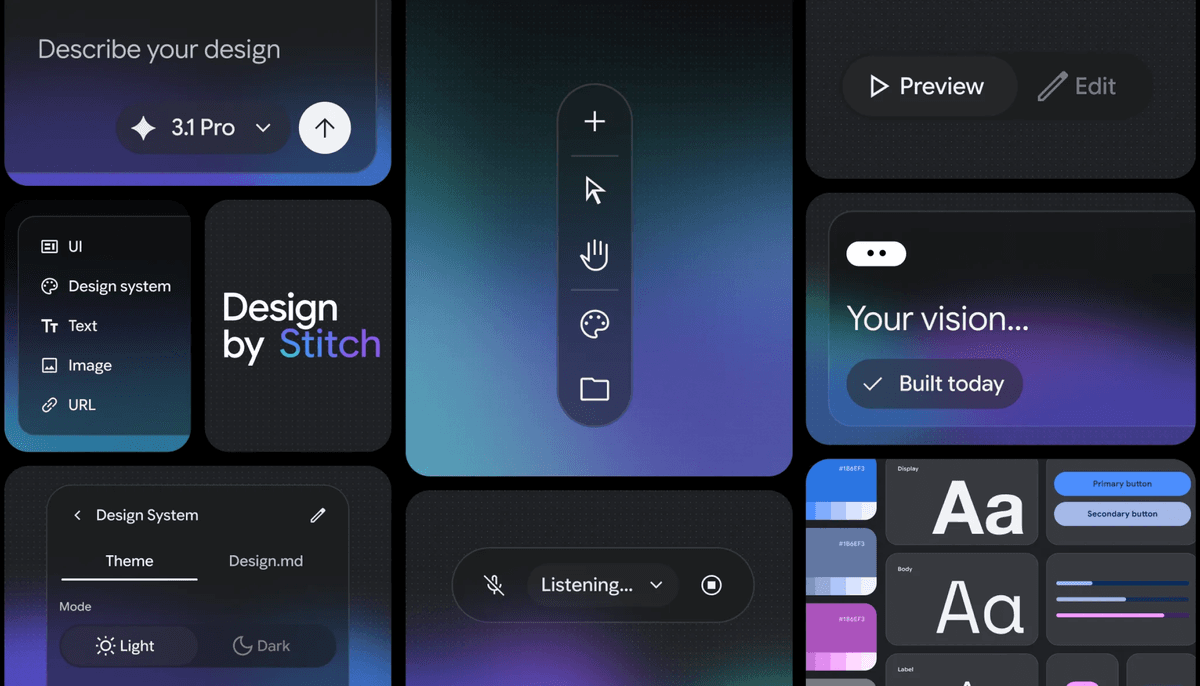
Google just shipped something worth paying attention to.
It’s called vibe design.
And if you design digital products, it might change how you start every project.
The idea comes from the latest update to Stitch, Google’s experimental AI design tool. Instead of opening with wireframes, grids, or components, you now start with something far less structured:
A goal. A feeling. A product idea.
From there, AI generates high-fidelity UI , not sketches, not mood boards. Actual screens.
—
From wireframes to intent
The shift sounds small. It isn’t.
When you start with structure, you’re already making hundreds of micro-decisions: this grid, these columns, these breakpoints. Most of them happen before you’ve answered the most important question: *what should this feel like?*
Stitch flips that sequence.
A prompt like this:
“Design a landing page for a meditation app that feels calm and minimal, inspired by Apple Health and Headspace.”
produces multiple full UI directions instantly. You explore a dozen variations before committing to any structure at all.
That’s vibe design. And it’s a meaningful departure from how every major design tool has worked for the last 20 years.
If you want to try it: https://stitch.withgoogle.com
—
An AI-native canvas — not just a smarter Figma
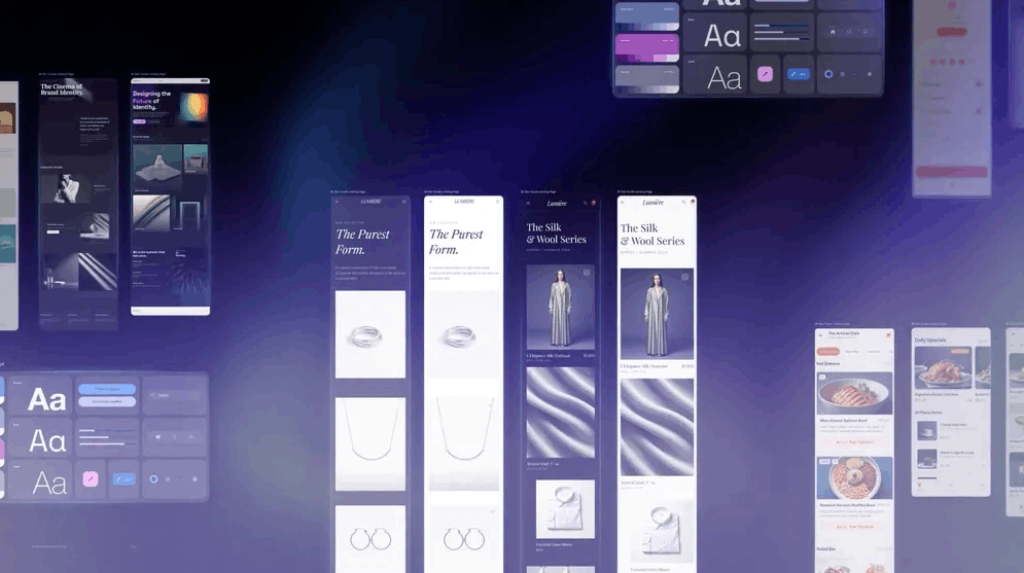
The biggest update to Stitch is the canvas itself, and it doesn’t work like anything you’ve used before.
No panels. No layers. No component tree.
Instead, it’s an infinite thinking space. Drop in whatever you have:
– Prompts
– Screenshots of interfaces you like
– A paragraph describing the product
– Code snippets
– Reference UI from competitors
The AI uses all of it as context simultaneously, so you’re not just prompting, you’re painting a richer picture that the model interprets as a whole. The practical result: moving from raw inspiration to first-draft UI takes minutes instead of days.
—
A design agent that actually remembers the project
Most AI tools answer one question and forget it.
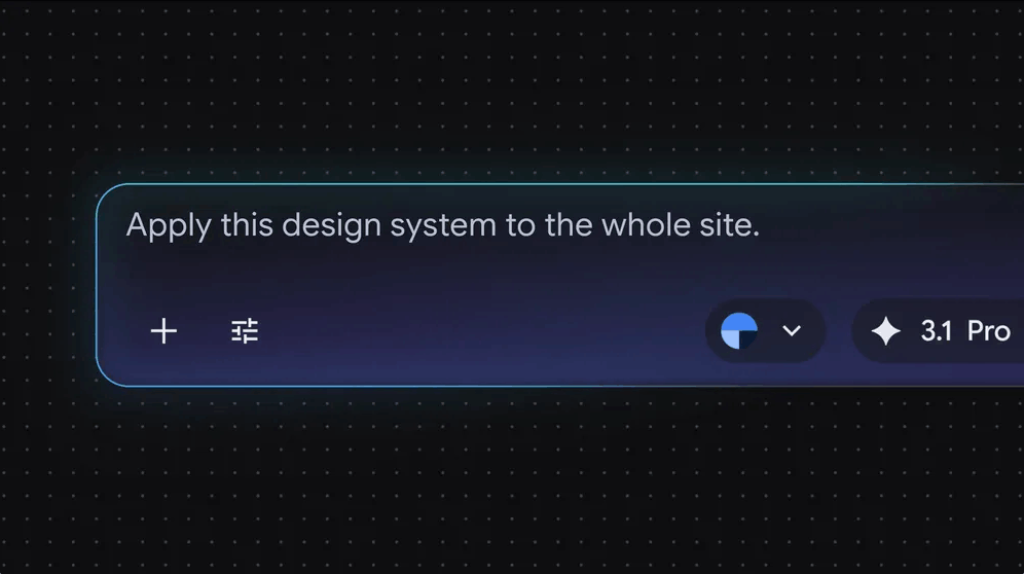
Stitch’s design agent is different. It holds the entire project context while you work — so when you ask for a new screen, it’s not starting from scratch. It already knows your design system, your existing flows, the constraints you’ve established.
From that base, it can:
– Suggest improvements without being asked
– Generate variations that fit the existing visual language
– Critique a layout against the stated goal
– Propose what the next screen in a flow should look like
Google also added an Agent Manager, essentially git branching for creative directions. Run multiple explorations in parallel without losing the original concept.
—
DESIGN.md: your design system as a portable file
Here’s a practical one.
Stitch can extract design rules from any existing website, colors, typography, spacing, components, and save them as a file called `DESIGN.md`. That file travels: across projects, between design and development, into a new Stitch canvas where the AI picks up the system immediately.
For teams who’ve rebuilt the same design tokens in every new tool, this isn’t theoretical productivity. It’s a day of setup work gone.
—
Prototypes that suggest what comes next
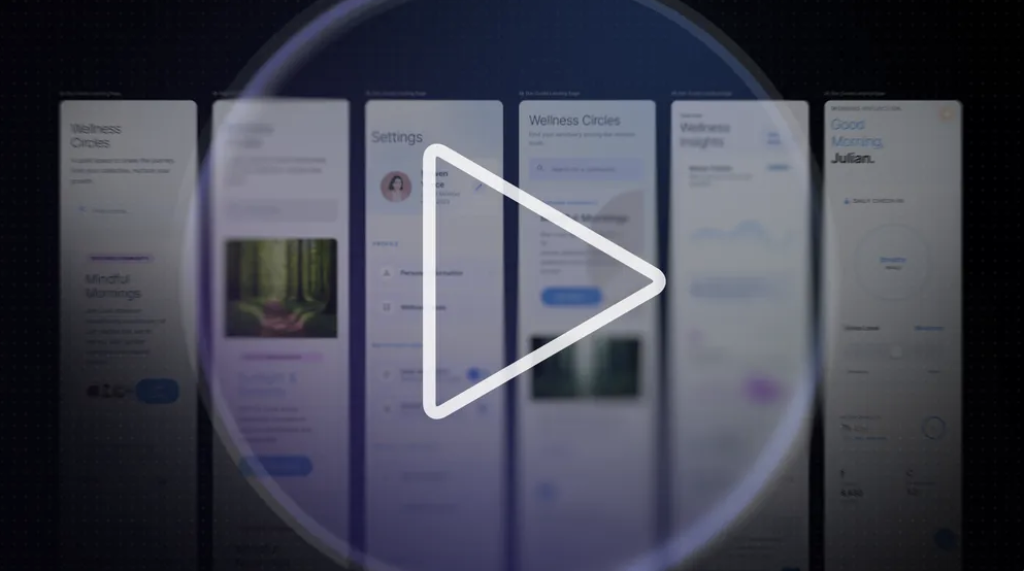
Stitch converts static designs into clickable prototypes in one step. Connect screens, hit Play, walk the user journey.
The more useful feature is what happens when the AI is watching those interactions.
When a user clicks a button, Stitch can suggest what the next screen should look like, drawing on the context of the whole product, not just that one transition. It’s not autocomplete. It’s closer to having a second designer in the room who’s been following the entire project.
—
Designing with voice
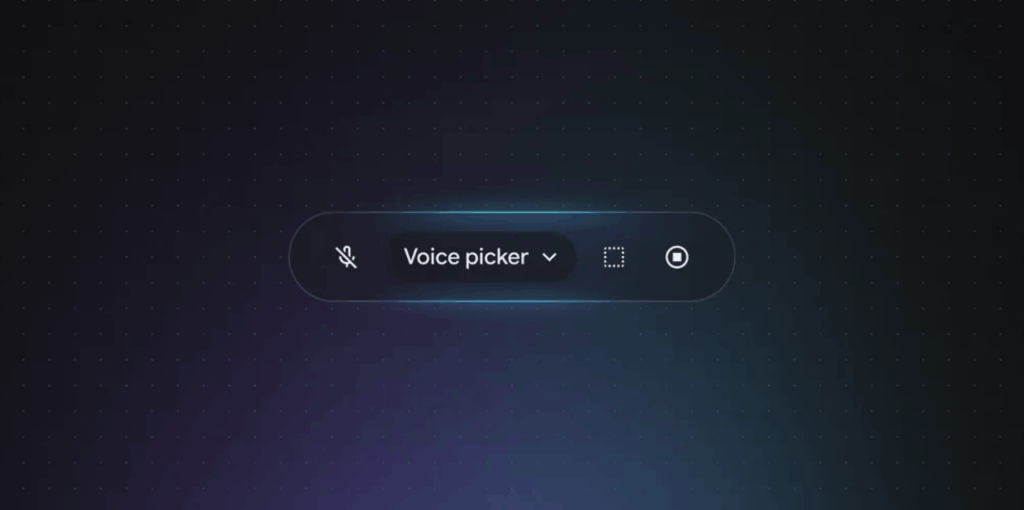
The most experimental feature: you can talk to the canvas.
Say “give me three menu variations” and three appear. Say “darker palette” and it updates in real time. Say “make this feel more playful” and the layout shifts.
The first time it works, it’s disorienting. The line between directing a design and having a conversation starts to dissolve.
Whether that’s the future of design tools or just a compelling demo remains to be seen. But it points somewhere worth watching.
—
What this actually means for designers
Here’s the honest version.
The role that’s changing isn’t “designer.” It’s “person who spends three hours on wireframes before anyone’s agreed on a direction.” That low-value exploration phase is what AI is absorbing, and most designers won’t miss it.
What’s left is harder to describe but easy to recognize when you see it: the judgment to know which direction is right, the taste to sense when something’s off, the experience to see what breaks at scale.
Those aren’t skills. They’re sensibilities. And they become *more* valuable when anyone can generate a screen in 30 seconds, because the question stops being “can you produce this?” and becomes “do you know which one is good?”
—
The bigger trend: idea to product in minutes
The gap between an idea and a working prototype is closing.
A founder can describe an app. A designer can generate the first twenty screens. A prototype can exist before the second meeting.
That changes the economics of early-stage design. It also raises the bar for what counts as a real contribution.
Less drawing. More directing. Less production. More judgment.
Try Stitch: https://stitch.withgoogle.com
Looking for more daily inspiration? Download Muzli extension, your go-to source for everything design.
Related articles

Figma Just Opened the Canvas to AI Agents – Here’s What It Means for Designers

Lovable for Designers: The Complete Guide to Building Apps with AI (2026)

Weekly Designers Update #543

15 AI Design Tools That Actually Change How You Work in 2026

From Design to Code Without Losing Context: An MCP-First Workflow

The Complete Vibe Coding Guide for Designers (2026)

How to Build a 2026 Design Portfolio: Why You Need More Than Just Pixels
More categories
Looking for more daily inspiration? Download Muzli extension your go-to source for design inspiration!
Get Muzli for Safari


