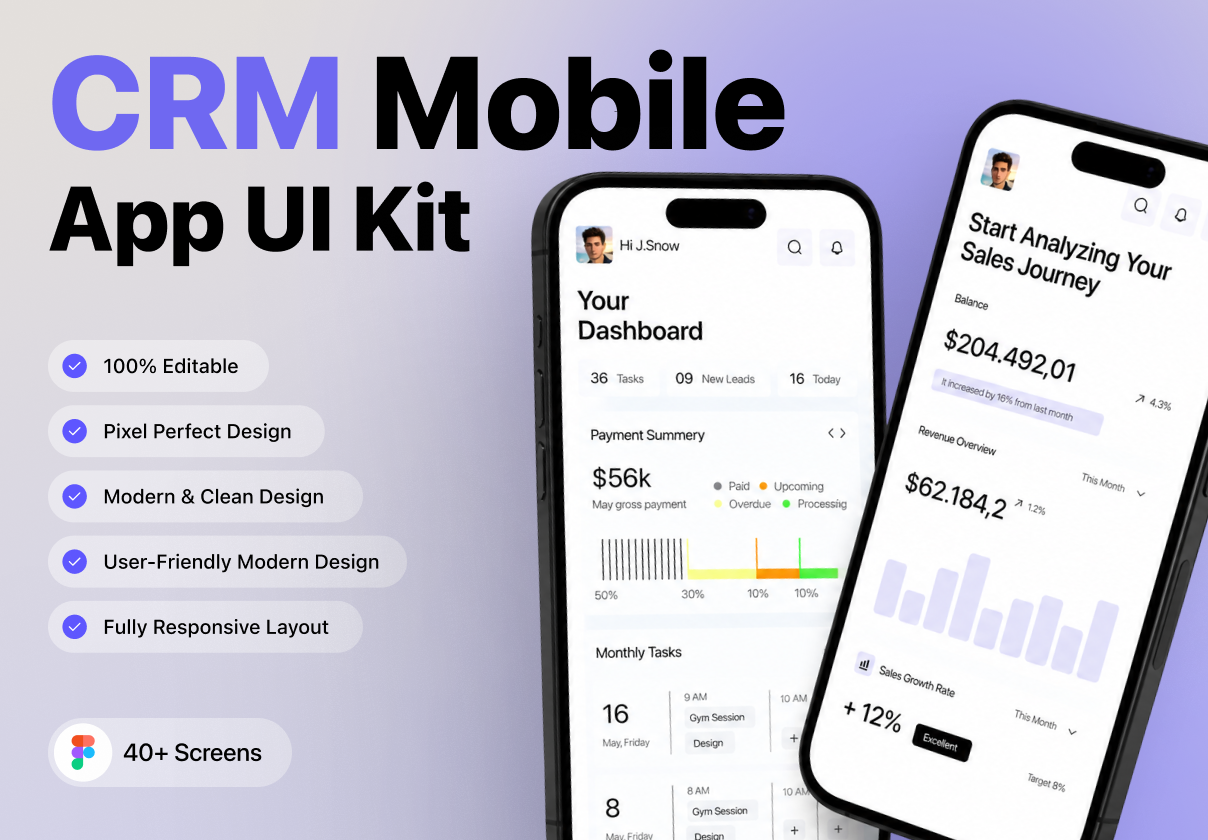
Android app examples
Best Android app design examples.
Muzli collects new design work from 200+ sources every day. This collection picks the best of it and changes as new work comes in.
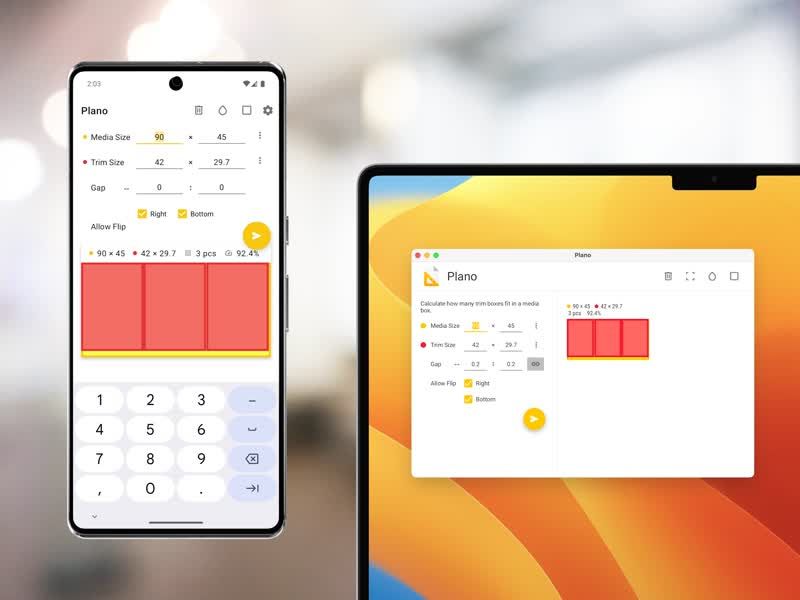
Plano application for Android and desktop
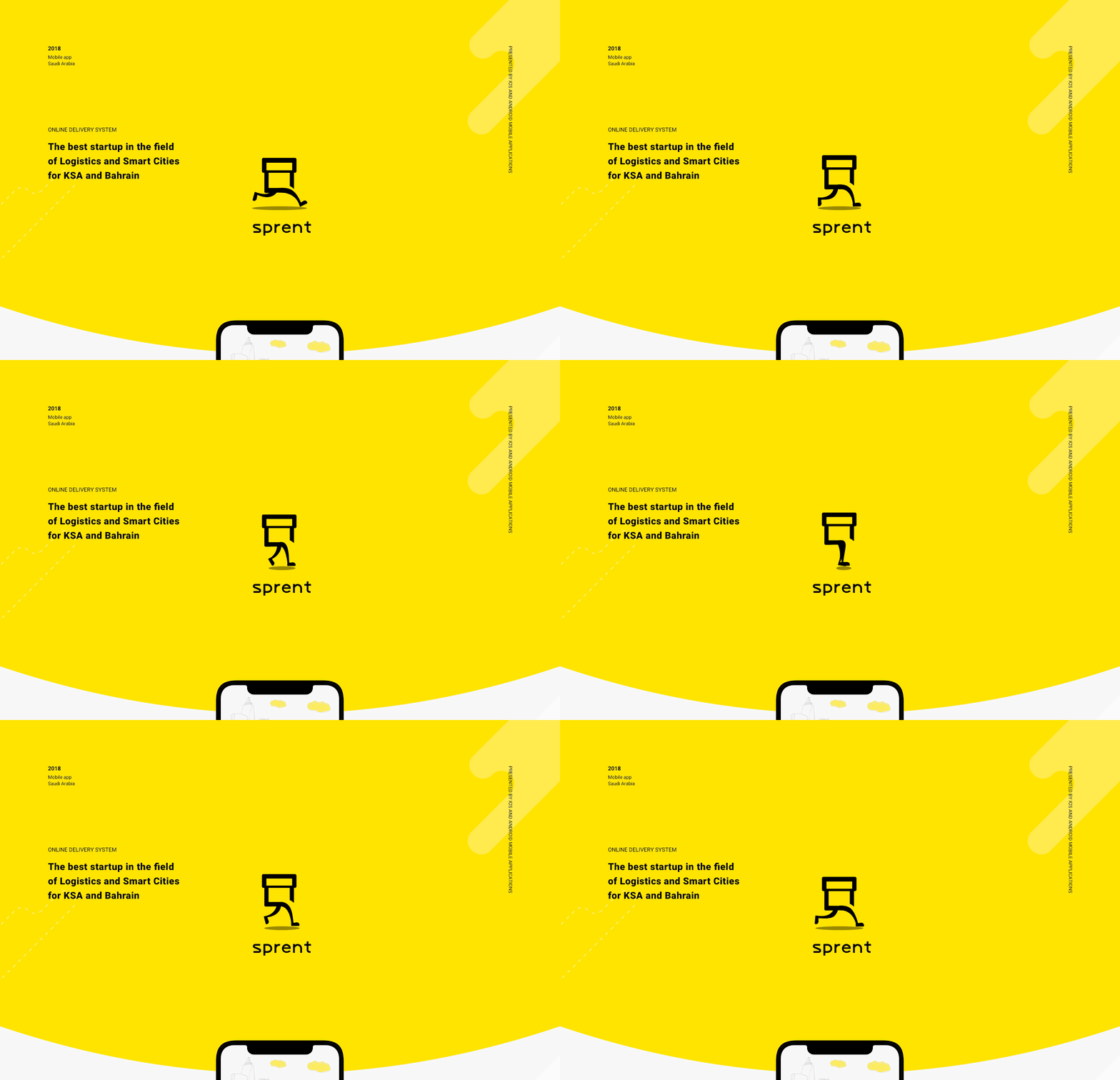
Sprent iOS & Android app
Sprent is an online delivery system that enables customers to buy anything from any store inside their city. Just open Android or iOS app, pick your category of interest and have it delivered by our team of “Sprenters” in a matter of minutes. Customers may also send urgent packages inside their city. The service works in Riyadh and Jeddah in Saudi Arabia, and expanding the coverage to other cities in the kingdom. Uptech provided the services of UX/UI Design, Backend development, iOS & Android development. Sprent was featured by Apple as the 1st app to launch Apple Pay in Saudi Arabia and became the best startup in the Logistics category by GESALO.
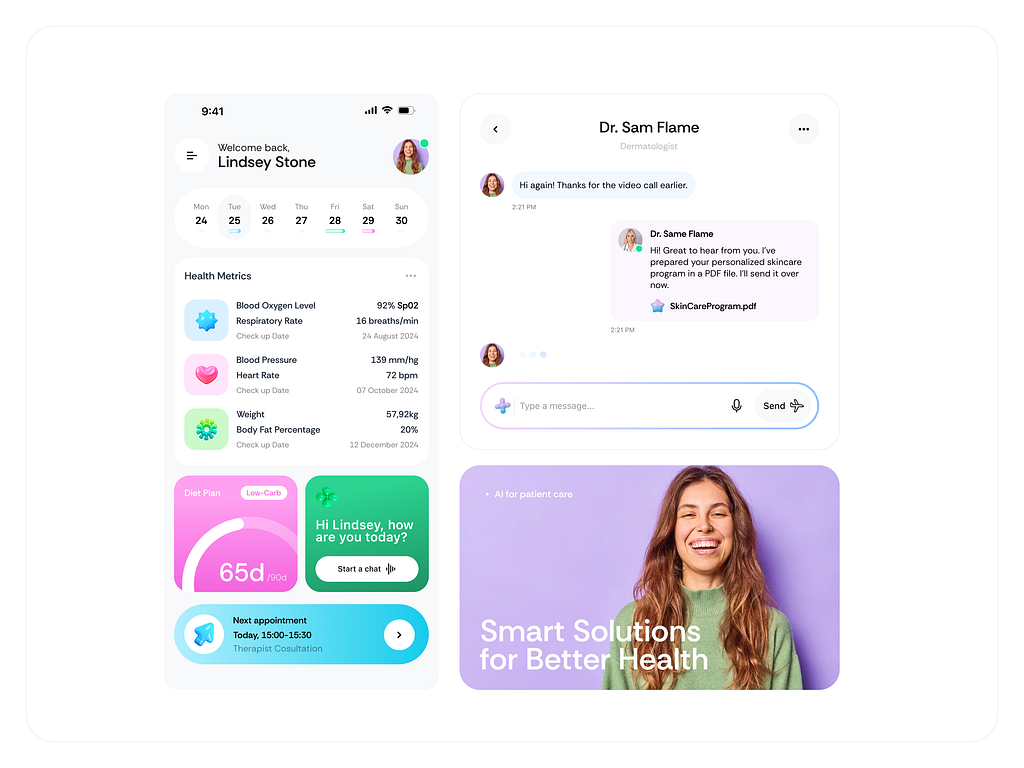
Empowering Healthcare Through AI Mobile App (iOS & Android)

Car Parking | Mobile App | Android Design System
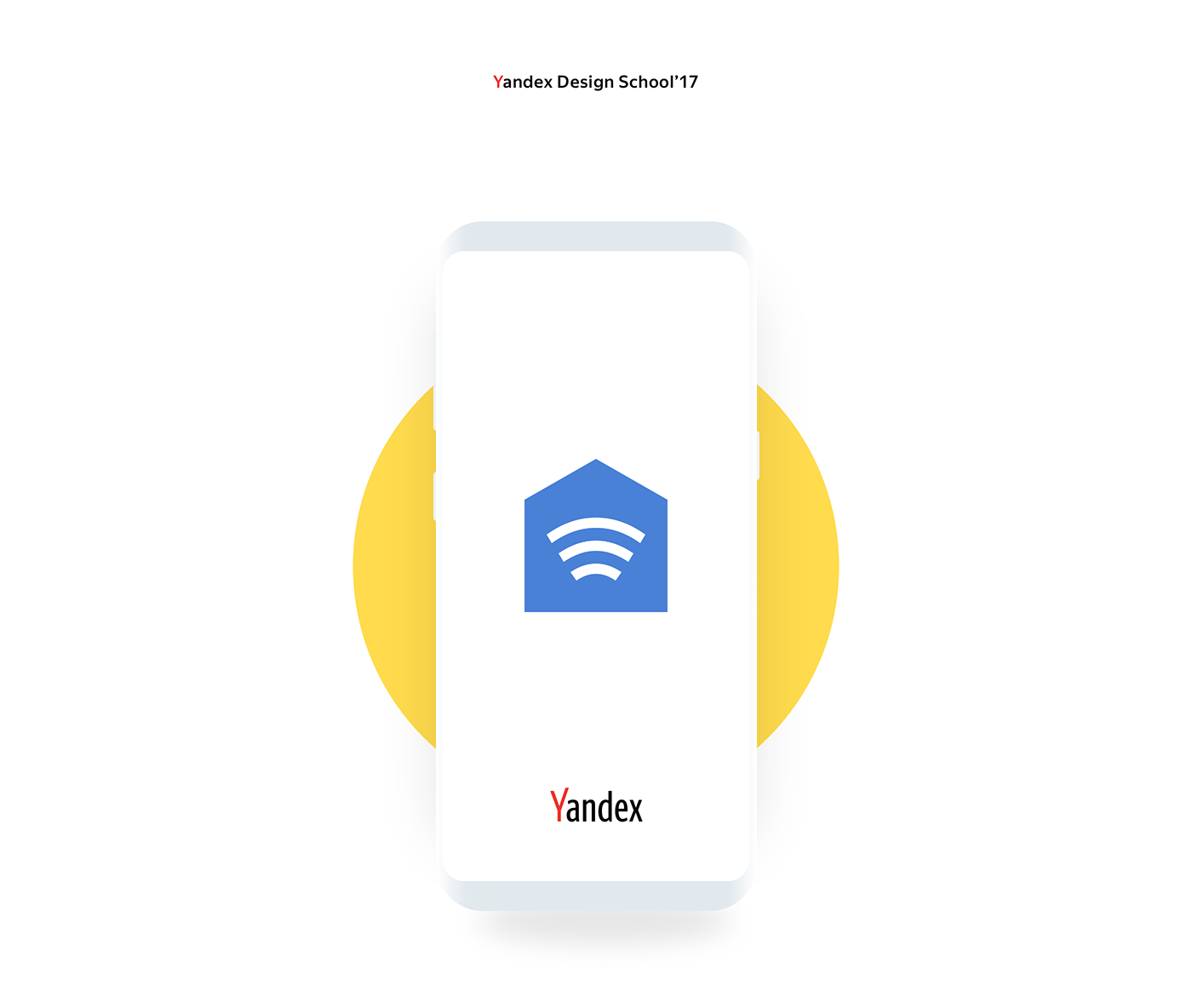
Yandex.House | Android app
In 2017, I participated in the qualifying round at the Yandex Design School. The entrance test included development of an app for smart house managing. I created the app for different people who want to manage all devices in simple way.
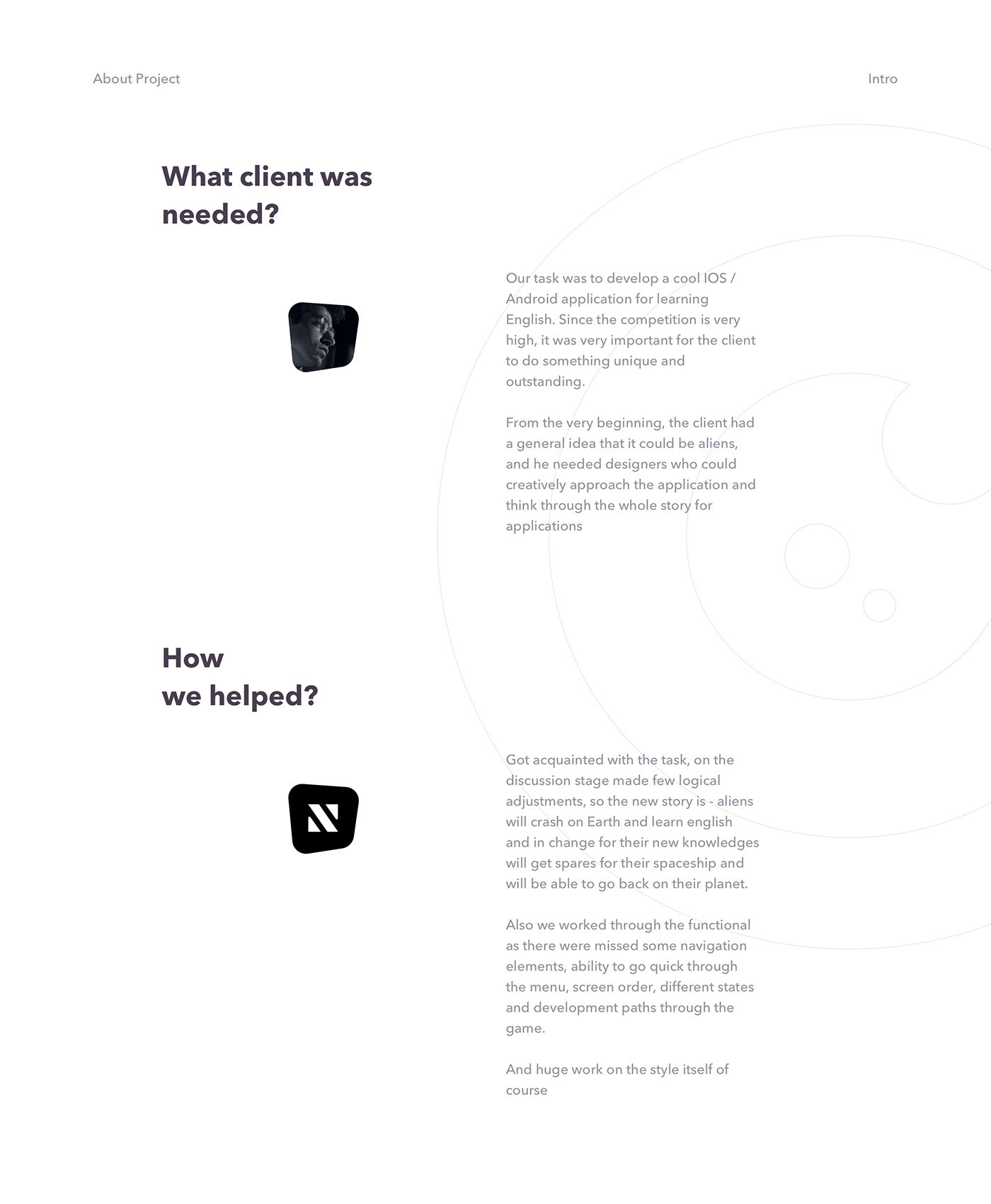
Lingvalien | Android App Design for learning english
Android App for learning english.

FoodGrid - Multivendor Food Mobile App UI Kit ( Android & iOS)

Facebook Messenger UI Kit for Android

Freelancer Marketplace App UI kit ( Android & iOS)
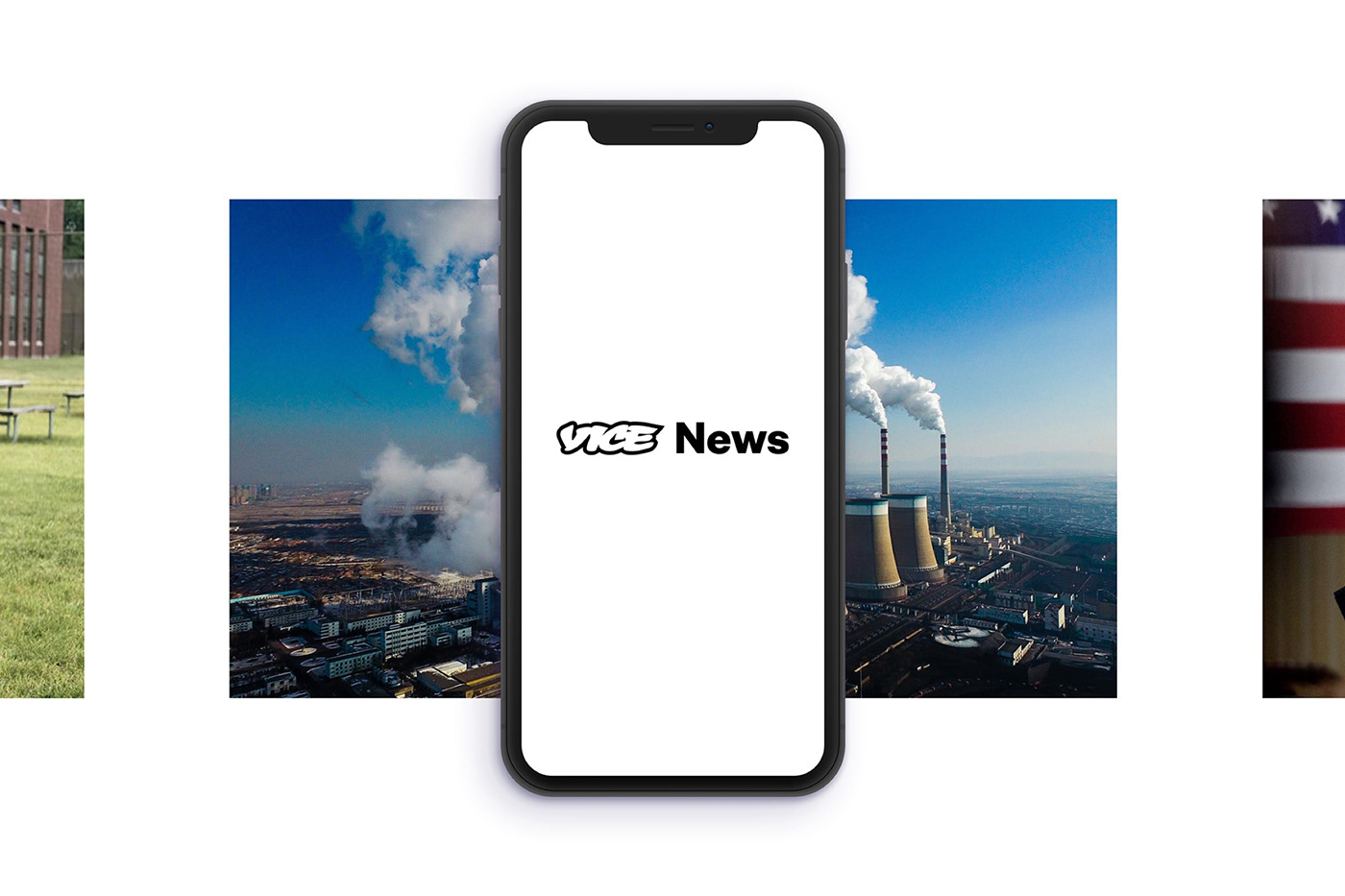
Vice News iOS & Android App
The Vice News Mobile App allows readers to stay up to date with everything that is happening in the world wherever they are. Vice News does away with the traditional news casting formula and present stories in new engaging formats. We wanted the mobile experience to be as immersive as the show no matter what device it is viewed on.
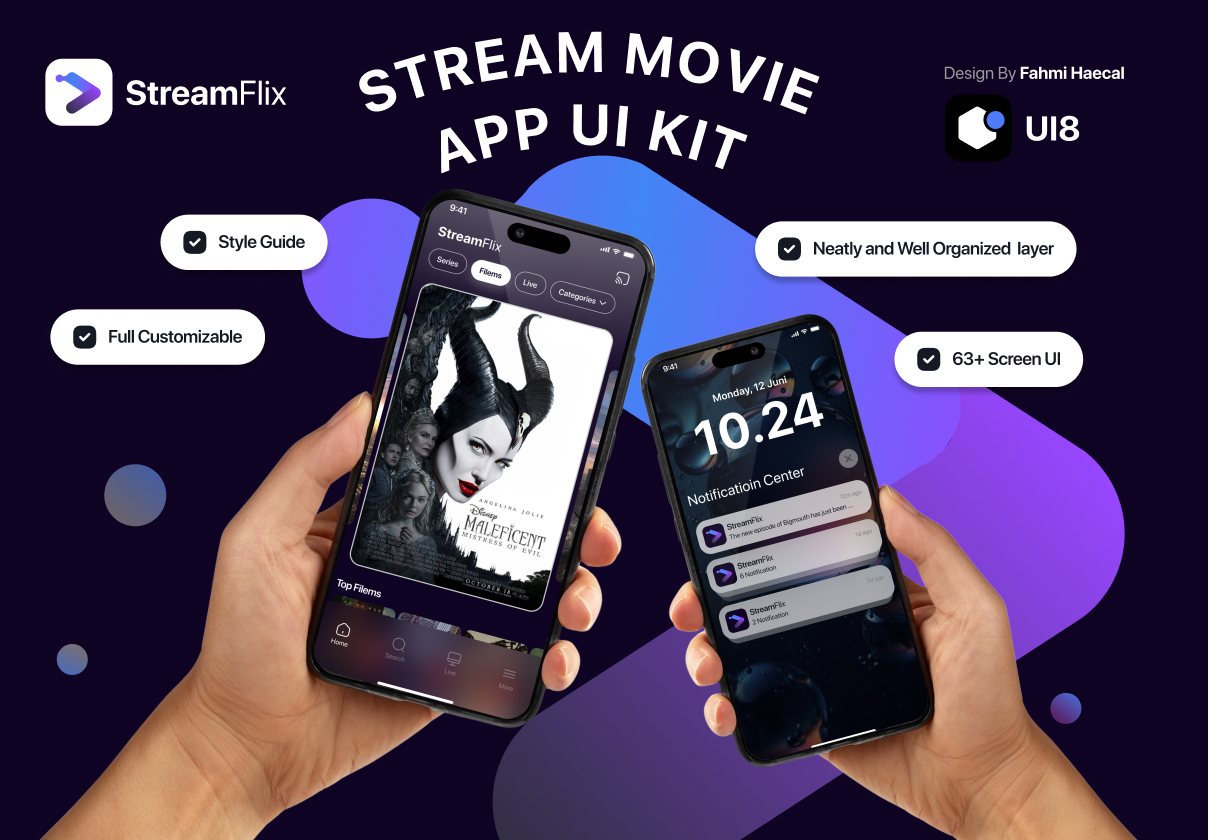
Stream Movie - StreamFlix App for iOS & Android
This is 1% of what Muzli shows you.
Get the rest — fresh design inspiration on every new tab, free.
Add Muzli — free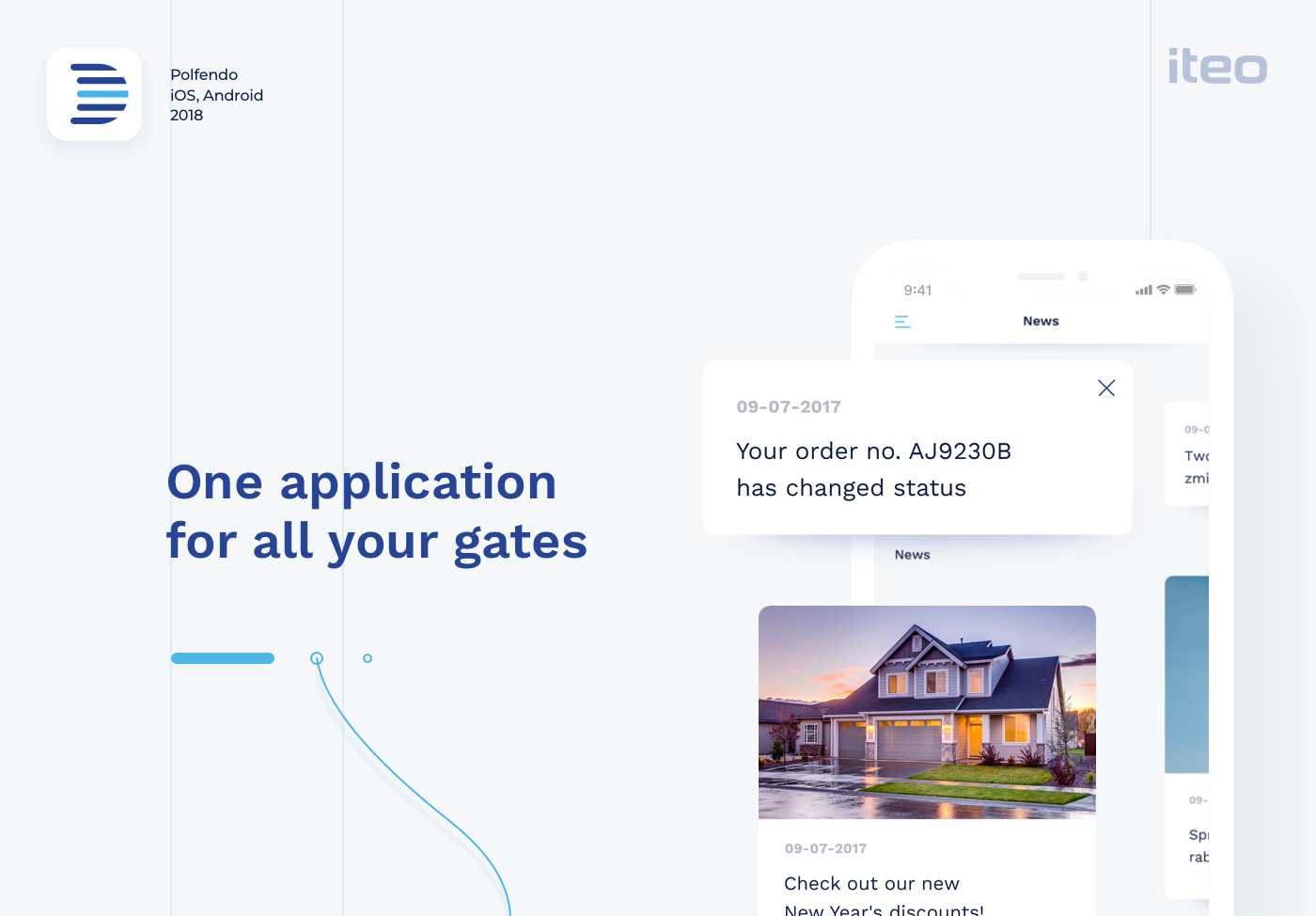
Polfendo | iOS & Android App
When we first engaged with Polfendo they were in the middle of a growth spurt and their product was evolving. We created customer personas for them that outlined each user’s buying triggers and buyer’s journey. Wireframes and prototypes were created, then tested with users in order to determine which of the approaches was the most functional, easy to understand and impactful to potential users. In this way, we were able to quickly validate or eliminate design approaches. Blue is the most relevant color in the business. It builds trust, feeling of loyalty, reliability, and responsibility. We also decided to use pure white color for more flexible handling of the application. Clean white & blue design puts the emphasis on depth of the application which is achieved by shadows and tiles. Simplicity allows the photographs to stand out against smooth typography. Just as door gates float above the ground, the UI floats above the application.
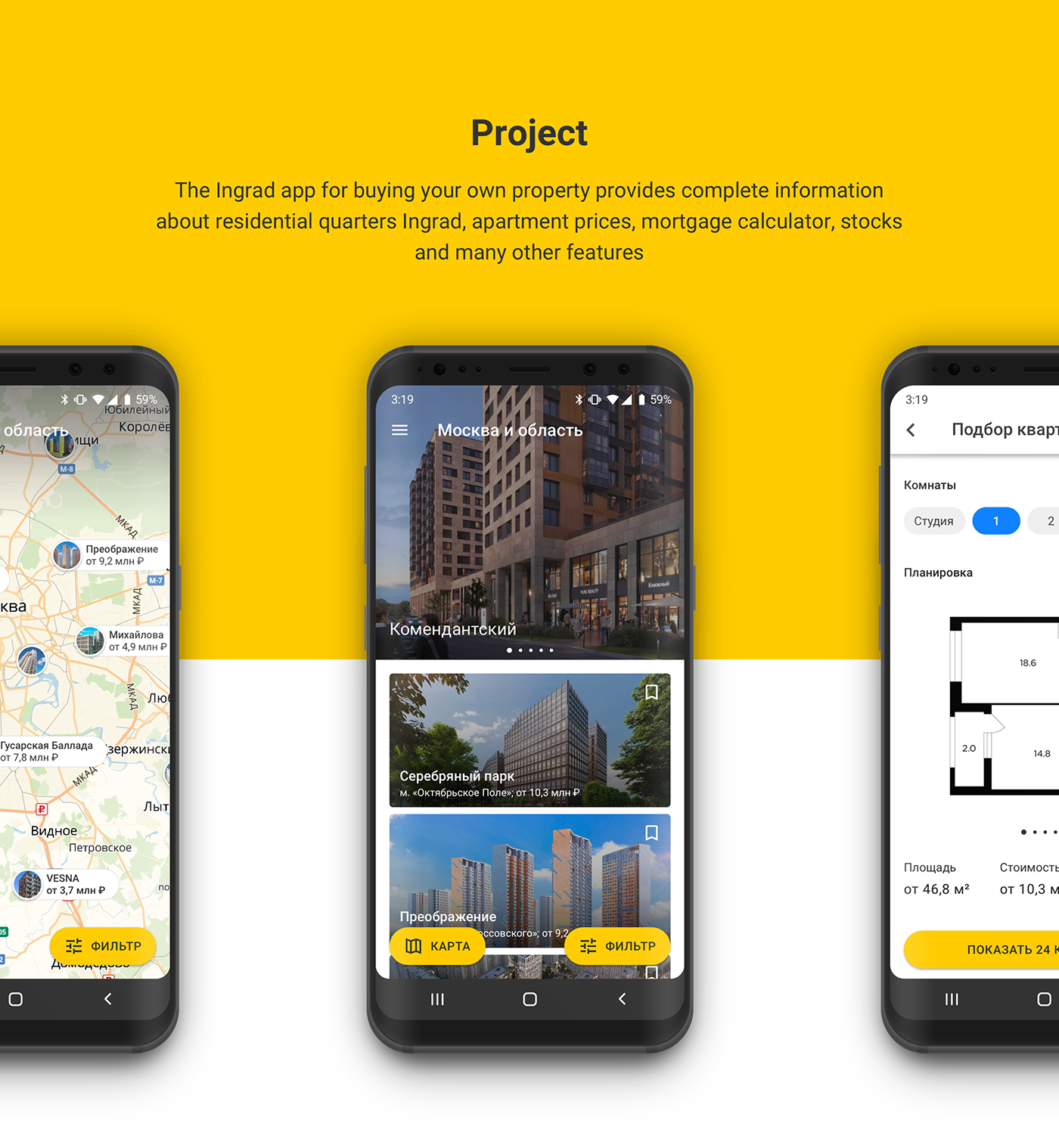
Ingrad Android App
The Ingrad app for buying your own property provides complete information about residential quarters Ingrad, apartment prices, mortgage calculator, stocks and many other features

Cryptocurrency - IOS/Android UI/UX
App for new cryptocurrency coin and wallet

Maan LMS- Student Mobile App Flutter iOS & Android UI Kit

Android Music app. One player - four themes
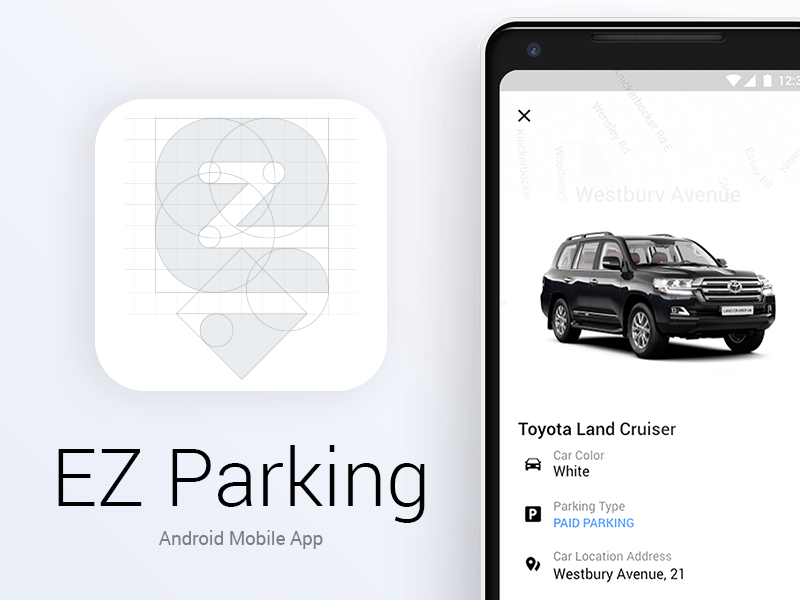
EZ Parking - Android Mobile Application
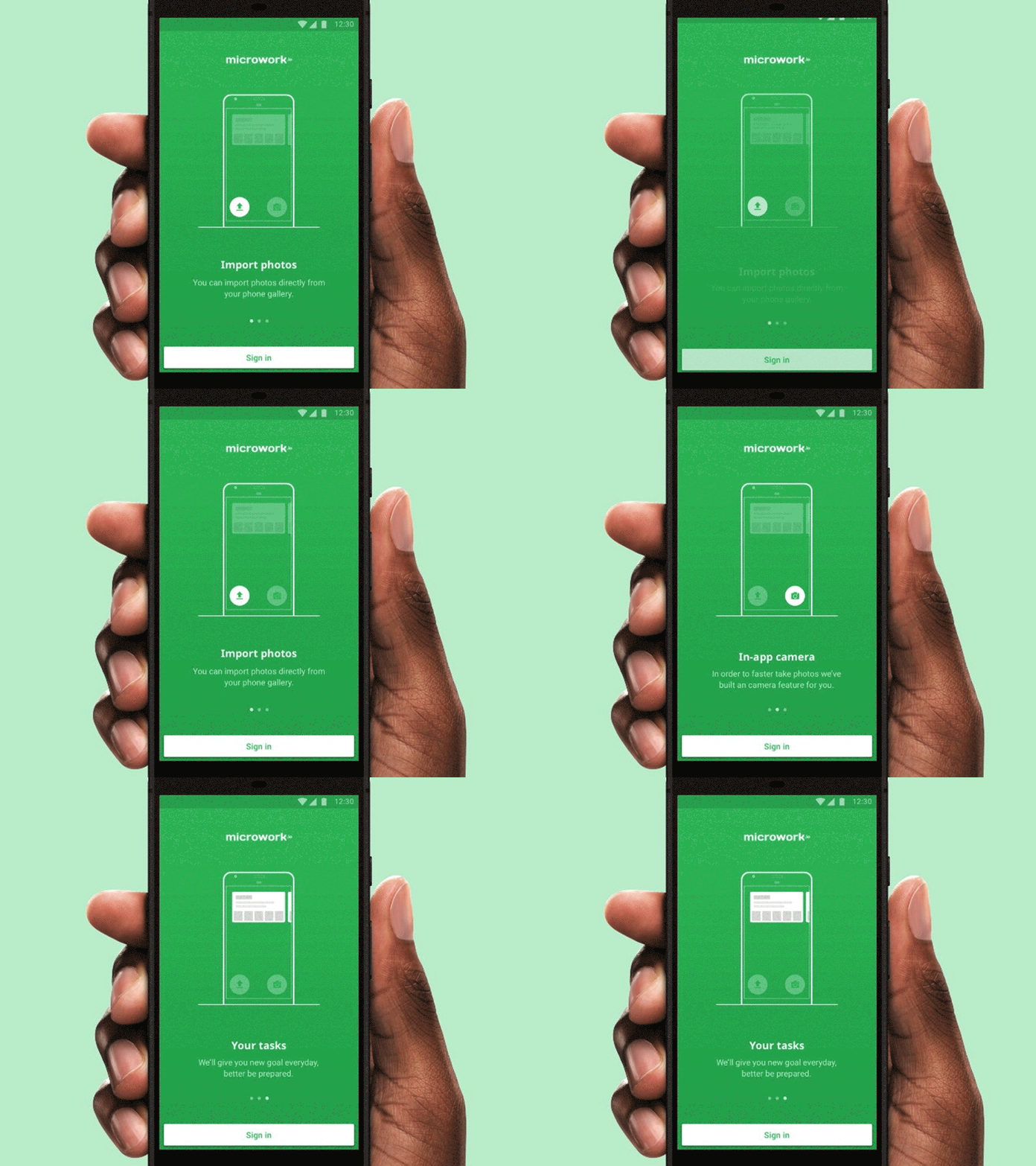
Microwork.io Android App Onboarding
Vice News iOS & Android App Design
The Vice News Mobile App allows readers to stay up to date with everything that is happening in the world wherever they are. Vice News does away with the traditional news casting formula and present stories in new engaging formats. We wanted the mobile experience to be as immersive as the show no matter what device it is viewed on.
Freelancer Mobile UI UX UI KIt ( Android & iOS)
Freelancer Mobile UI UX UI KIt ( Android & iOS)
Get access to thousands of freshly updated design inspiration pieces by adding Muzli to your browser.
Loved by 900k designers worldwide, Muzli is the leading go-to browser extension for creative professionals.
Key Considerations for Designing an Android App: A Guide for Designers
Designing an Android app presents unique challenges and opportunities compared to other platforms like iOS or web applications. Understanding these nuances is crucial for creating an intuitive, visually appealing, and functional app that meets user expectations. Here are key considerations for designing an Android app and how it differs from other platforms.
1. Understanding Material Design
Google's Material Design guidelines are the cornerstone of Android app design. Material Design emphasizes a clean, flat interface with a focus on usability and a cohesive visual language. Designers should familiarize themselves with these guidelines, which cover everything from color schemes and typography to motion and interaction design.
- Consistency: Ensure a consistent look and feel throughout the app.
- Responsive Design: Adapt to different screen sizes and orientations seamlessly.
- Intuitive Navigation: Use familiar navigation patterns like the navigation drawer and bottom navigation bar.
2. Diverse Device Ecosystem
Android's open ecosystem means apps must be designed for a wide range of devices with varying screen sizes, resolutions, and hardware capabilities. This diversity requires a flexible and responsive design approach.
- Screen Density: Consider different screen densities (mdpi, hdpi, xhdpi, xxhdpi, etc.) to ensure crisp visuals on all devices.
- Aspect Ratios: Design layouts that adapt to different aspect ratios, from widescreen to tall and narrow screens.
- Performance Optimization: Optimize graphics and interactions for smooth performance on both high-end and budget devices.
3. Platform-Specific UI Components
Android offers a variety of unique UI components that differ from other platforms, such as iOS. Leveraging these components helps in maintaining platform consistency and enhancing user experience.
- Floating Action Button (FAB): A prominent button for primary actions, floating above the content.
- Snackbar: Provides brief messages at the bottom of the screen.
- RecyclerView: A flexible view for presenting large data sets.
4. User Interaction and Gestures
Designing for Android involves understanding platform-specific gestures and interaction patterns. Android users are accustomed to certain gestures and navigation methods that differ from other platforms.
- Back Button: Android devices have a physical or virtual back button, impacting navigation flow.
- Gestures: Utilize swipe, drag, and pinch gestures appropriately, as users expect them in Android apps.
5. Integration with Google Services
Android apps often integrate with various Google services and features, enhancing functionality and user engagement.
- Google Maps: Integrate mapping and location-based services seamlessly.
- Google Pay: Enable in-app purchases and transactions using Google Pay.
- Google Assistant: Consider voice interactions and integrations with Google Assistant.
6. Customization and Personalization
Android users value customization and personalization options. Providing flexible settings and customizable features can significantly enhance user satisfaction.
- Themes and Styles: Offer light and dark modes, custom themes, and styling options.
- Widgets: Design interactive widgets that users can place on their home screens for quick access.
Differences from Other Platforms
- iOS vs. Android: iOS design tends to follow a more uniform style due to Apple's strict guidelines, whereas Android allows for more customization and flexibility. Navigation and UI components also differ significantly between the two platforms.
- Web vs. Android: Web design focuses on responsiveness across various browsers and devices, while Android design emphasizes native app performance and integration with the device's operating system features.
Conclusion
Designing an Android app requires a deep understanding of Material Design principles, attention to the diverse Android ecosystem, and leveraging platform-specific features. By considering these factors, designers can create apps that not only look great but also provide a seamless and enjoyable user experience. Keeping up with the latest Android design trends and guidelines will ensure your app stands out in the competitive app market.
All collections
UI design
Screens & flows
Apps
Components
Kits, mockups & icons
Web design
Websites
Pages & sections
Graphic design
Posters & print
Marketing
Illustration & motion
Type & graphics
Branding
Logos & identity
Packaging & stationery