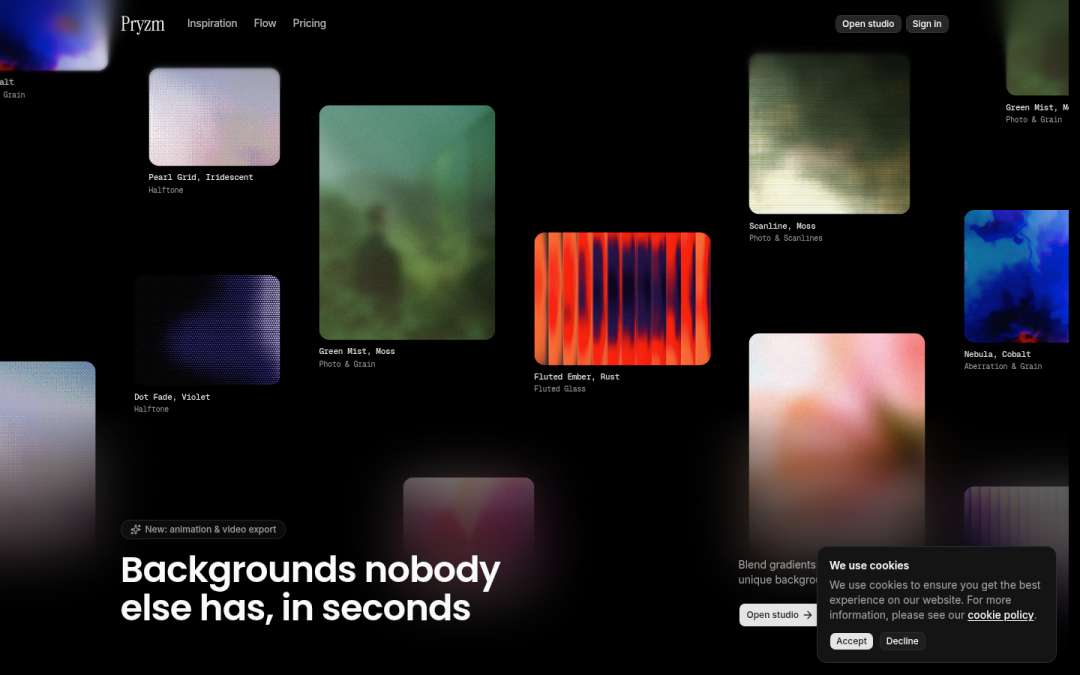
Dark mode screen design examples
A curated collection of dark-themed user interface designs and inspirations. Explore the best dark mode UI examples from popular websites and apps.
Muzli collects new design work from 200+ sources every day. This collection picks the best of it and changes as new work comes in.
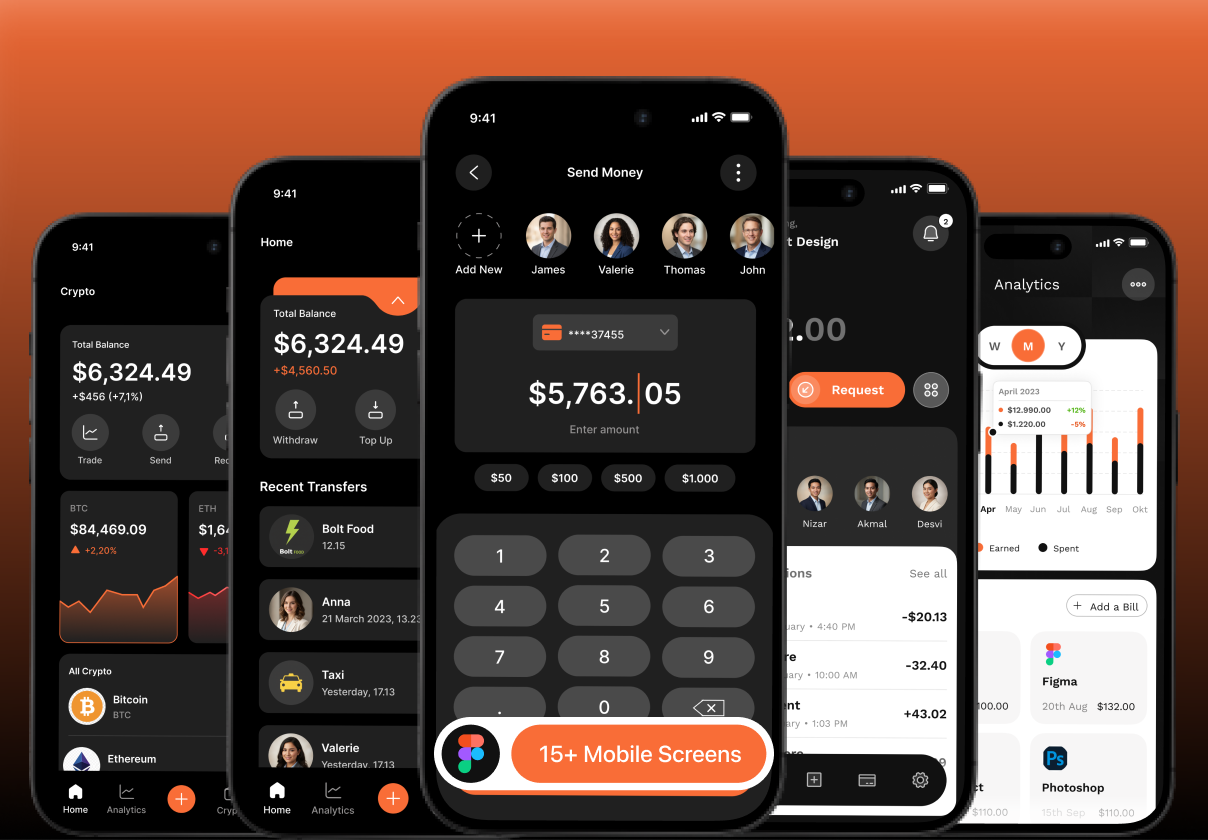
Fintech Finance Manage Mobile UI Kit — Dark Theme

Grok
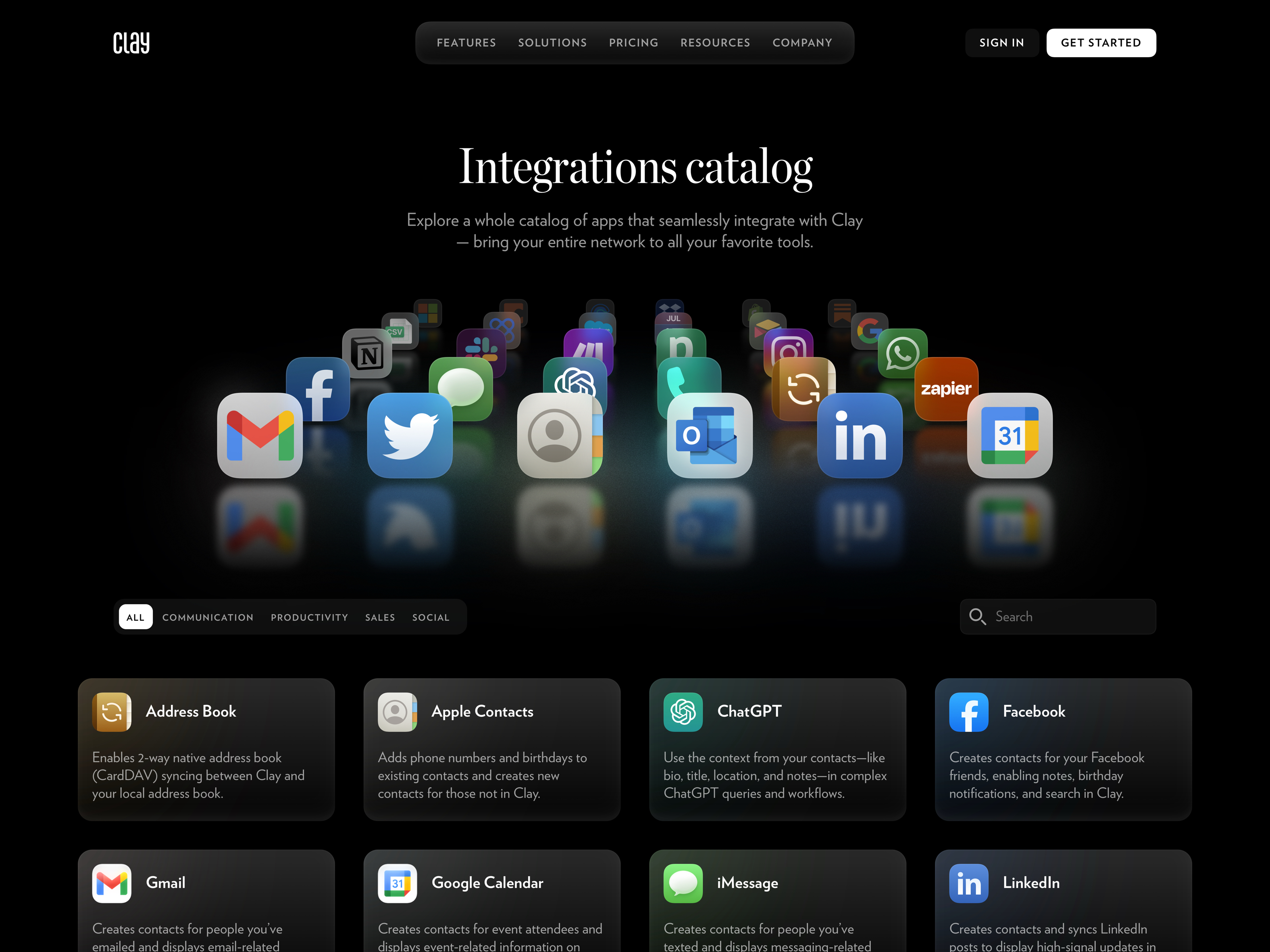
Clay - Integrations page dark mode
ThemeShift — Dark Mode Toggle
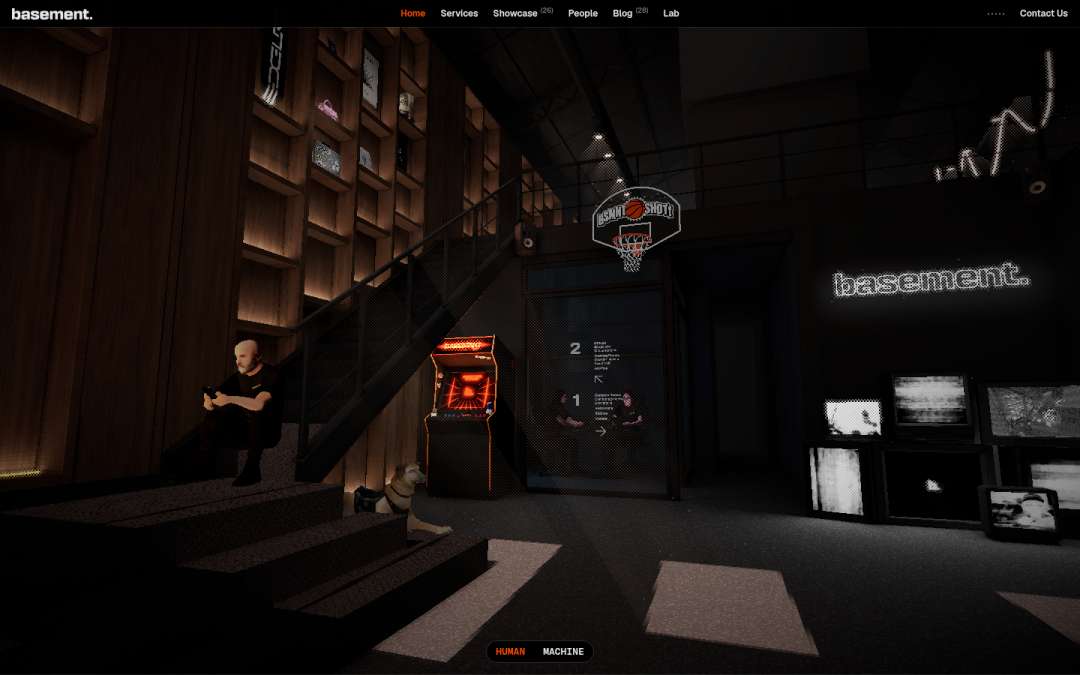
Basement
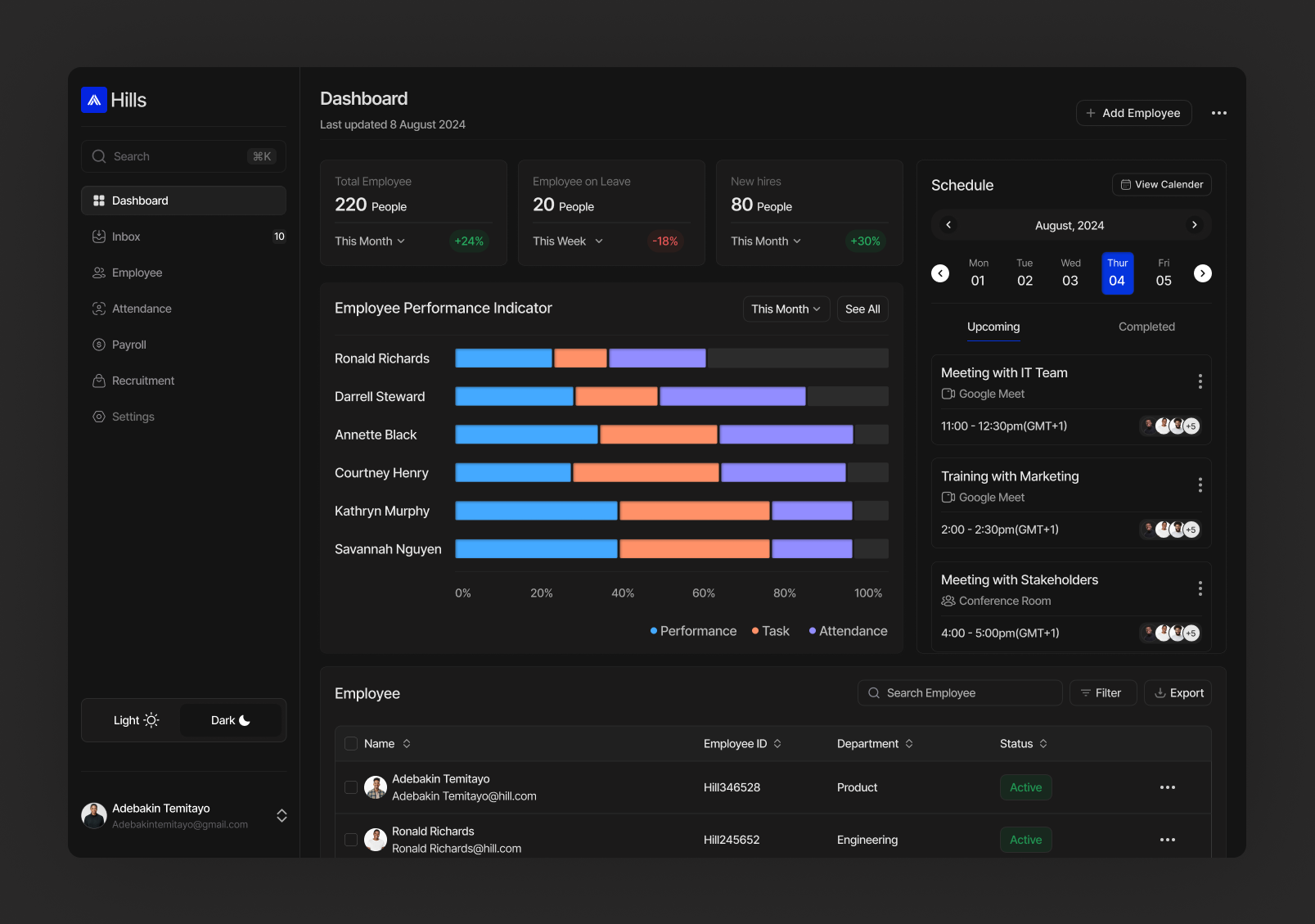
Exploring Dashboard for HR(Dark mode)

MagicDraft - AI & SaaS Dashboard UI Kit (Dark Mode)

Dark Mode Bento Card UI for Developer Platform

108™
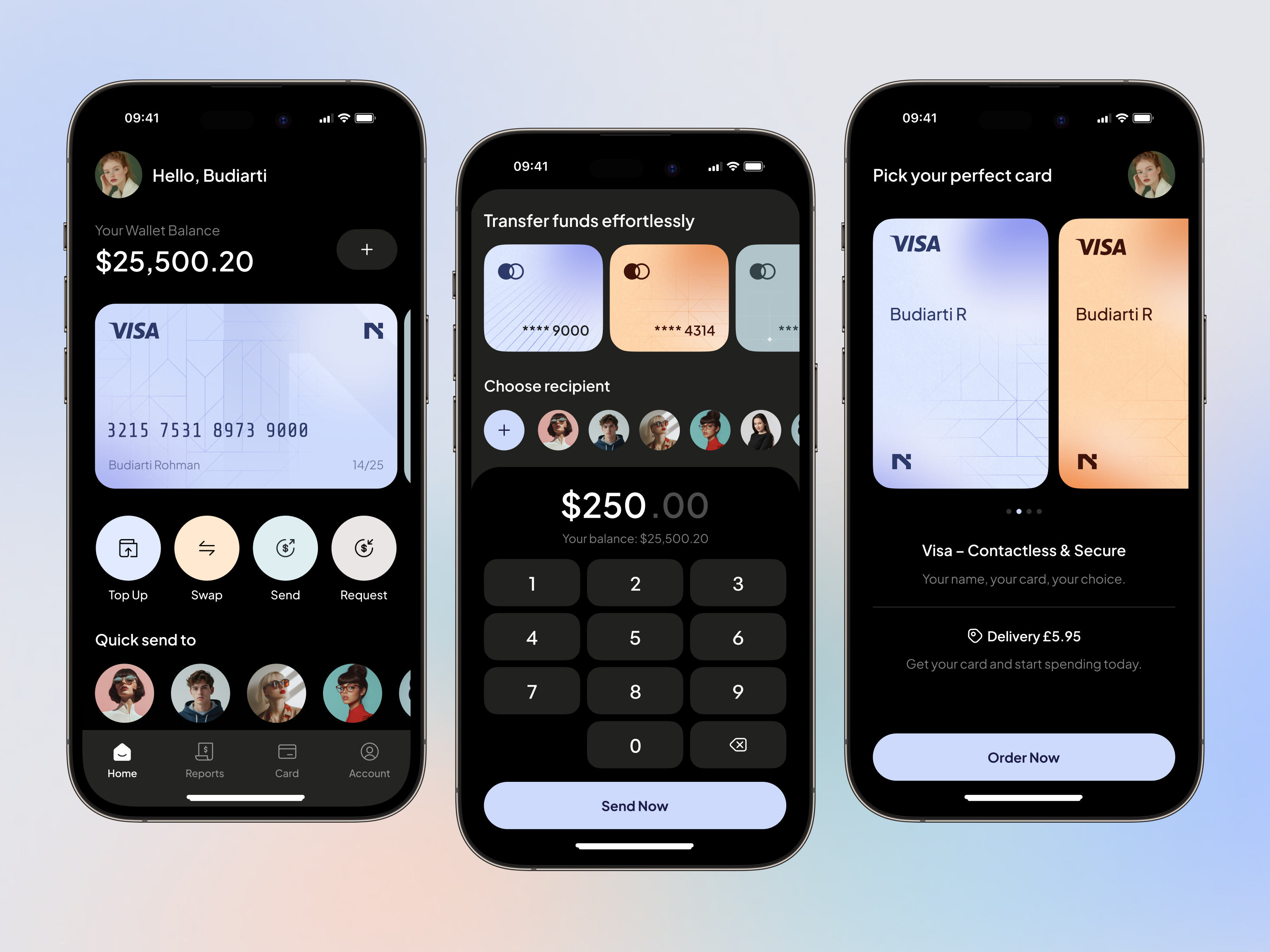
Fintech Mobile App — Dark Mode UI
Dark Mode Switch
This is 1% of what Muzli shows you.
Get the rest — fresh design inspiration on every new tab, free.
Add Muzli — free
Anzo Studio | Dark Mode Design
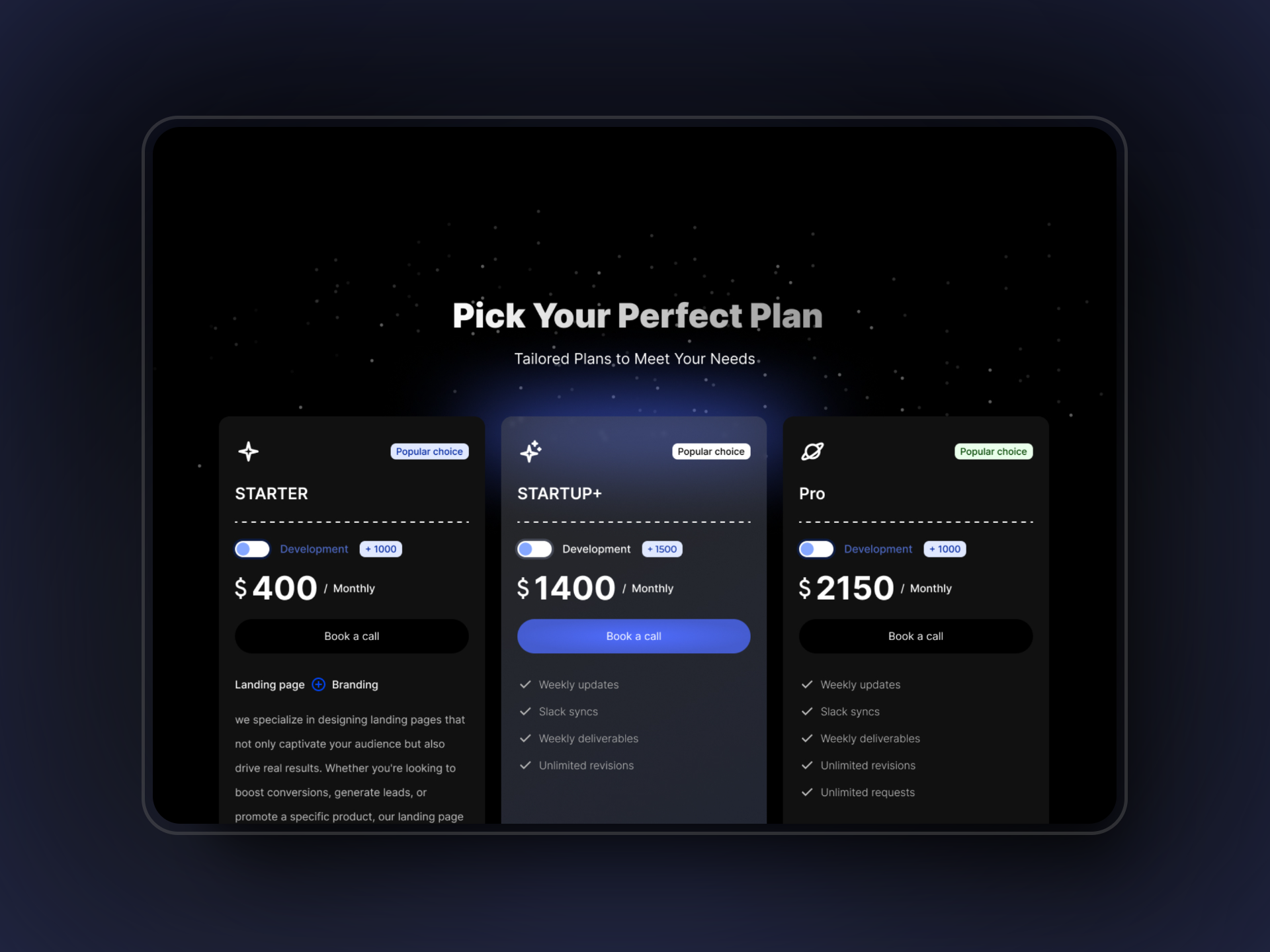
Pricing section UI - Dark mode
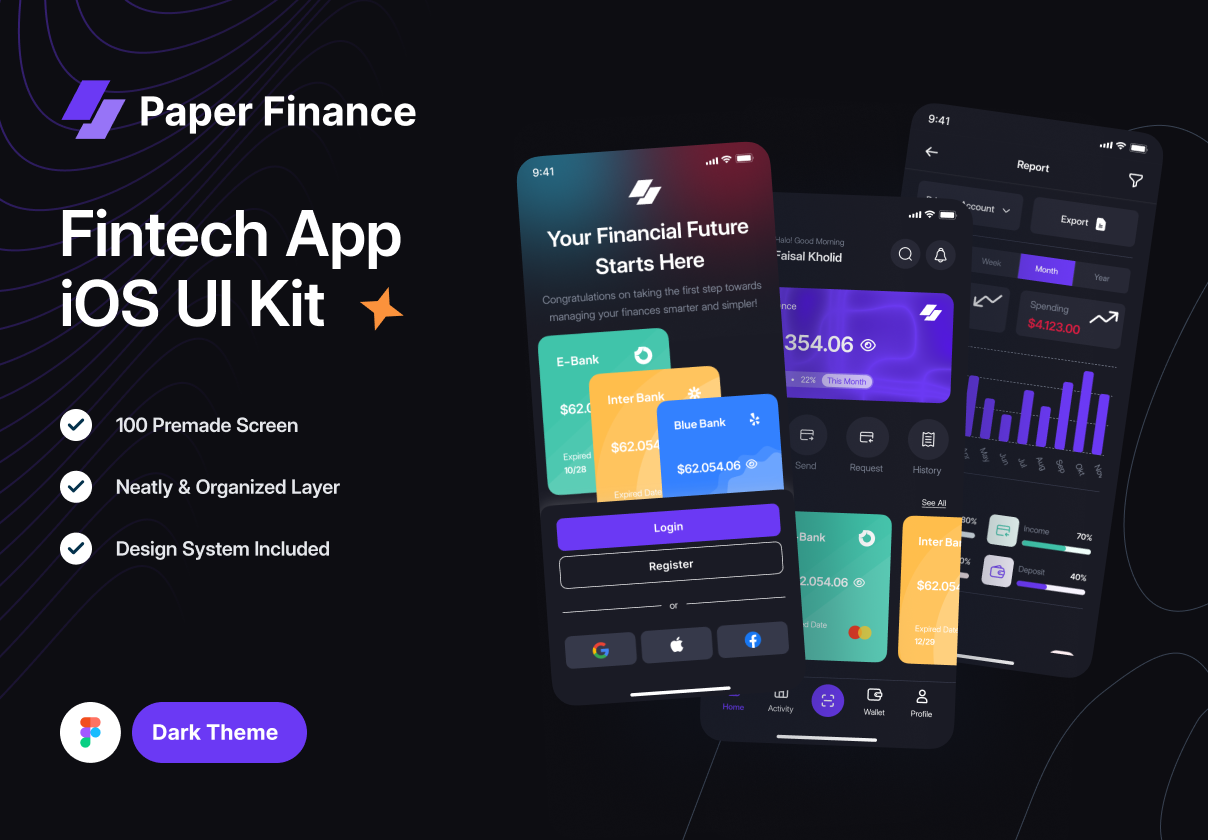
Dark Mode - Paper Finance (Fintech mobile UI Kit)

Ink Games
Dark Mode Sync

Payro - Personal Finance App | Dark Mode
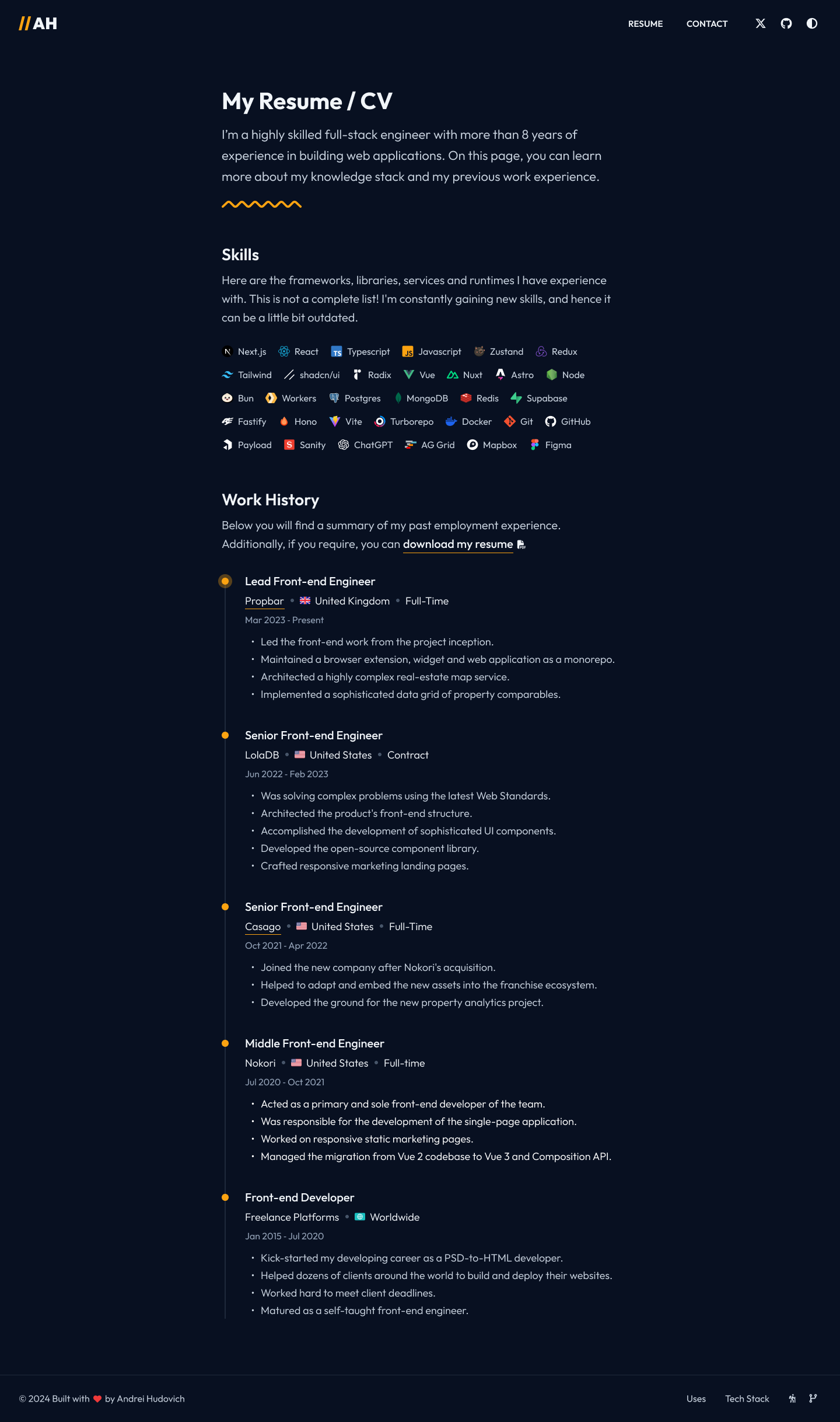
My Resume Design in Dark mode 🔥

Fey Finder

Solito - Finance Dashboard Dark Theme UI Kit

regenetix: AI Regenerative Medicine - Stem Cell Therapy Dark UI
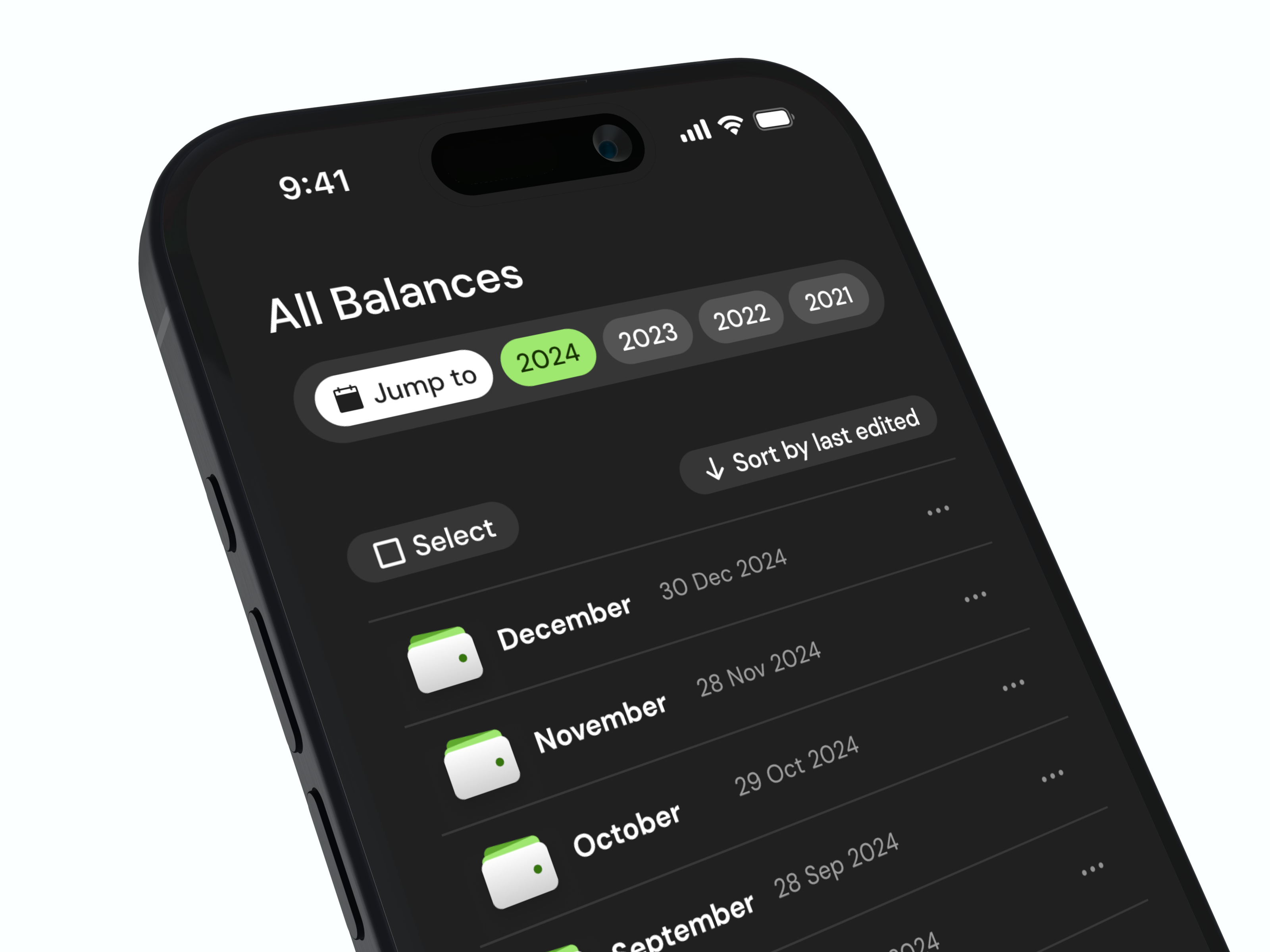
Home Screen of Wallet Tracker App Design Concept (Dark Mode)

Slash
This is 1% of what Muzli shows you.
Get the rest — fresh design inspiration on every new tab, free.
Add Muzli — free
Fitness Tracker App UI Design - Dark Mode Health Dashboard
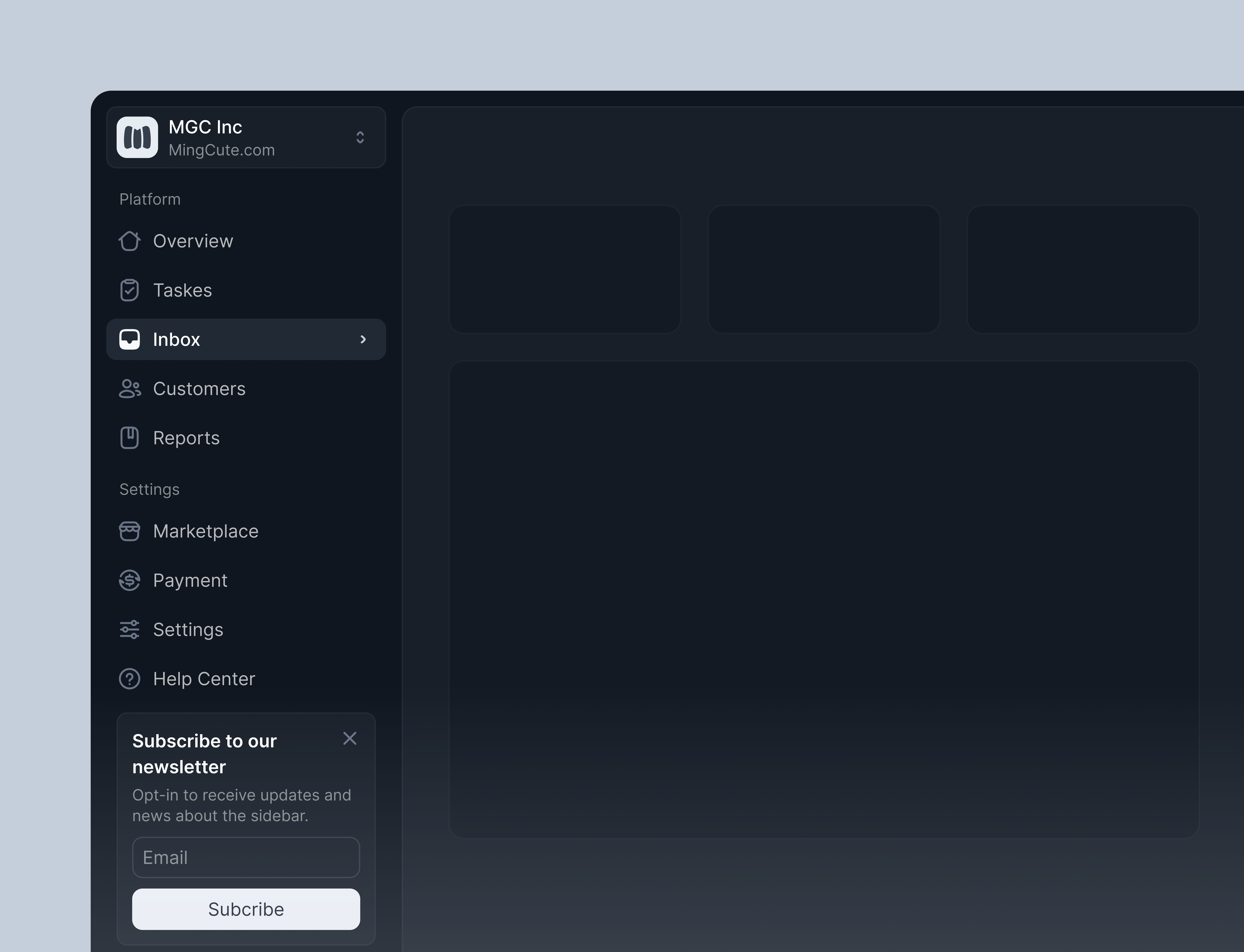
Dashboard dark mode
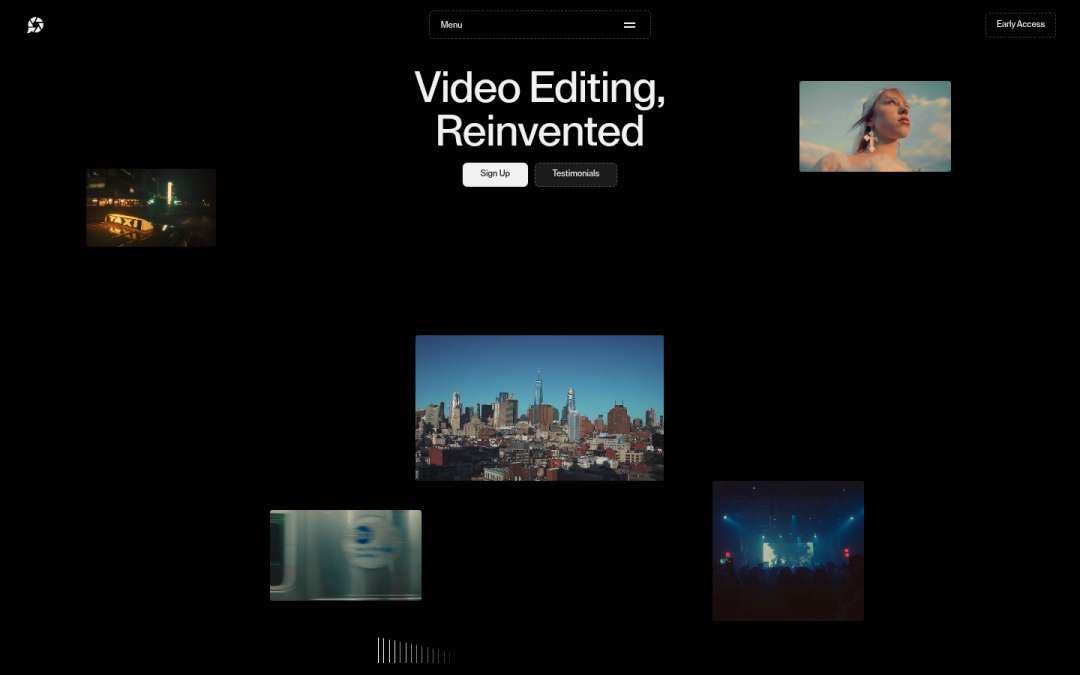
Ponder
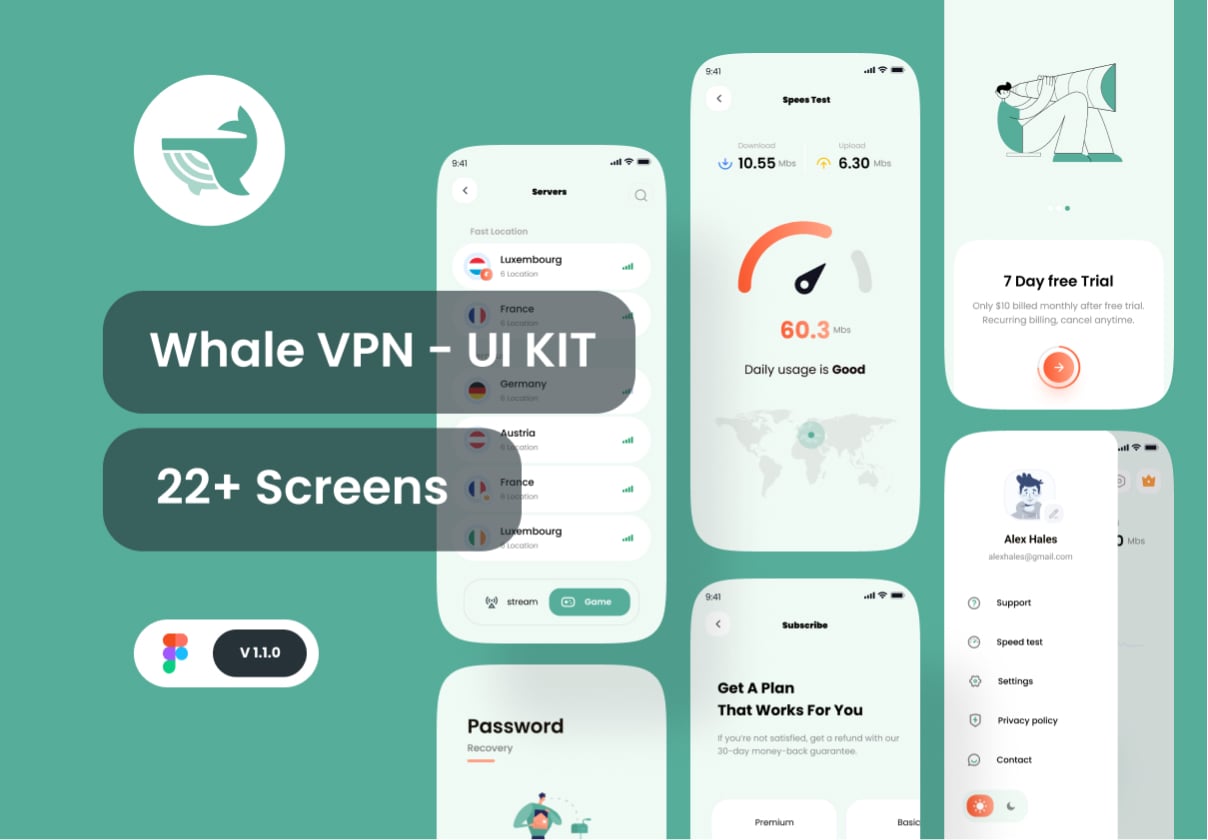
Whale VPN - VPN Mobile App UI KIT + Dark Mode

Card Dashboard | Dark Mode Fintech Banking App

Framer Plugins
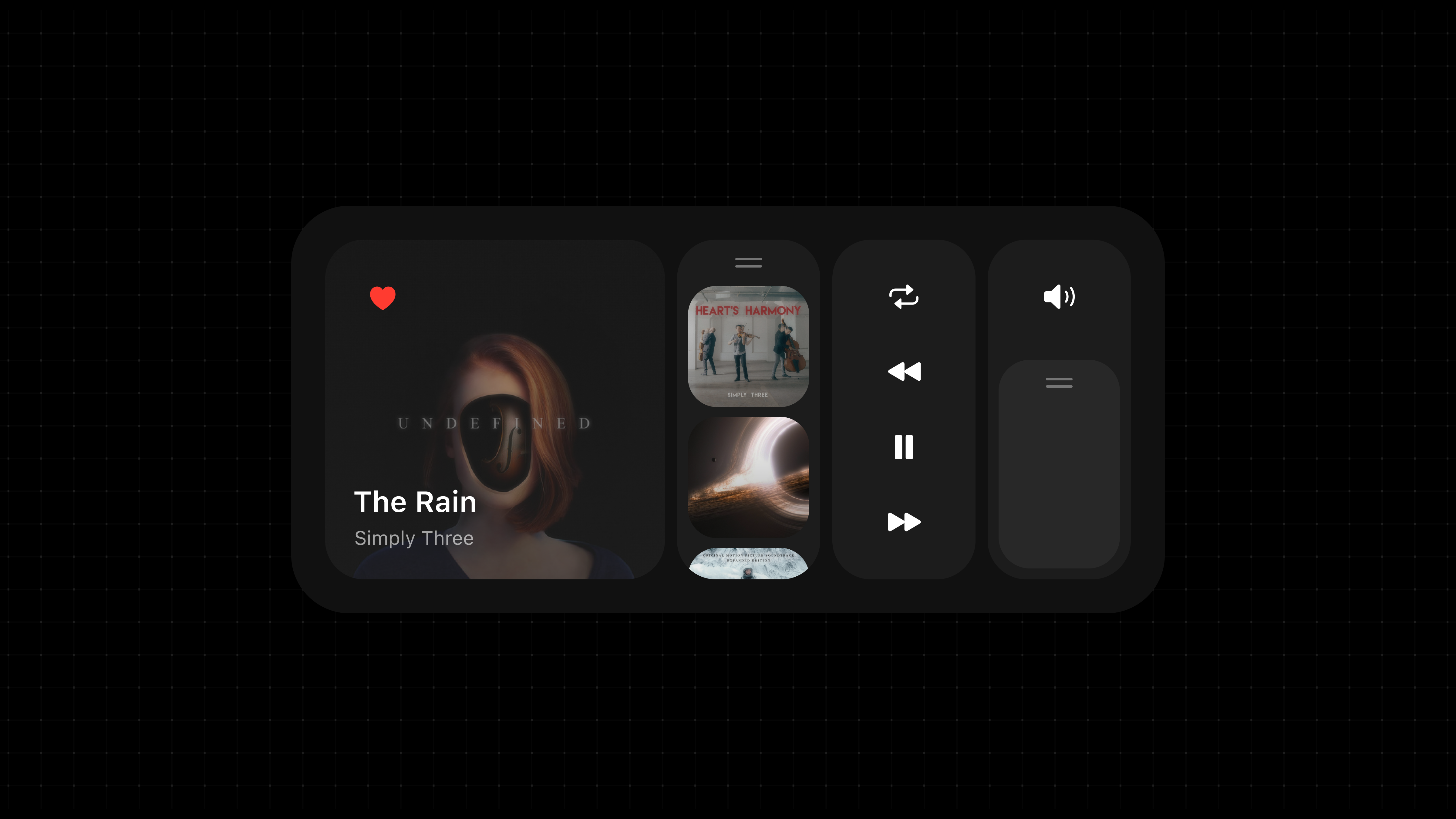
Minimal Music Player Widget – Dark UI

Drone Airframe Diagnostics - Dark UI for UAS Control
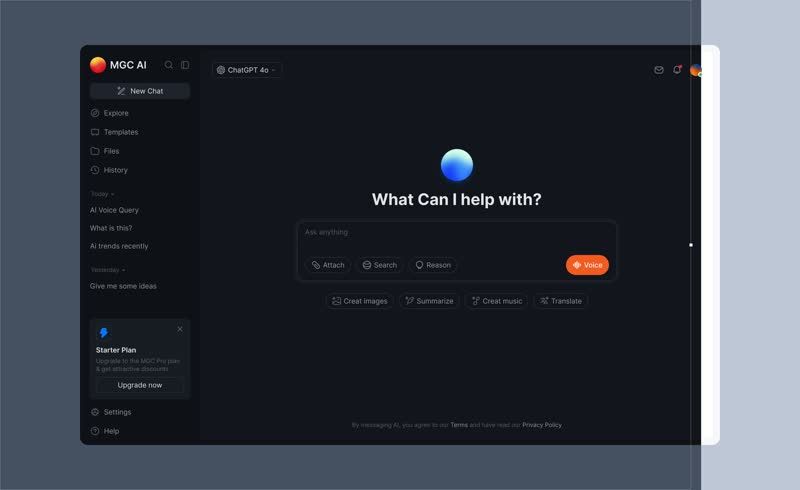
AI chat page dark mode

Toolbar
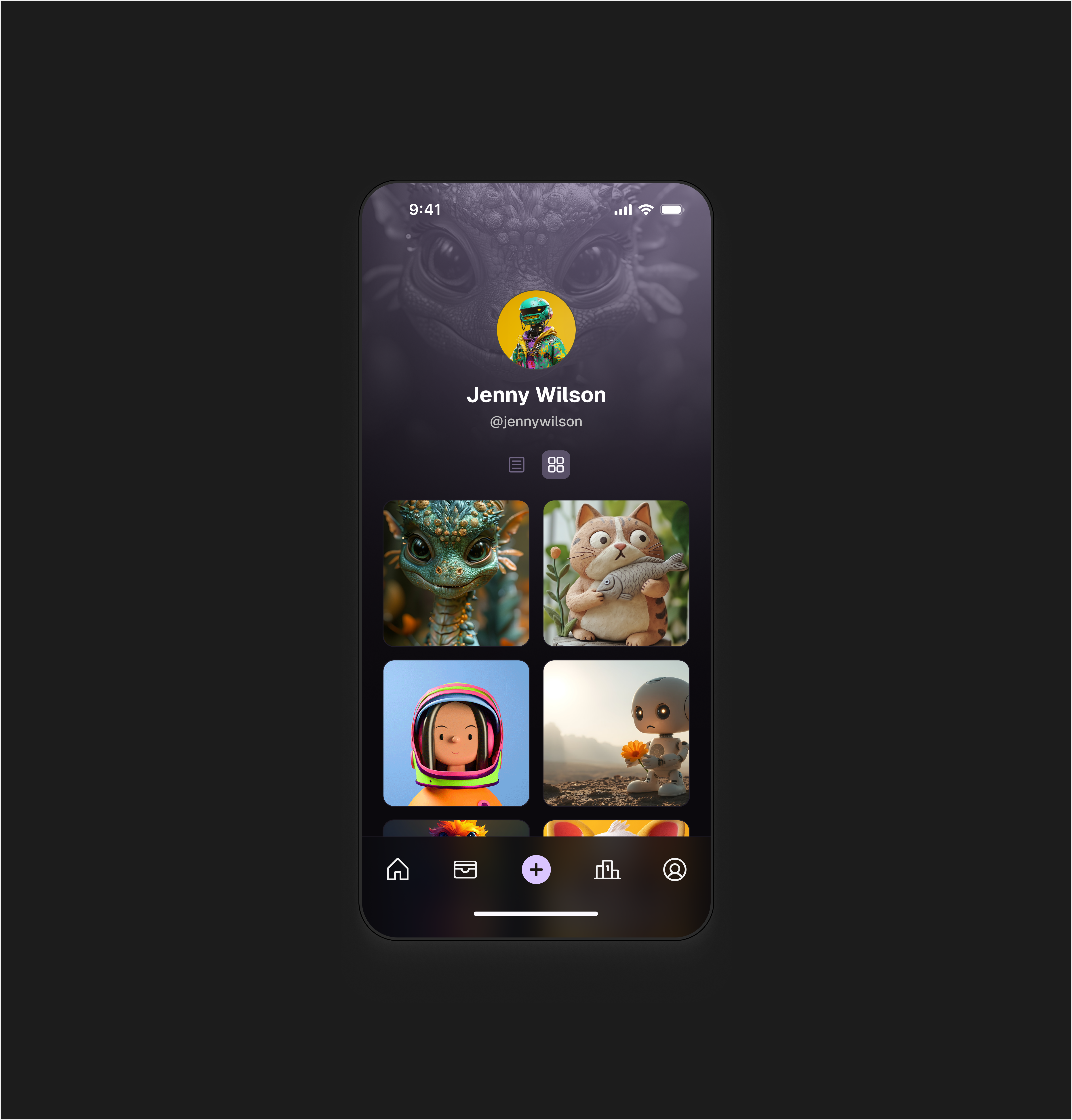
NFT App - Dark Mode
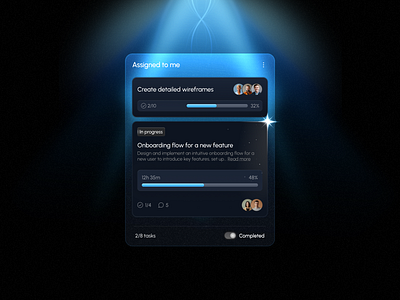
Dark Mode Task Management Widget
This is 1% of what Muzli shows you.
Get the rest — fresh design inspiration on every new tab, free.
Add Muzli — free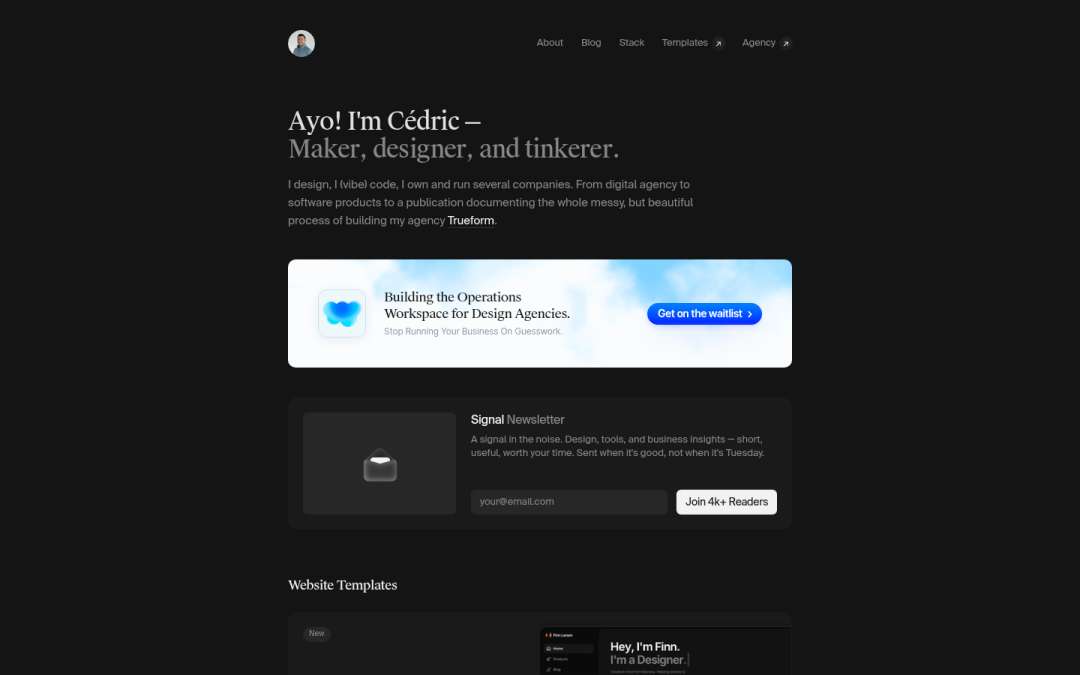
Cédric
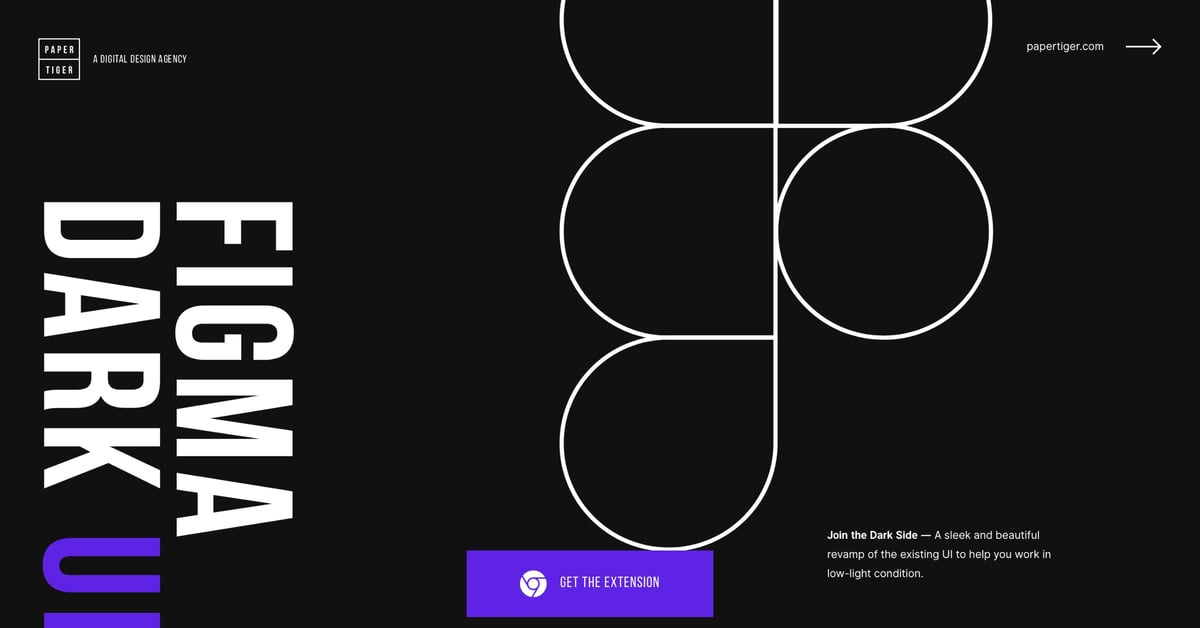
Figma Dark UI

Music App UI - Dark Theme

Dark Mode Table

Cobot

63 Beautiful Dark UI Examples & Design Inspiration

Music Player UI – Dark Mode Aesthetic
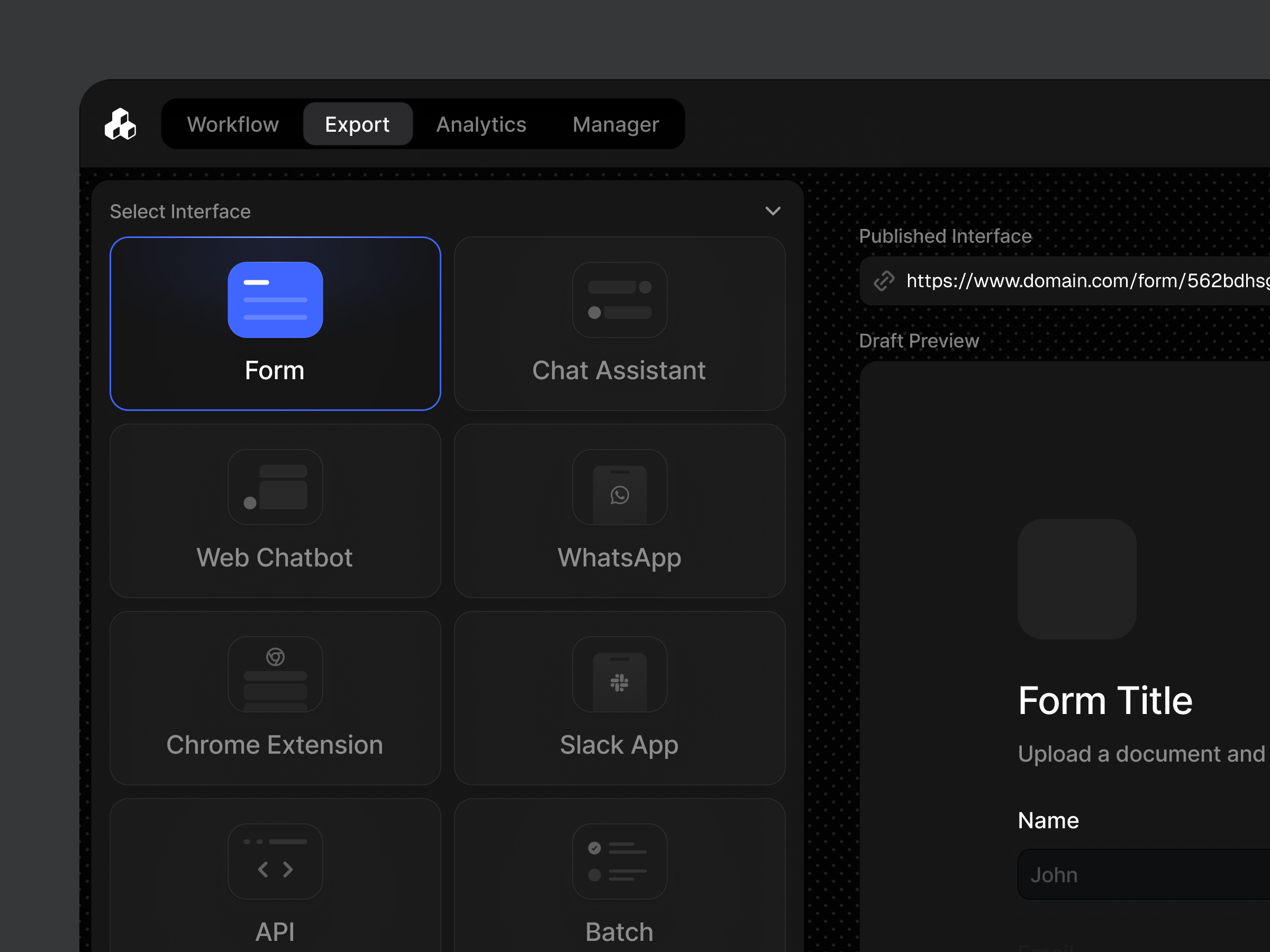
Interface Selection Sidebar / Dark mode
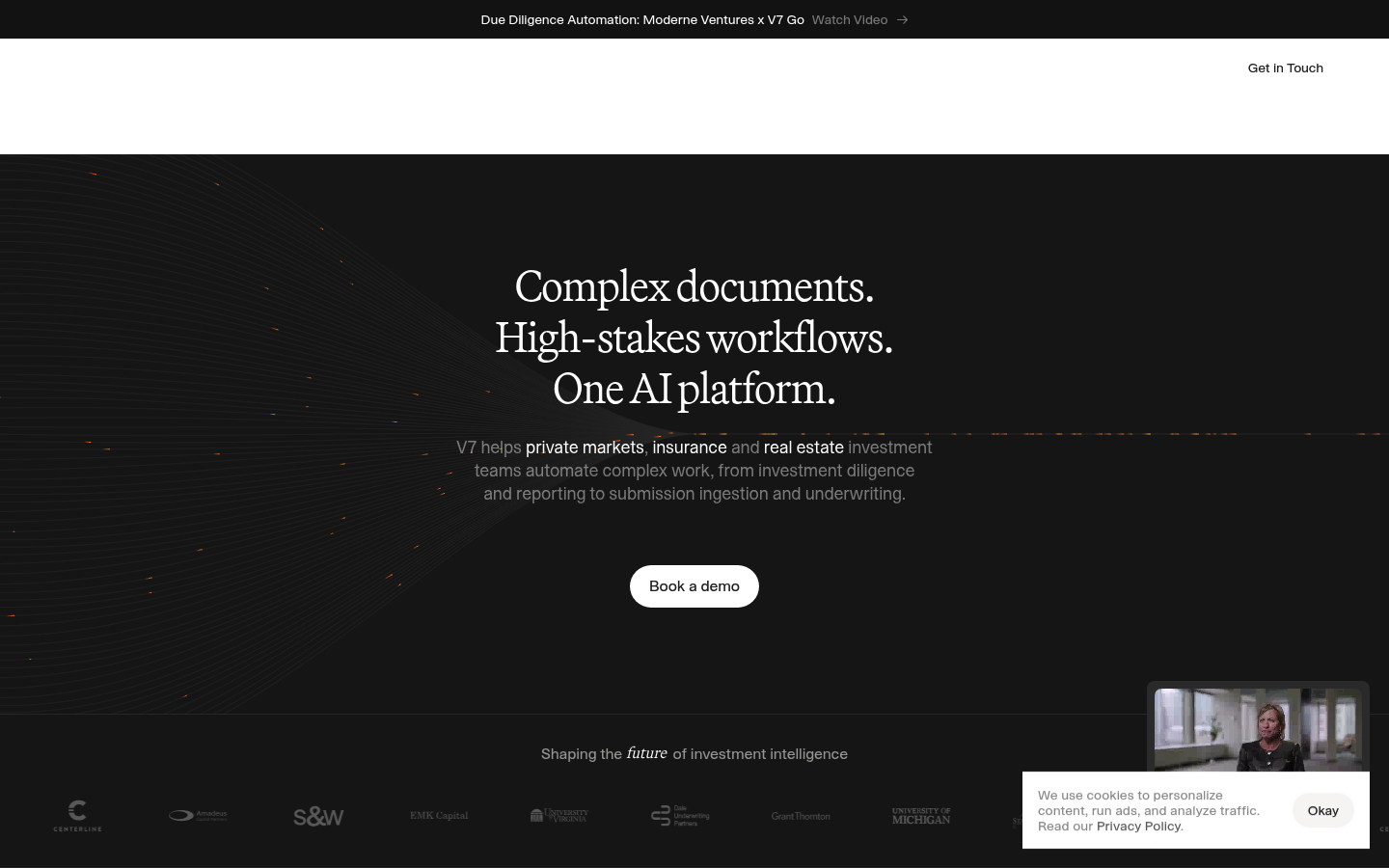
V7

Dark Mode Fitness Dashboard UI — Weight Tracker, BMI Analytics
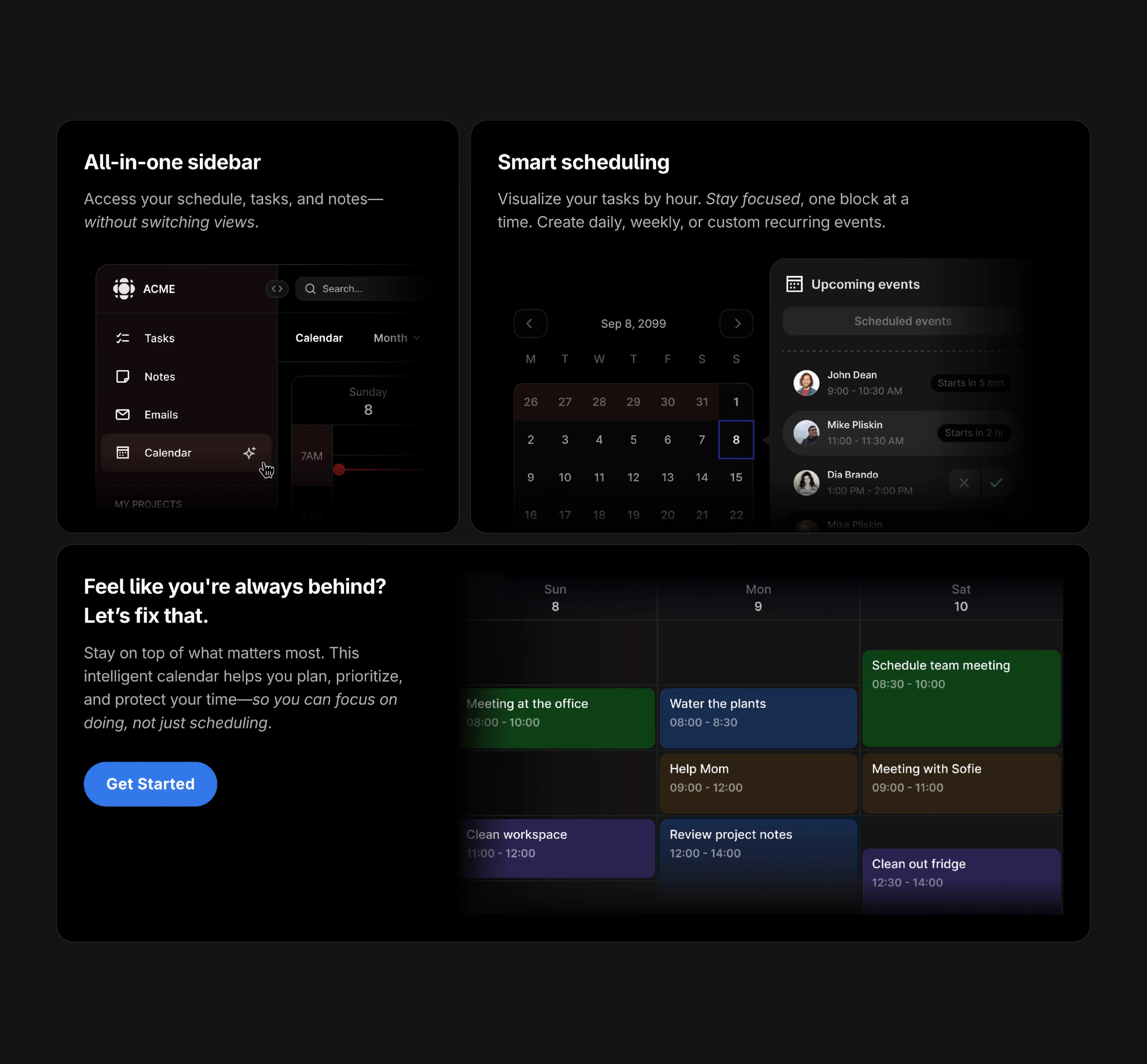
Bento UI 02 Dark Mode

AntiMetal
This is 1% of what Muzli shows you.
Get the rest — fresh design inspiration on every new tab, free.
Add Muzli — free
Personal Portoflio Website Dark Mode
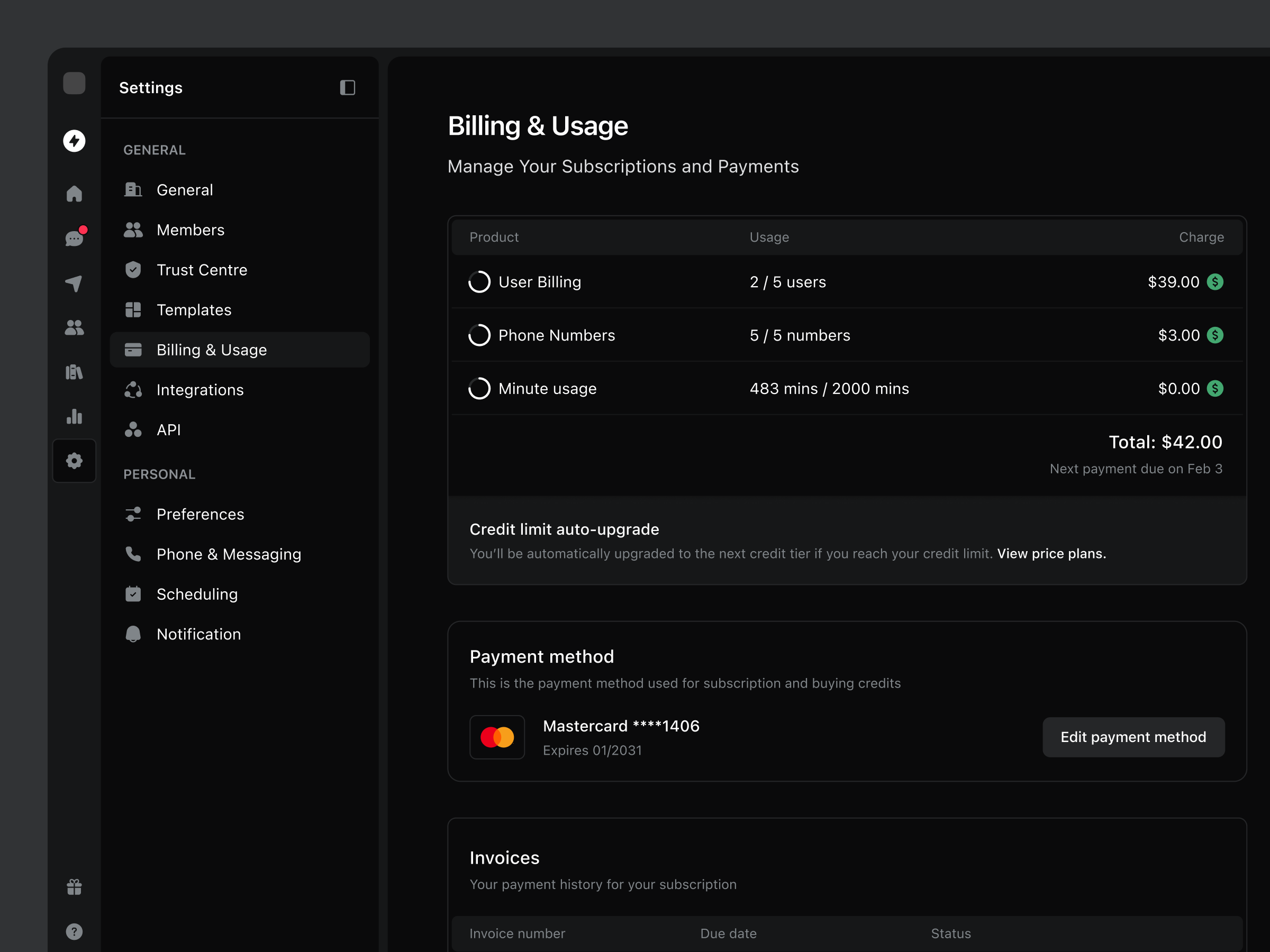
Billing & Usage Settings / Dark Mode

Fey Earnings

AI Assistant - Motion Interaction - Dark theme
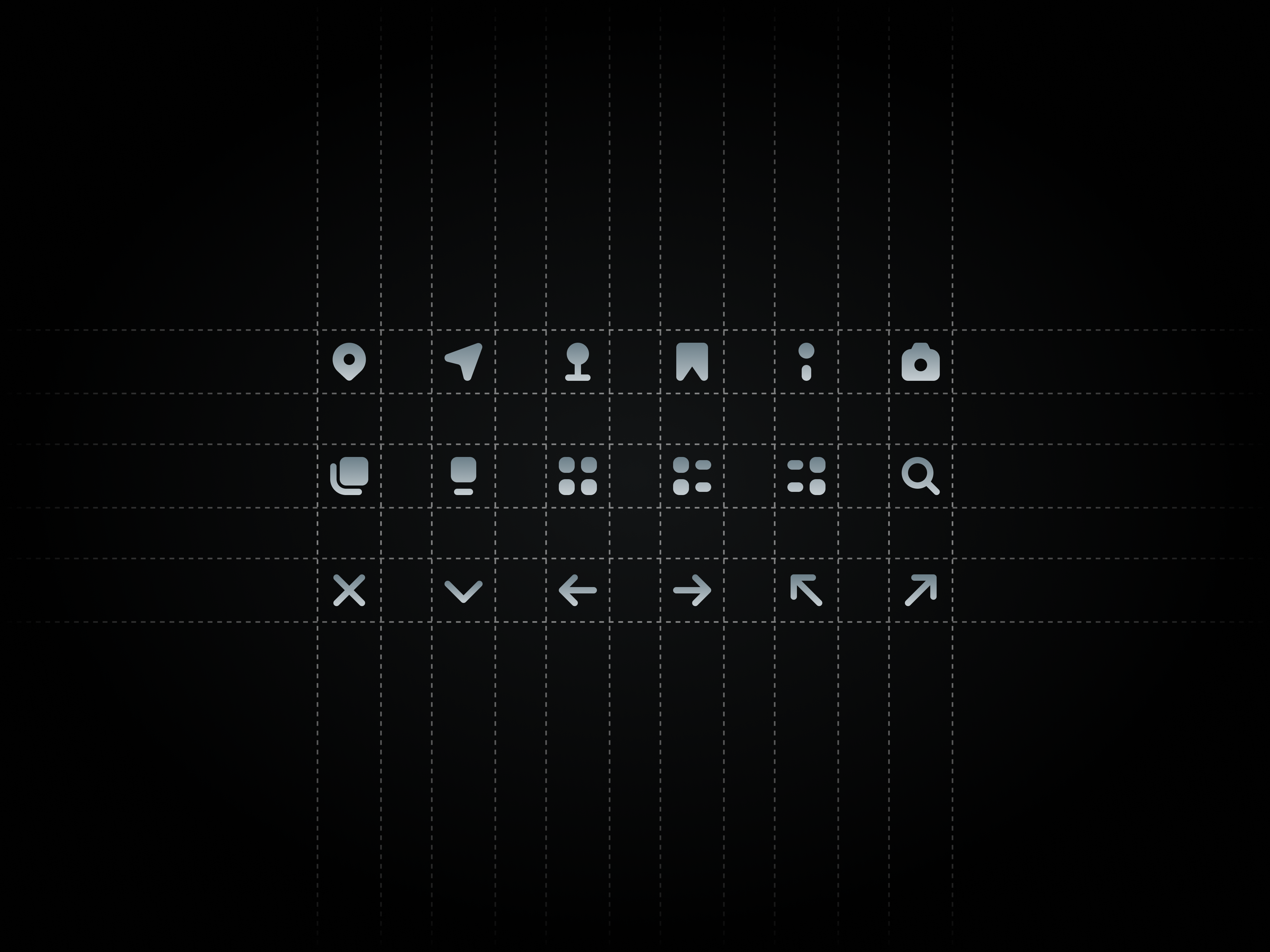
12px Custom Dark Mode Icons

Time Drift

Coaching Dashboard - Dark Mode
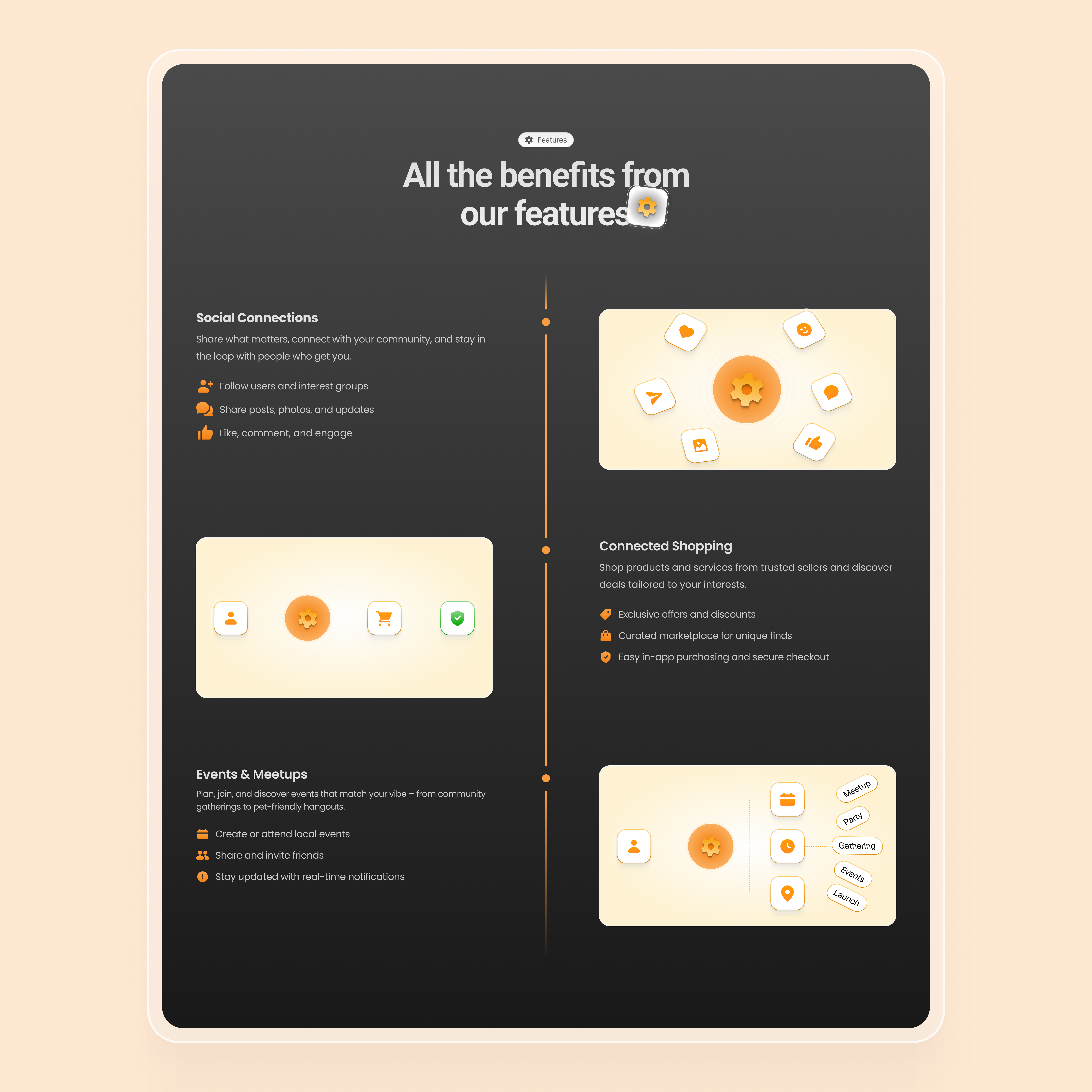
Features Section - Dark UI
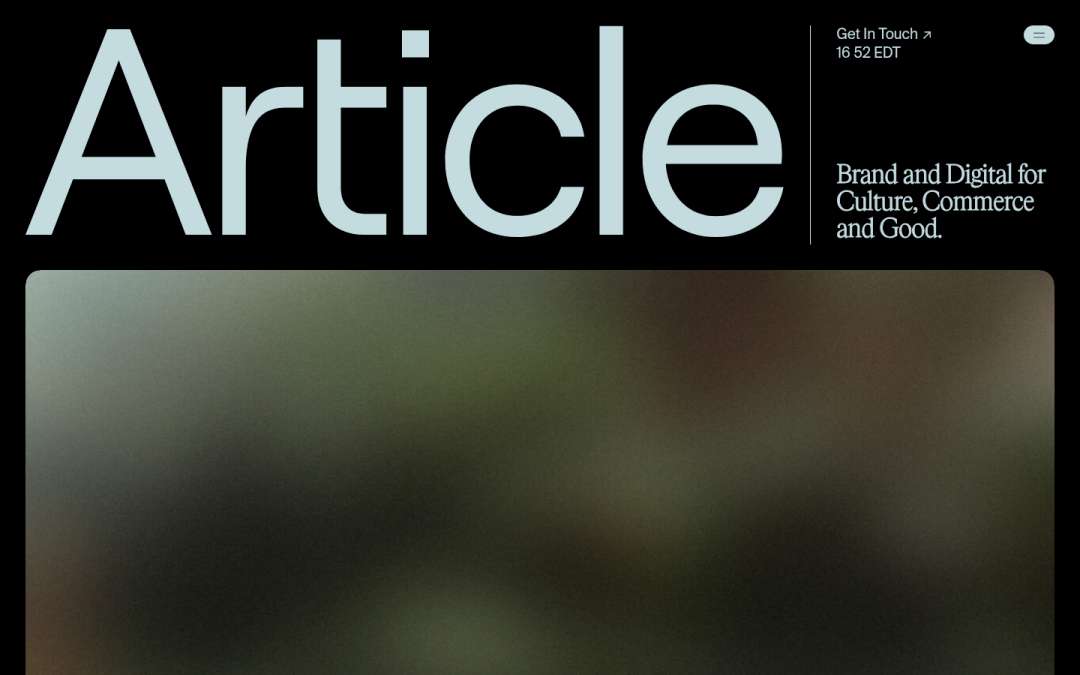
Article

Dark Mode Search Modal
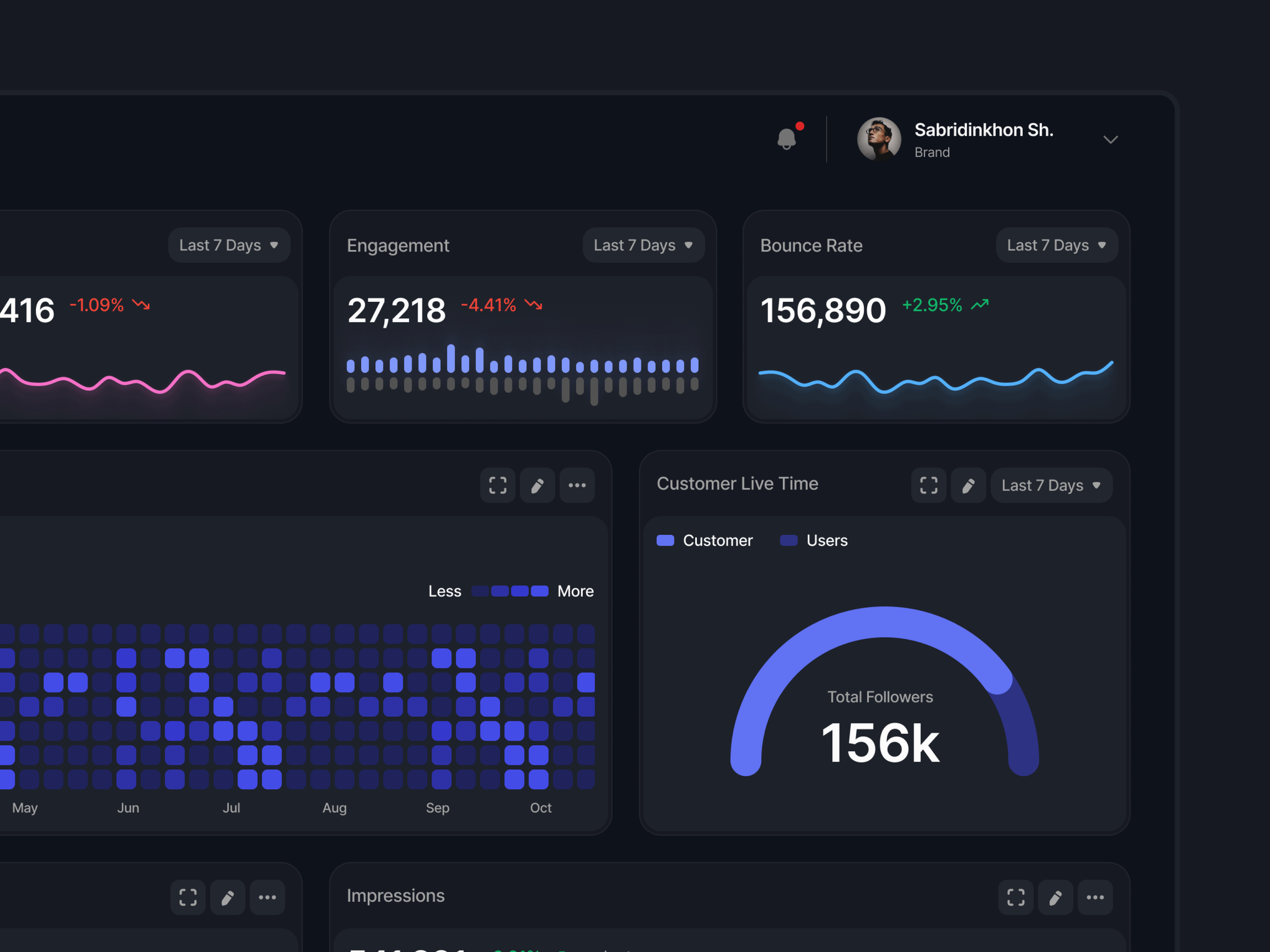
Dashboard - Social Media Management Dark Mode

ZBS
This is 1% of what Muzli shows you.
Get the rest — fresh design inspiration on every new tab, free.
Add Muzli — freeZBS
Get access to thousands of freshly updated design inspiration pieces by adding Muzli to your browser.
Loved by 900k designers worldwide, Muzli is the leading go-to browser extension for creative professionals.
Dark Modes: Why and How
Dark mode, sometimes referred to as night mode, has become an increasingly popular feature in UI/UX design. As its prevalence grows, the question arises: Why should applications adopt dark mode, and how should it be implemented effectively? Let's delve into the reasons and best practices.
Why Adopt Dark Mode?
1. Eye Comfort
In low-light environments, a bright screen can strain the eyes. Dark mode reduces the amount of light emitted by screen displays, thus minimizing eye fatigue and reducing the risk of blue light exposure, which can interfere with sleep patterns.
2. Power Efficiency
For devices with OLED or AMOLED screens, pixels are individually lit. Dark mode reduces power consumption as fewer pixels need to be lit, especially if the background is pure black.
3. Aesthetic Preferences
Many users prefer dark mode simply because of its sleek and modern appearance. Offering a dark mode option can meet these aesthetic preferences and enhance user satisfaction.
4. Reduced Screen Glare
By decreasing the overall brightness of the screen, dark mode can reduce screen glare, making it easier to view content in various lighting conditions.
How to Implement Dark Mode Effectively:
1. Offer Flexibility
Provide users with an easy option to toggle between dark mode and the standard mode. Some users might prefer one mode over the other depending on the time of day or their activity.
2. Ensure Contrast
While the background is dark, it's essential to ensure that text and UI elements stand out sufficiently. This doesn't mean making them glaringly bright but ensuring that readability isn't compromised.
3. Test Extensively
Ensure that the dark mode theme is tested extensively across different devices and screen types. Colors might appear differently on various screens, so it's crucial to ensure consistency.
4. Adapt Icons and Graphics
It's not just about inverting colors. Icons, images, and other graphic elements may need to be tweaked to fit the aesthetics of dark mode, ensuring they are visible and appear coherent.
Conclusion:
Dark mode isn't just a trendy feature; it offers genuine benefits in terms of user comfort and power efficiency. By understanding the reasons behind its adoption and following best practices in implementation, designers can create an optimal dark-themed user experience.