
Calendar design examples
Hundreds of creative, innovative, well designed user calendar ideas & examples.
Muzli collects new design work from 200+ sources every day. This collection picks the best of it and changes as new work comes in.
5 new this monthLast update:

Calendr - Booking Service Appointment Calendar Mobile Kit

PNL Calendar - UI Design 🪄

Calendar | Google Drive - Store, access, and scan files
Daily UI 005 — Sunrise Calendar App Icon

Calendar — Untitled UI

Calendar | Craft - Notes, document, AI

Calendar app - Set your availability Supermega Design

Calendar | Apollo - AI sales platform
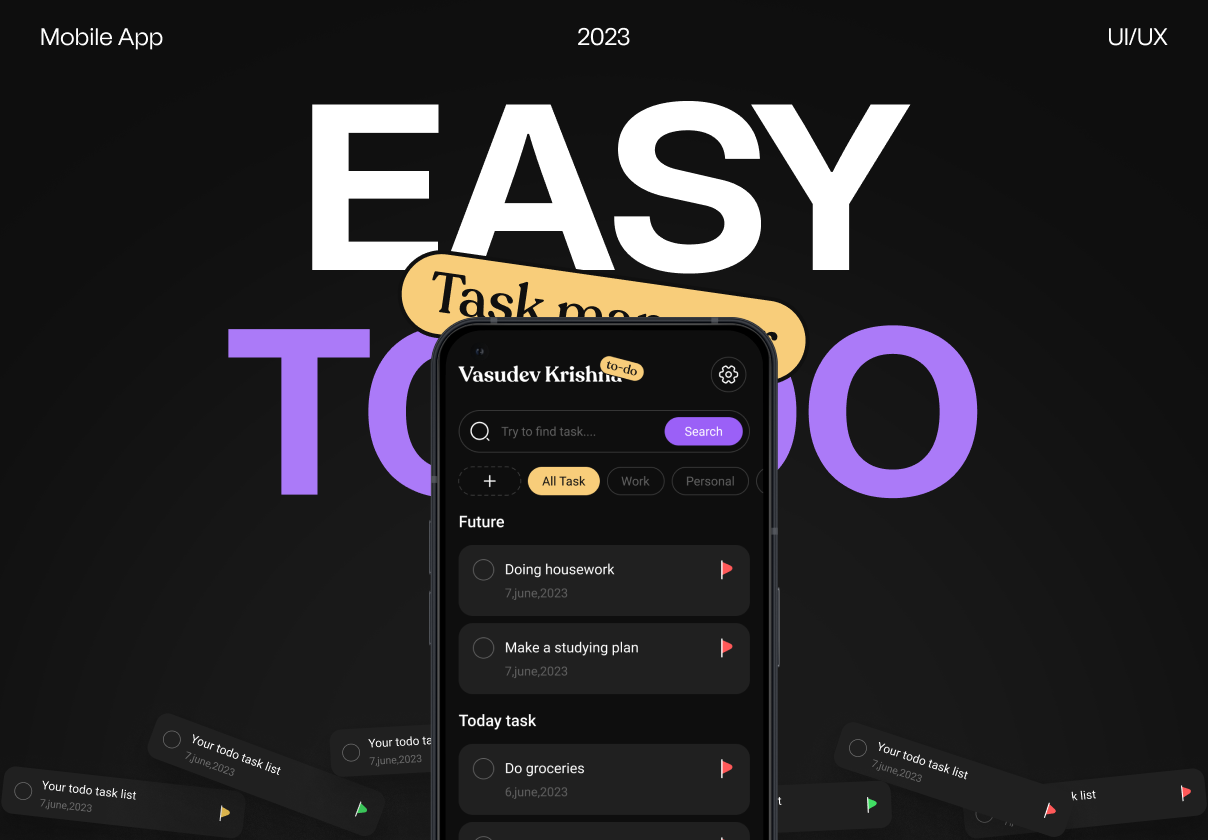
TEasy Todo: TaskList & Calendar App UI Kit
/417505be-bf8d-4137-ade9-f7ad6dd1780a-thumb.jpeg)
Calendar dashboard

Calendar | Origin - All-in-one financial platform
This is 1% of what Muzli shows you.
Get the rest — fresh design inspiration on every new tab, free.
Add Muzli — free
Ofative - Calendar Dashboard App UI KIT

Productivity Dashboard & Calendar Mobile App

Calendar | Apple Wallet - Apple Pay, Apple Card, and more
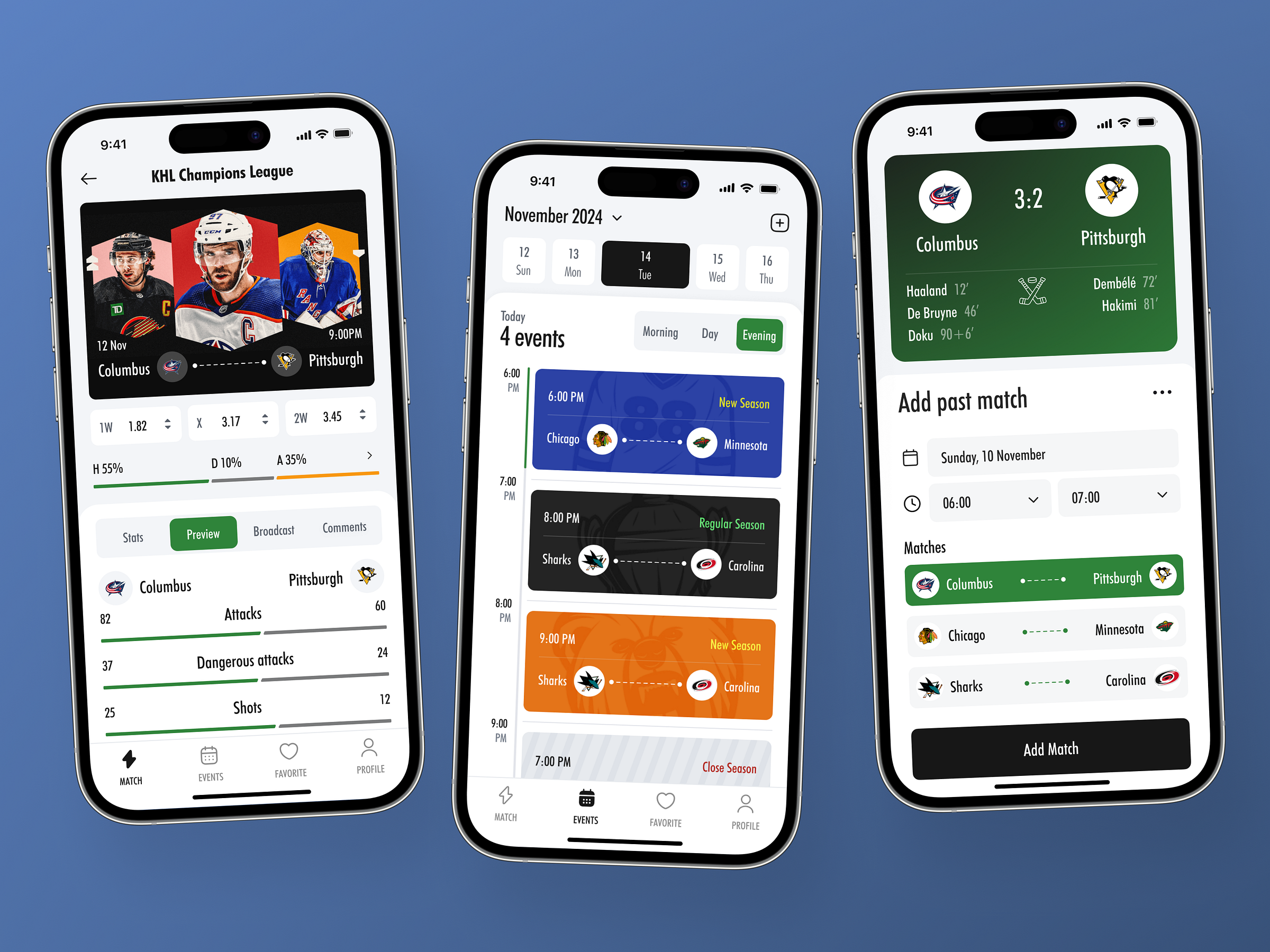
Sports Calendar Mobile App
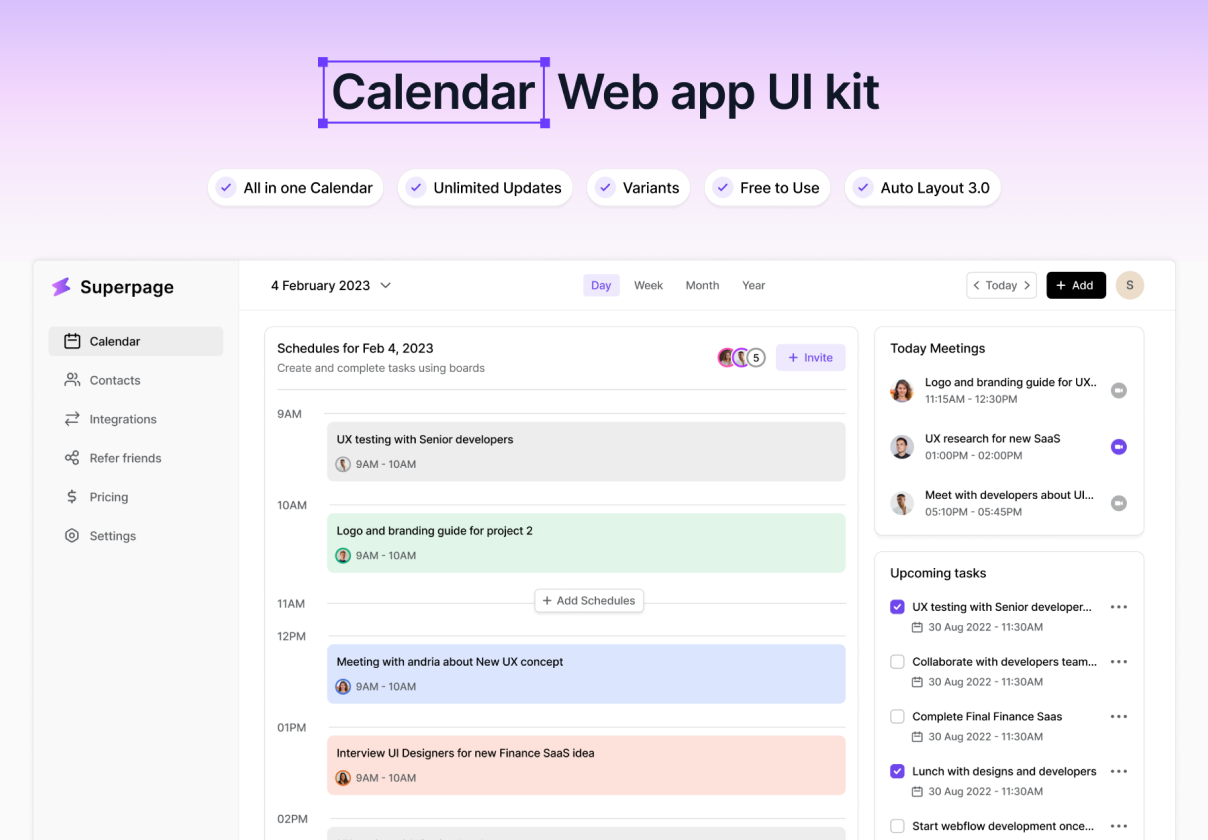
Calendar Web app UI kit

Futuristic AI-Powered Web Healthcare Dashboard ft. Calendar

Calendar | Deel - Global payroll, compliance, HR solutions
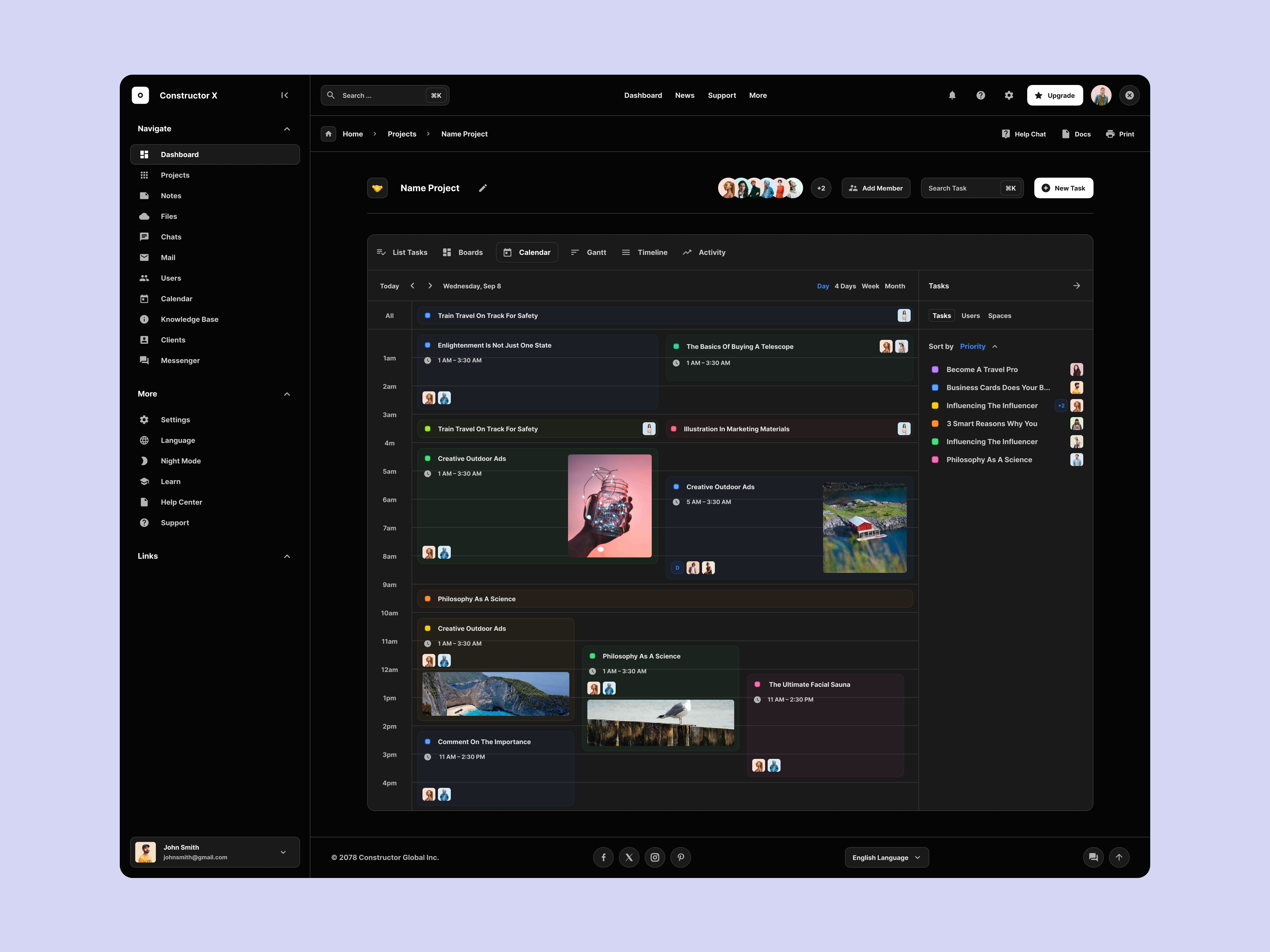
Task Calendar UI

Calendar Booking App

Calendar | Toggl Track - Time tracking for any workflow
/5dc2a428-8709-473a-8c36-5dbc97b8a28a-thumb.jpeg)
Subscriptions Calendar UI

Travel Calendar - Trip Booking App
This is 1% of what Muzli shows you.
Get the rest — fresh design inspiration on every new tab, free.
Add Muzli — free
Calendar | Fibery - Your company’s operating system
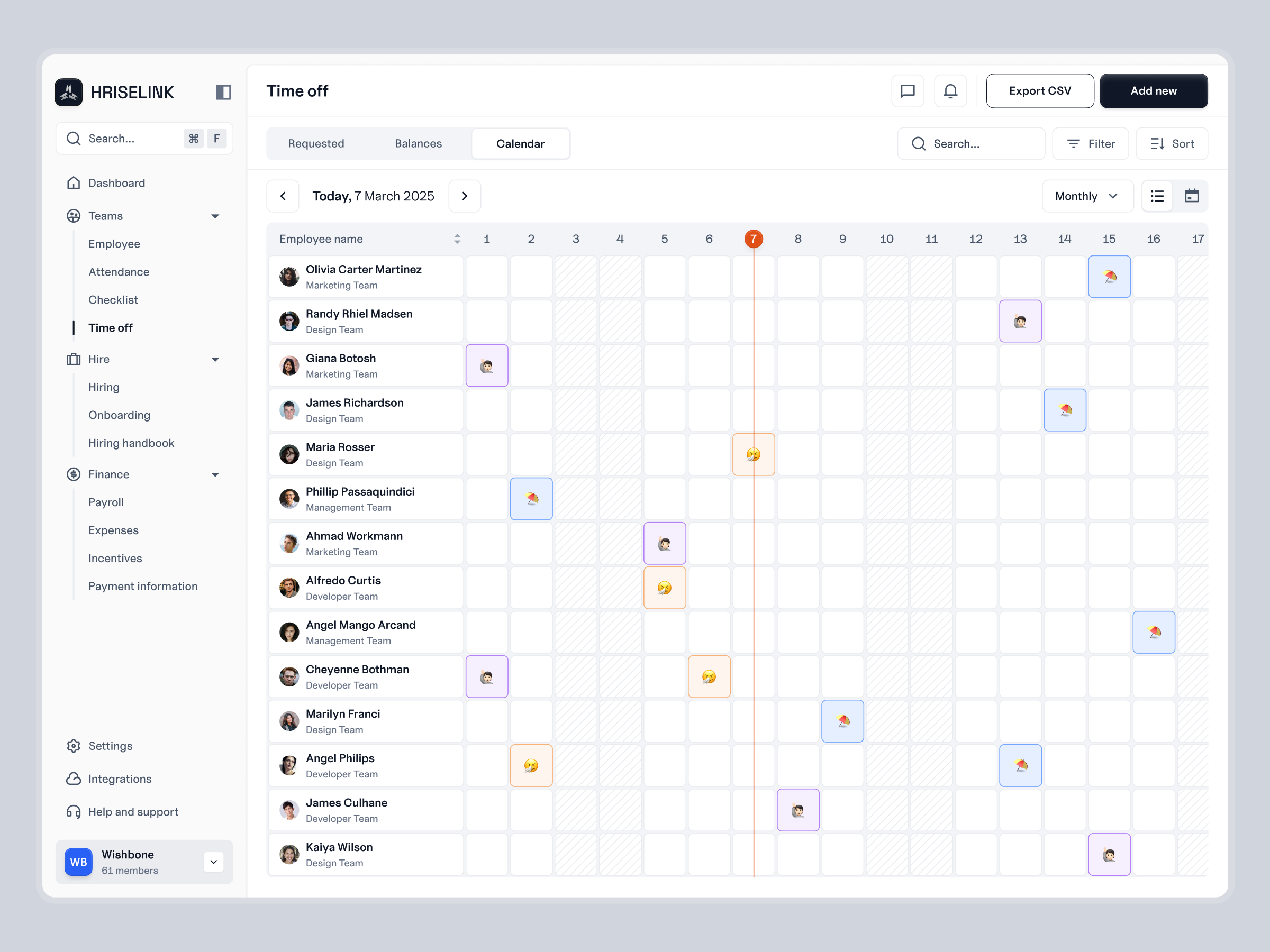
HRISELINK - Time Off Calendar UI

Taskboard - Calendar Task Management Dashboard Webapp Saas

Calendar | Alma - Track, learn & discover food
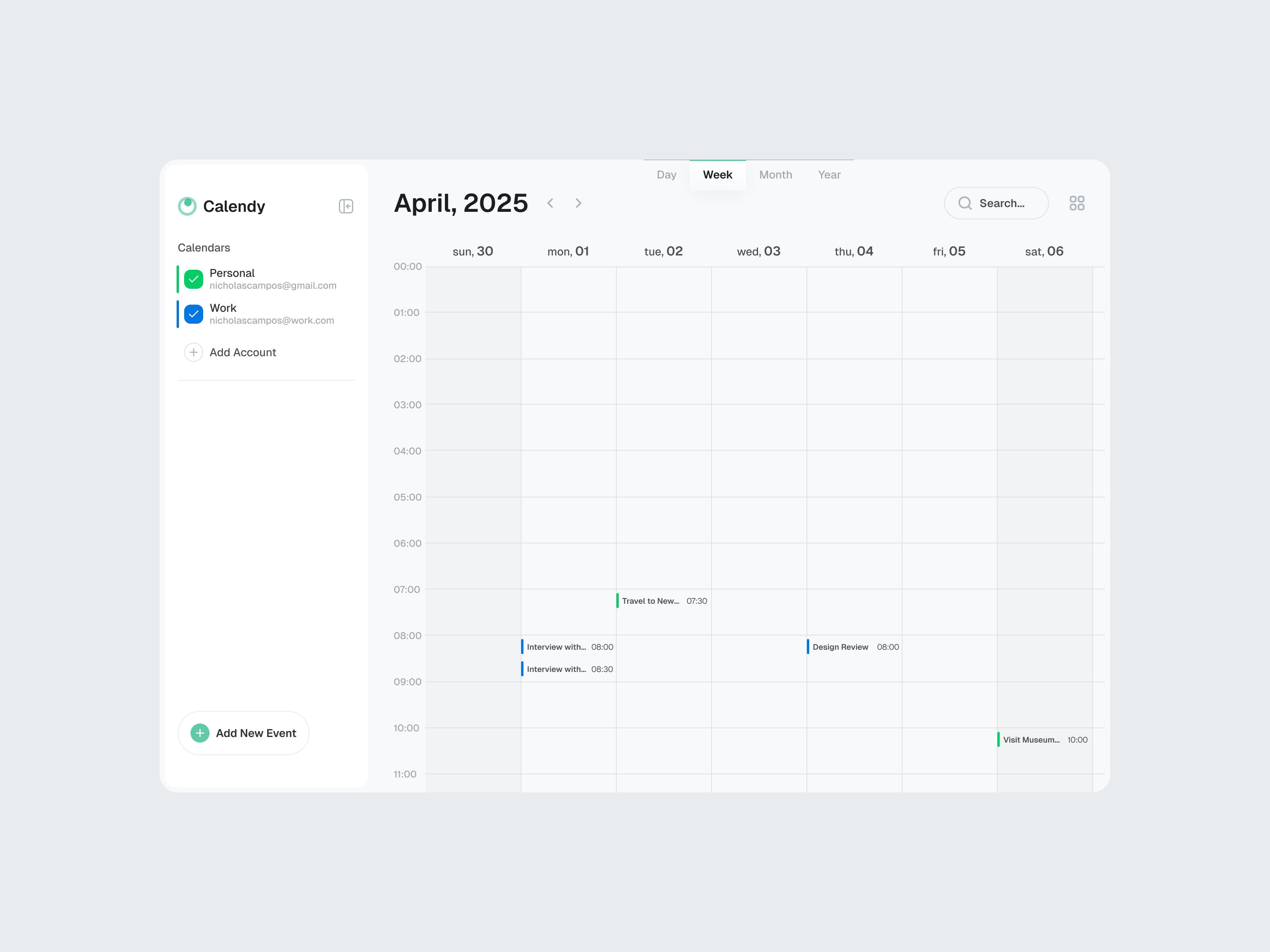
Calendar App Concept

nightingale v3: Medication Calendar Prescription Schedule UI

Calendar | Kiwi.com - Cheap flights

Calendar Plan - Tasks Events App #DailyPractice

Calendar Ui Design
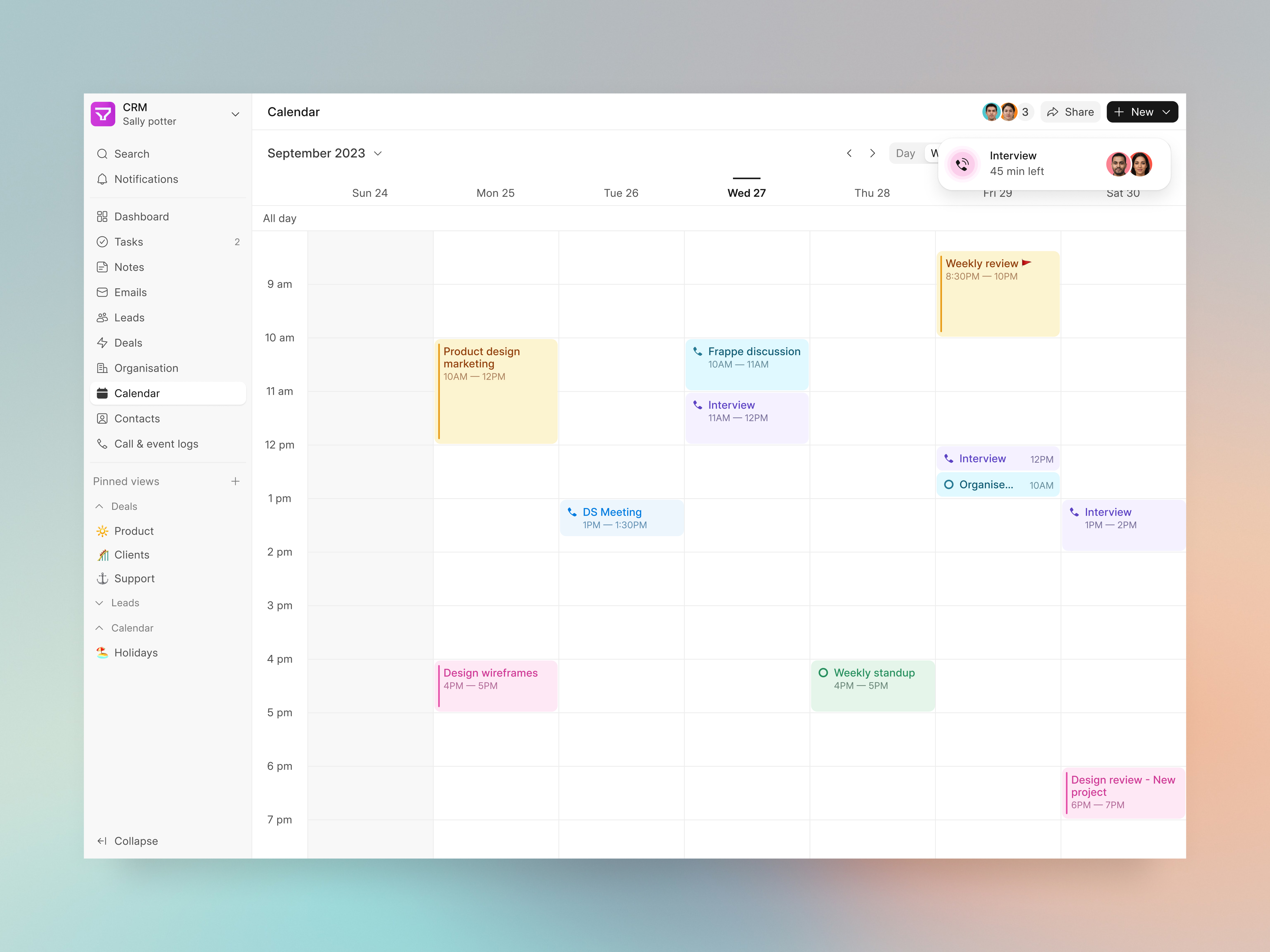
Clean & Functional — Calendar UI for Frappe CRM

Calendar | Jobber - Invoice, schedule, dispatch
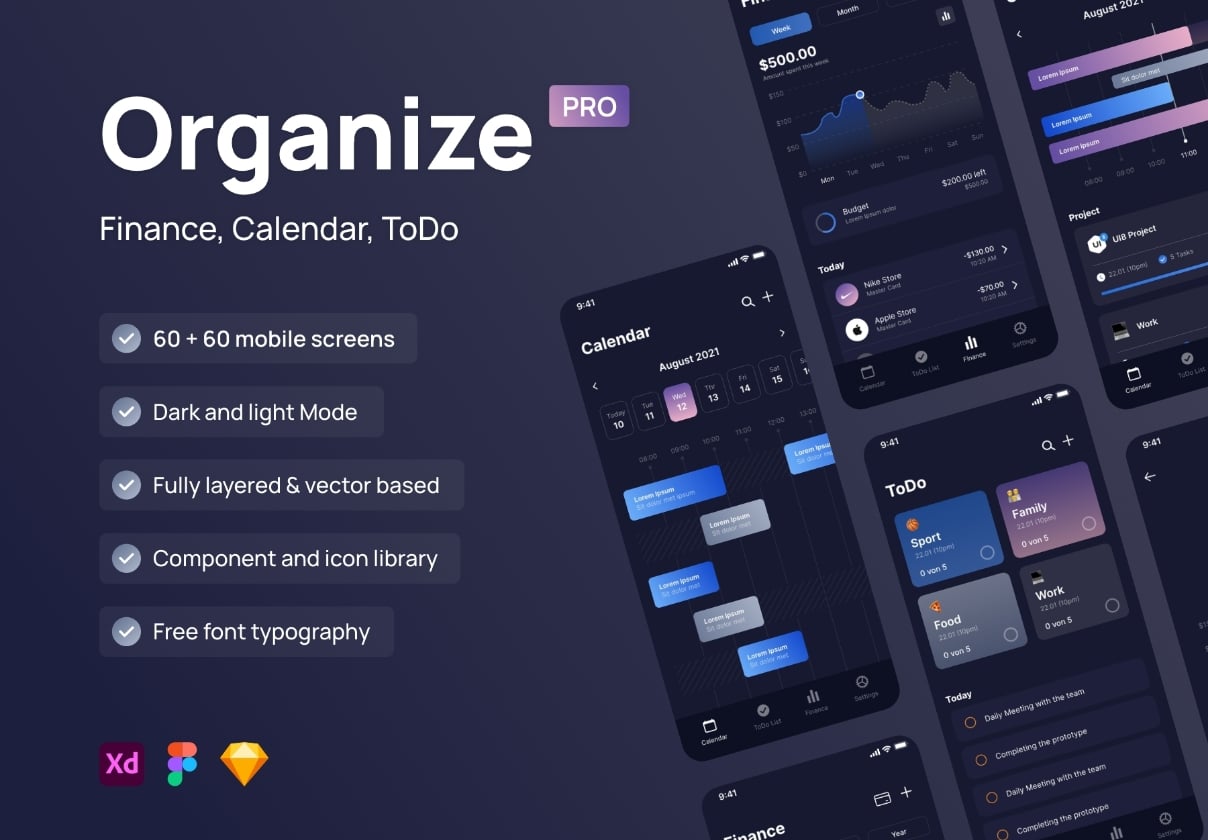
Organize Pro – Finance, Calendar and ToDo UI Kit
This is 1% of what Muzli shows you.
Get the rest — fresh design inspiration on every new tab, free.
Add Muzli — free
Smart Calendar Mobile App UI — Modern Scheduling Experience
/7f56591f-5051-4a18-b10b-eca647e52246-thumb.jpeg)
Calendar & Scheduling App

Calendar | Remote Global HR - HR & contractor management
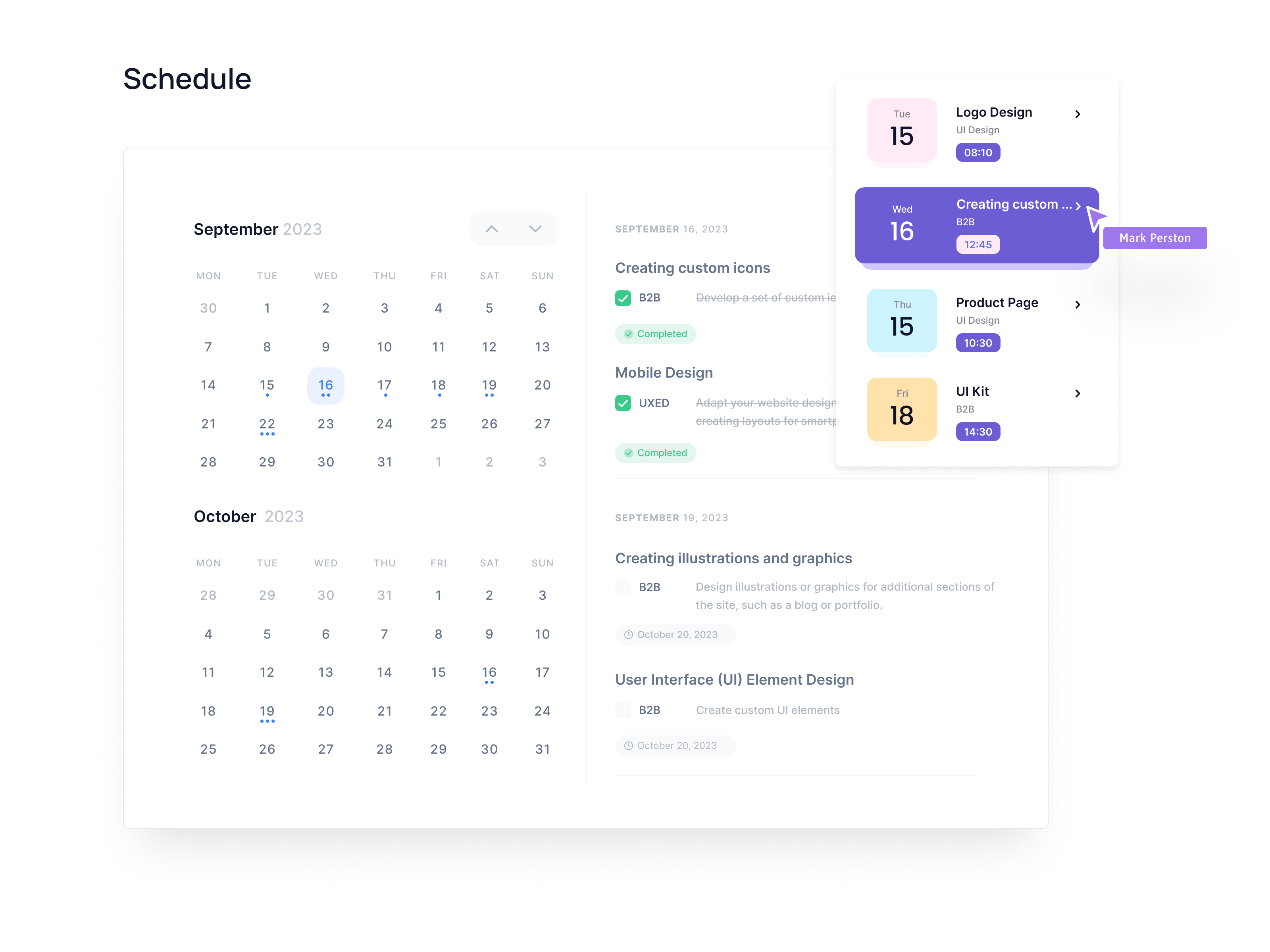
Dashboard: calendar | Schedule

Register point of sales and calendar ipad app

Calendar | Fresha - Book your appointments
/26d3af03-c266-4ede-85d9-92dcf5ac78fa-thumb.jpeg)
Calendar Widget Interaction

Task Management App – Calendar page design

Calendar | Turo - Car rental marketplace
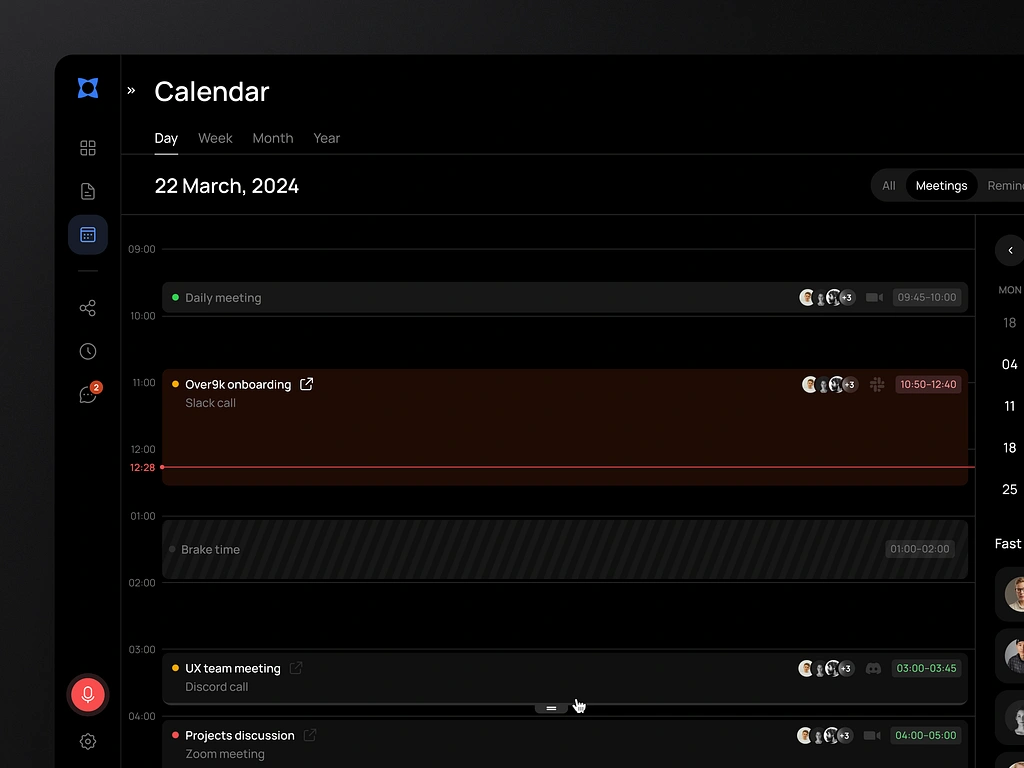
Team Management Calendar UI Dashboard

Task Management Dashboard - Calendar Page

Calendar | Copilot - Track & budget money
This is 1% of what Muzli shows you.
Get the rest — fresh design inspiration on every new tab, free.
Add Muzli — free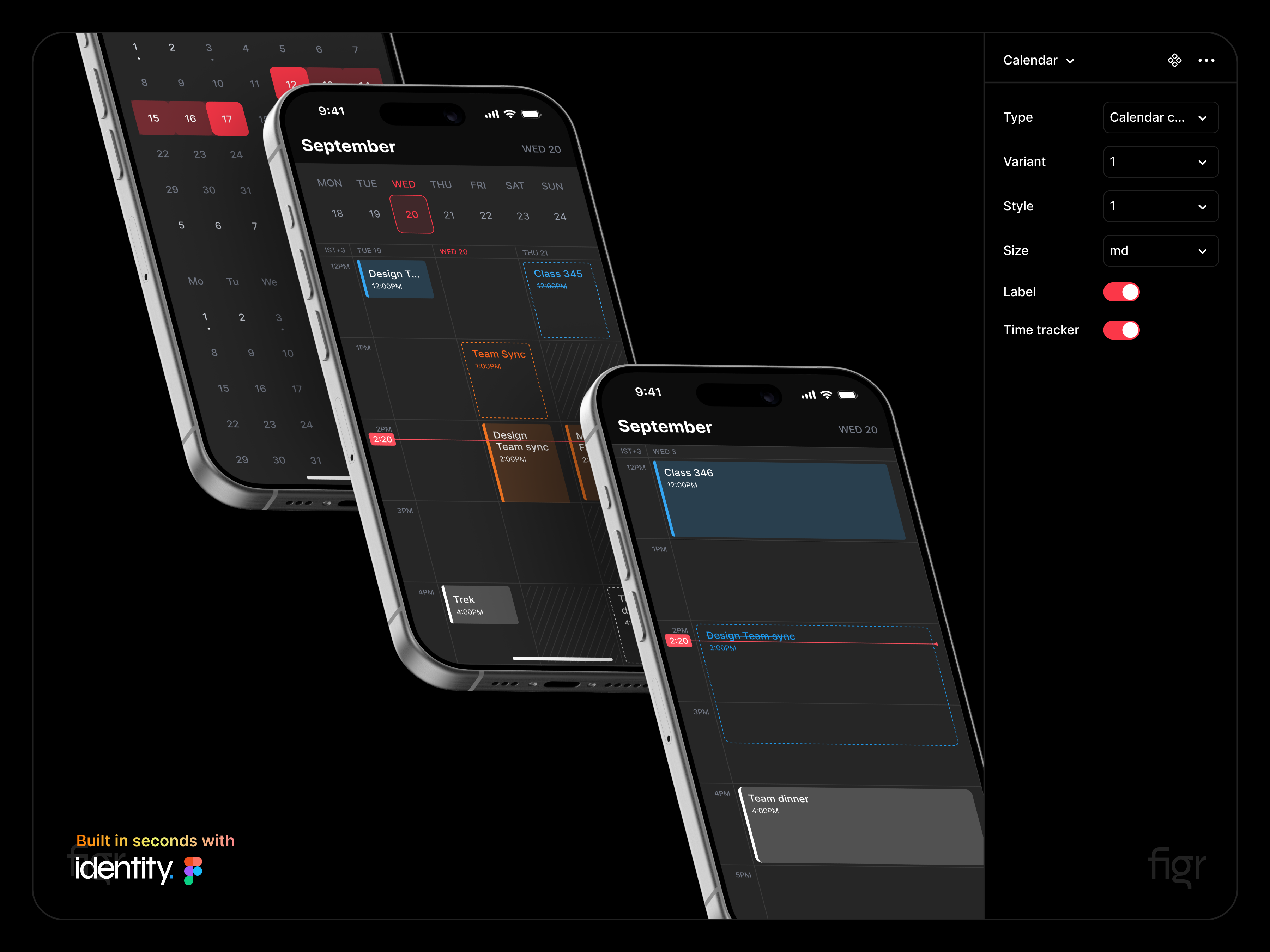
Made using Identity - Calendar UI

SaaS Agency Ops Calendar UI UX Design | QuickSuite

Calendar | Lloyds Mobile Banking - Your bank in your pocket
/0b3e4d53-bb77-4106-a379-69ef90cd8b18-thumb.jpeg)
Recreated a todo and calendar app

Dayli - Calendar Dashboard

Calendar | Linear - The system for product development
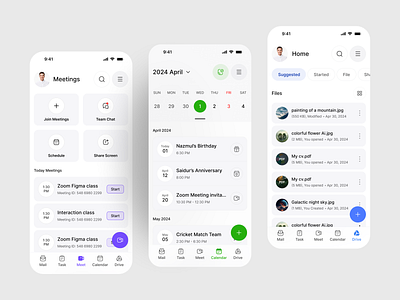
Unify Super App - Meet, Calendar, Drive.

Calendar | Apple Photos - Photo & video
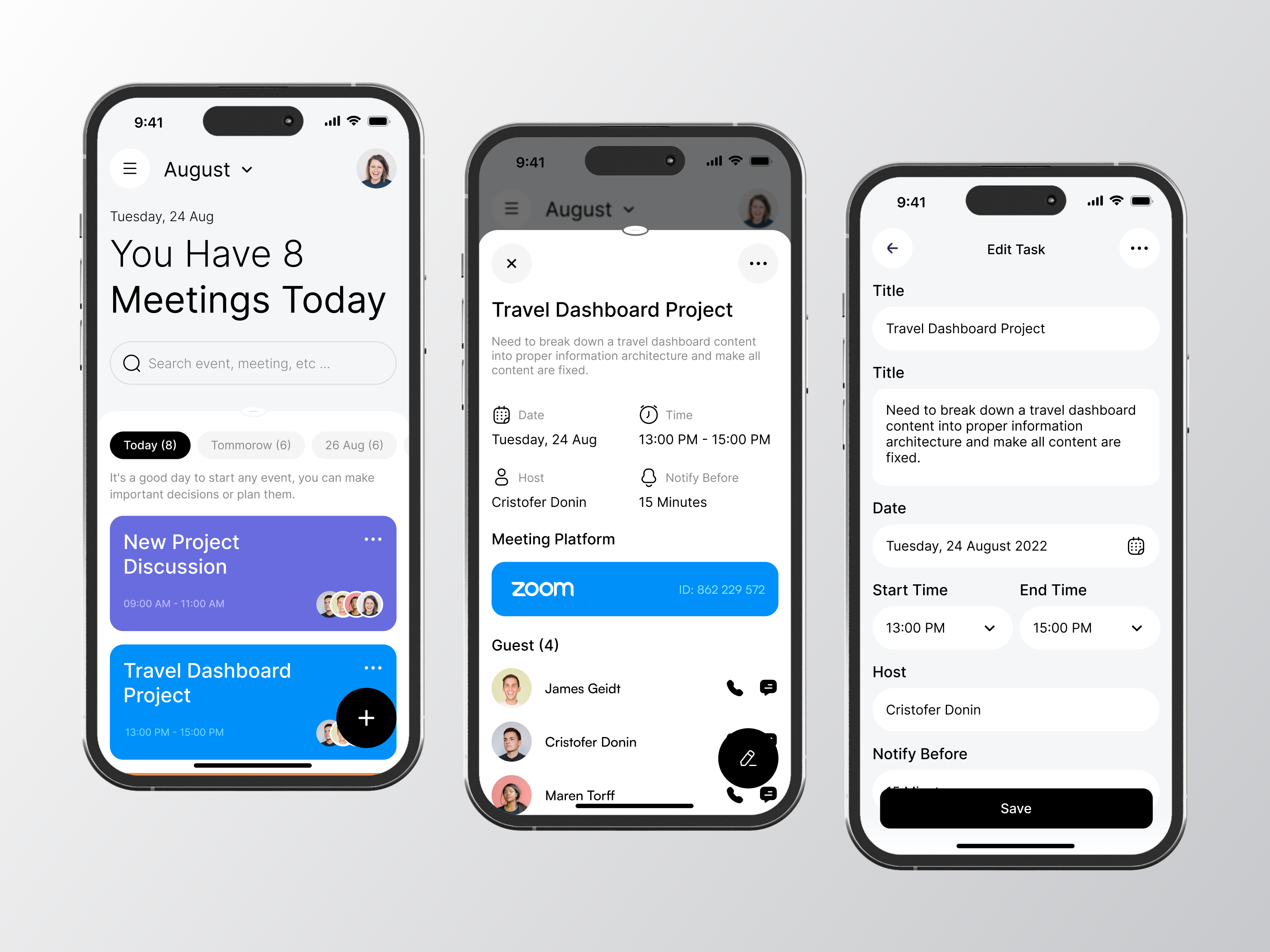
Clendy - Calendar Mobile App

Calendar | Gusto - Growing the small business economy

AI Productivity App | Personal Assistant, Tasks & Calendar UI UX
/filters:quality(100)/10b29fd5-814a-4cec-960a-267d924e3328-Dribbble-shot-HD-1-1-.png)
Calendar app for Life Events
This is 1% of what Muzli shows you.
Get the rest — fresh design inspiration on every new tab, free.
Add Muzli — freeCalendar app for Life Events
Get access to thousands of freshly updated design inspiration pieces by adding Muzli to your browser.
Loved by 900k designers worldwide, Muzli is the leading go-to browser extension for creative professionals.
What are the core design principles for calendar UI that actually works?
Calendar design is dense UI — it must display a large amount of structured temporal data at high information density without becoming cognitively overwhelming. The best calendar interfaces solve this through layers: a compressed monthly overview for navigation context, a detailed week or day view for active planning, and clear visual differentiation between today, selected dates, and event-occupied days. The fundamental tension in calendar design is between information completeness and visual clarity.
How should event density and overflow be handled in calendar grids?
Calendar grids overflow when more events exist than visible rows allow. The standard approach shows 2–3 events with a "+N more" overflow indicator — clicking it reveals a popover or expands the cell. Event styling should communicate category, duration, and status through color, length (in week views), and optional icons. In high-density calendars, color coding by category is essential — but must be backed by pattern or icon differentiation for color-blind users.
How do mobile calendar designs differ from desktop?
Mobile calendar design typically favors agenda view (chronological list) over grid view as the primary mode — grids become too small to be actionable below 360px width. Month view works as a compact navigation element at the top with the agenda list below a divider. Date selection patterns differ too: on mobile, a bottom sheet for date picking outperforms modal dialogs, and swipe gestures for month navigation are universally expected.
All collections
UI design
Screens & flows
Apps
Components
Kits, mockups & icons
Web design
Websites
Pages & sections
Graphic design
Posters & print
Marketing
Illustration & motion
Type & graphics
Branding
Logos & identity
Packaging & stationery