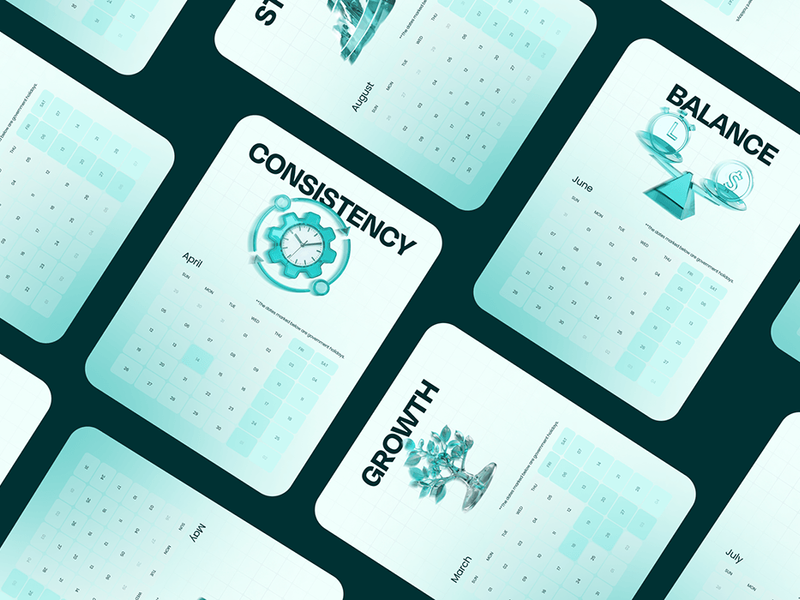
Design Inspiration
Calendar design examples
Hundreds of creative, innovative, well designed user calendar ideas & examples.
We curate topical collections around design to inspire you in the design process.
This constantly-updated list featuring what we find on the always-fresh Muzli inventory.
Last update:
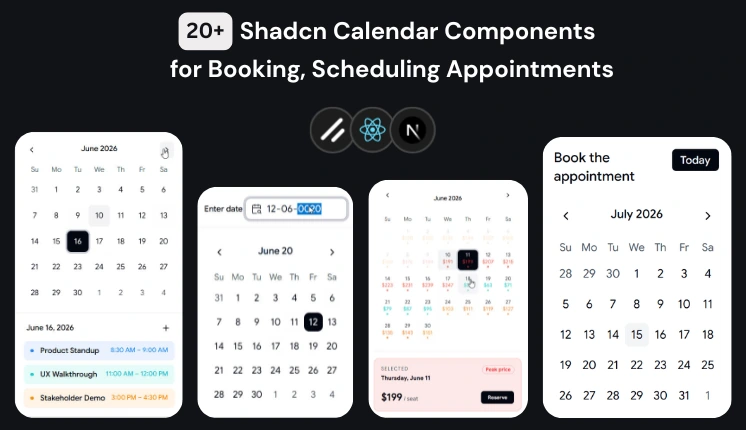
20+ Shadcn Calendar Components for Booking Platforms
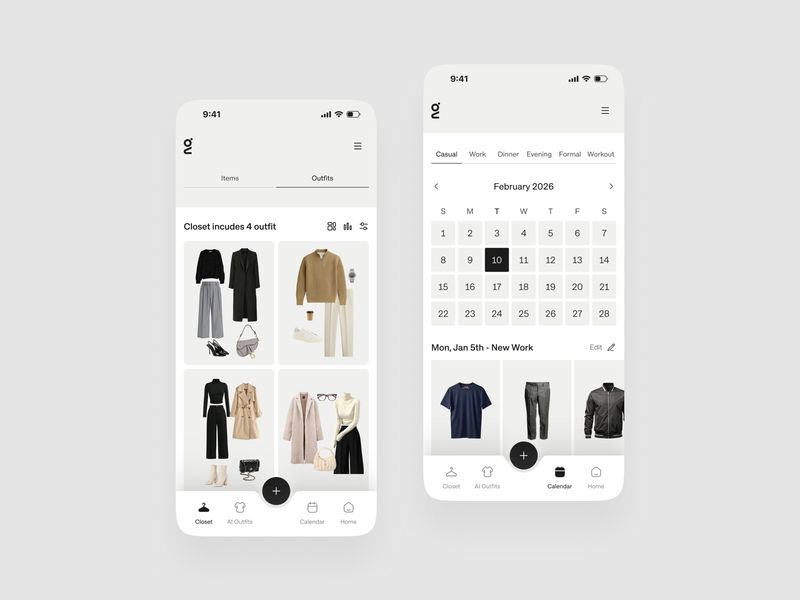
Digital Closet & Daily Outfit Calendar App UI/UX Design
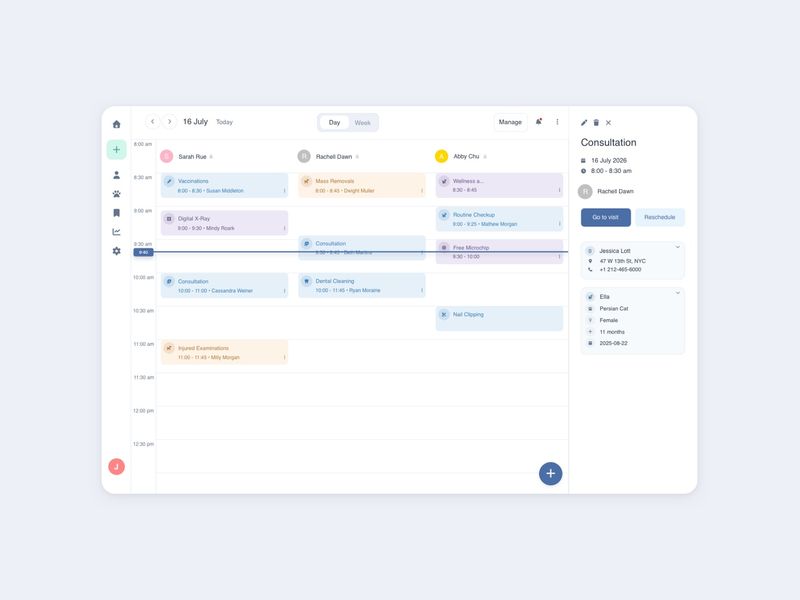
Calendar App - Day View UI | Figma Freebie | July 2026
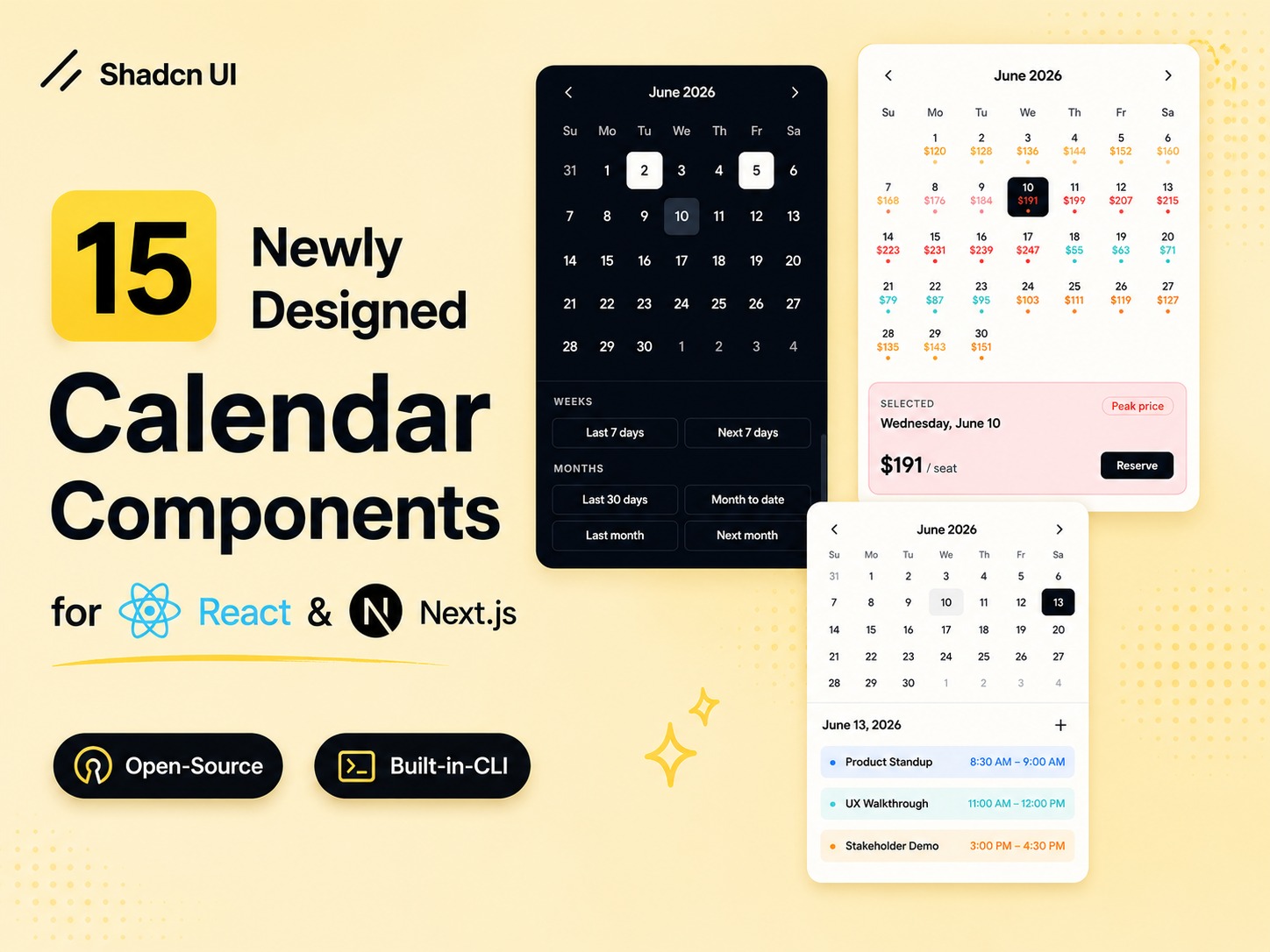
Newly Designed Shadcn Calendar Components for Booking UI
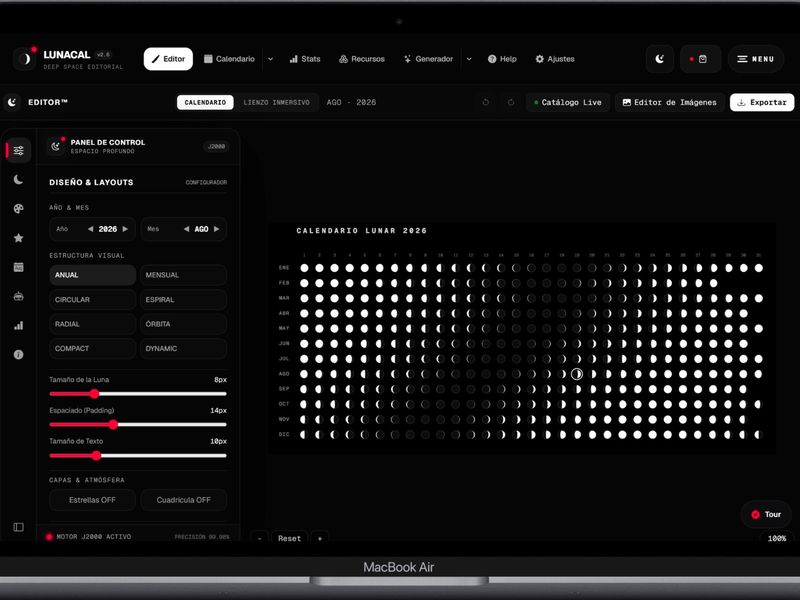
MoonCalendar Editor™
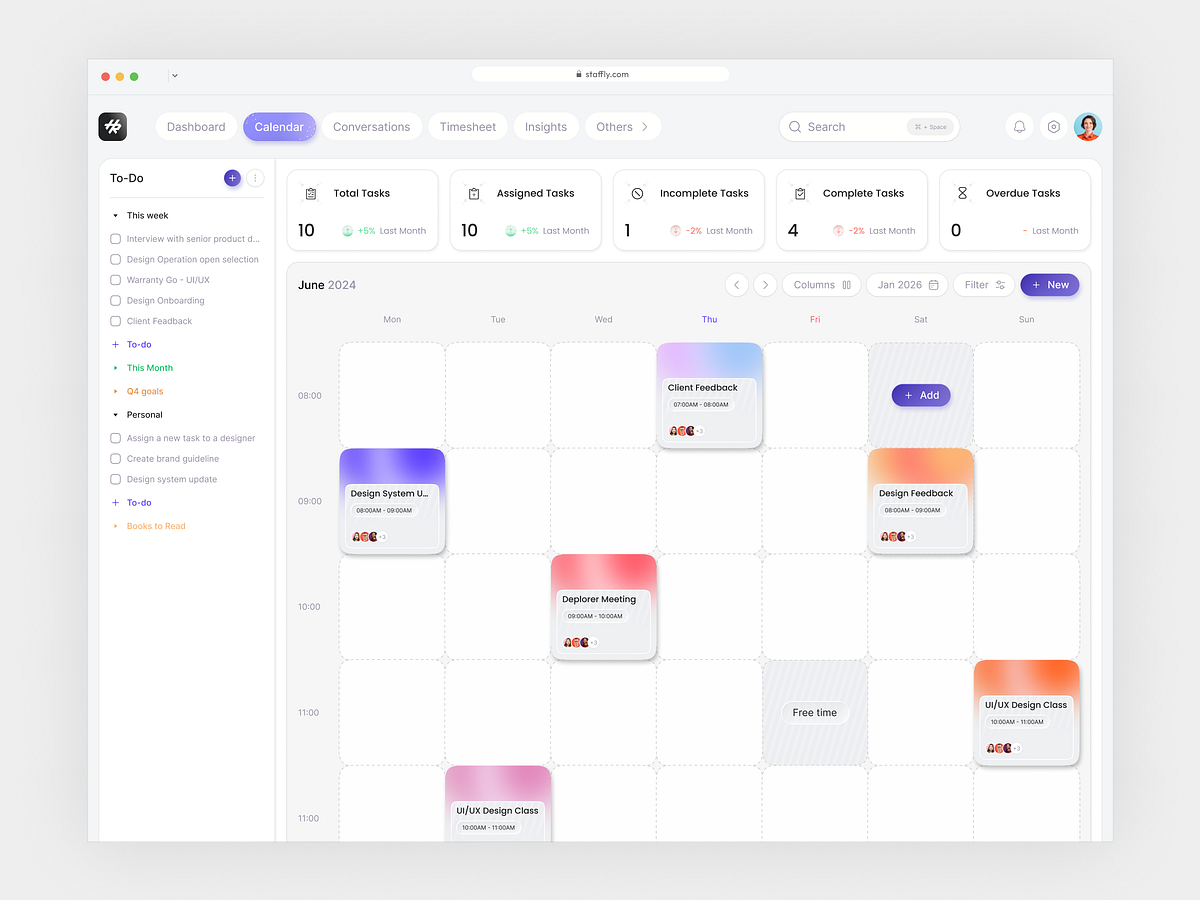
TaskFlow – Calendar & Task Management Dashboard
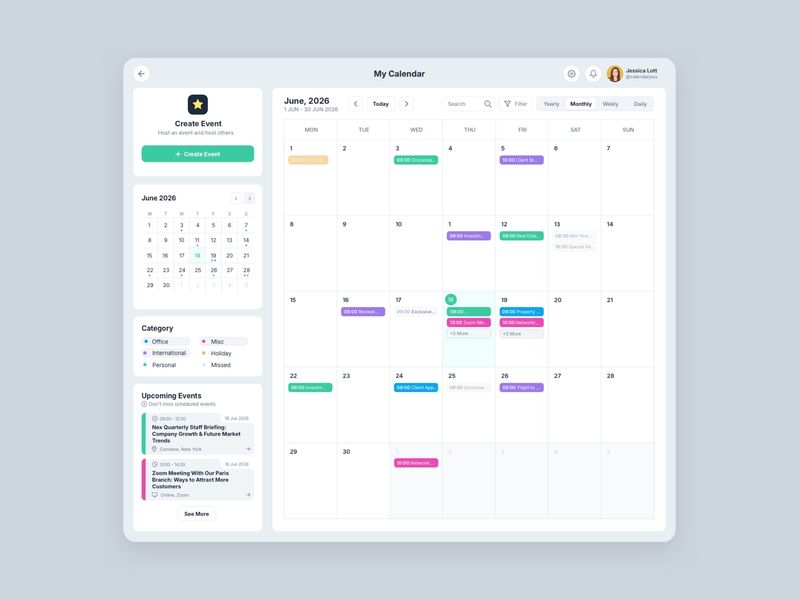
Calendar Dashboard UI - June 2026 | Figma Freebie
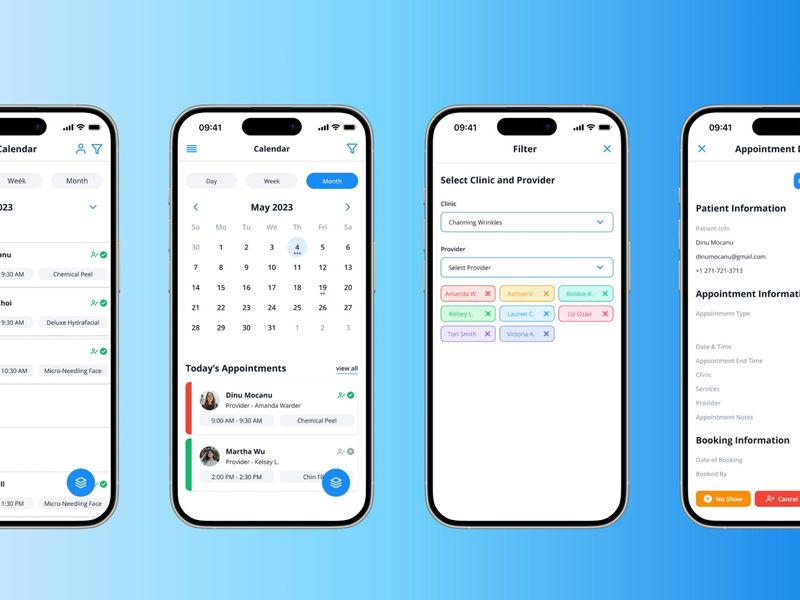
Smart Calendar Hub (Smart Scheduling)
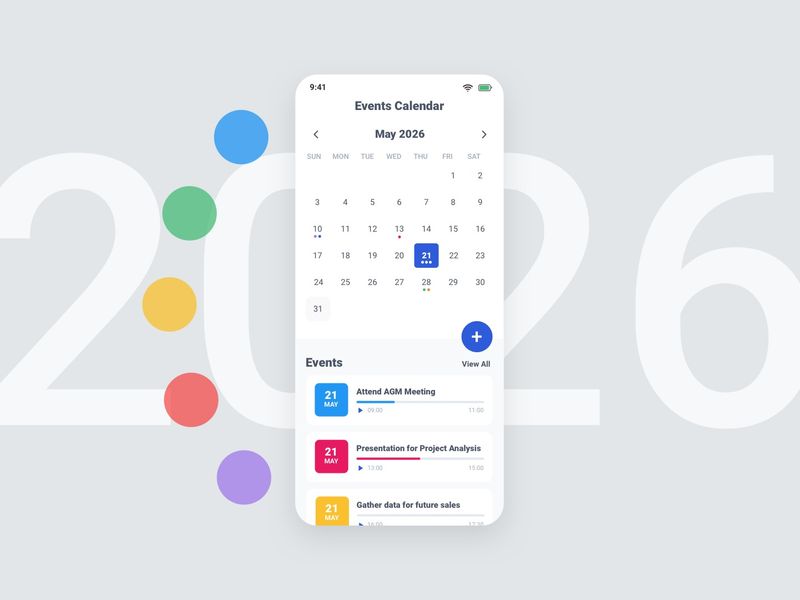
Mobile Calendar App May 2026 | Figma Freebie
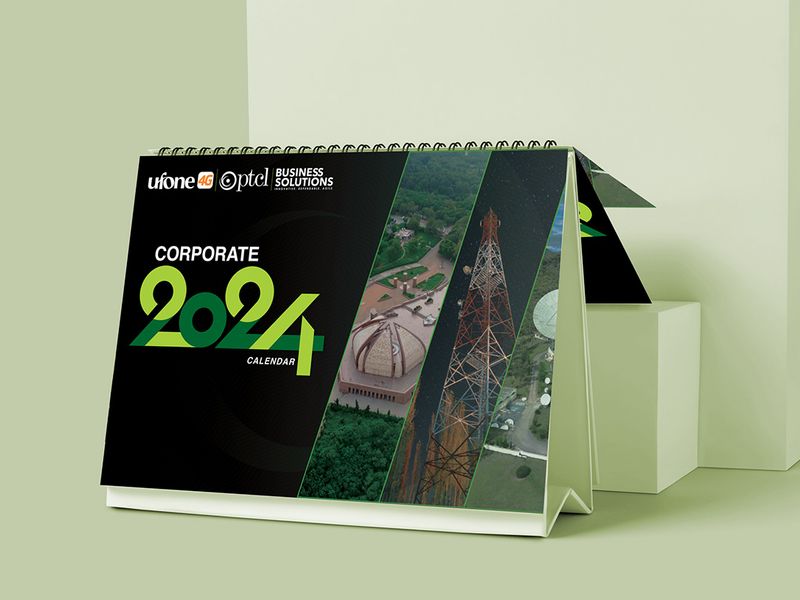
PTCL Ufone | Calendar 2024 Design
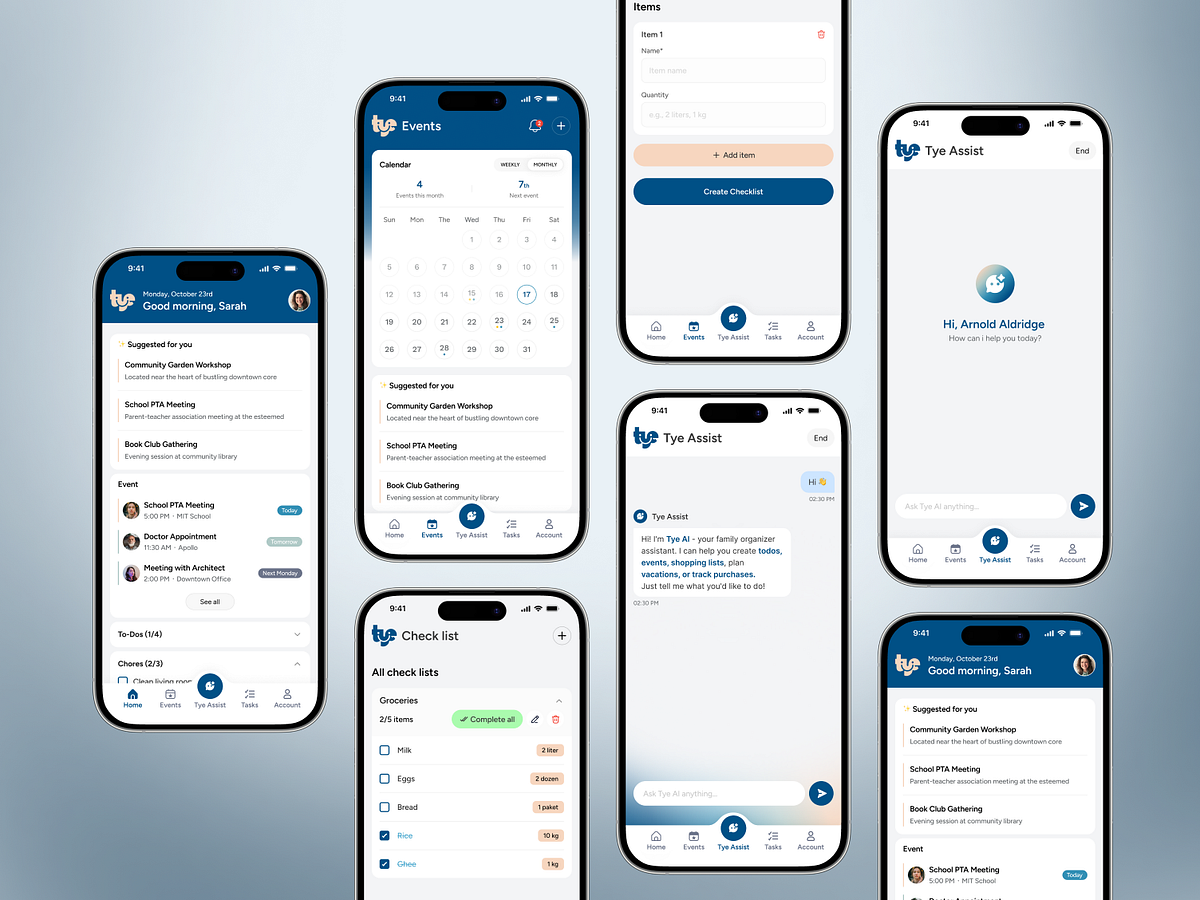
AI Family Organizer App | Family Calendar, Tasks & AI Assistant
This is 1% of what Muzli shows you.
Get the rest — fresh design inspiration on every new tab, free.
Add Muzli — free
Economic Calendar interface
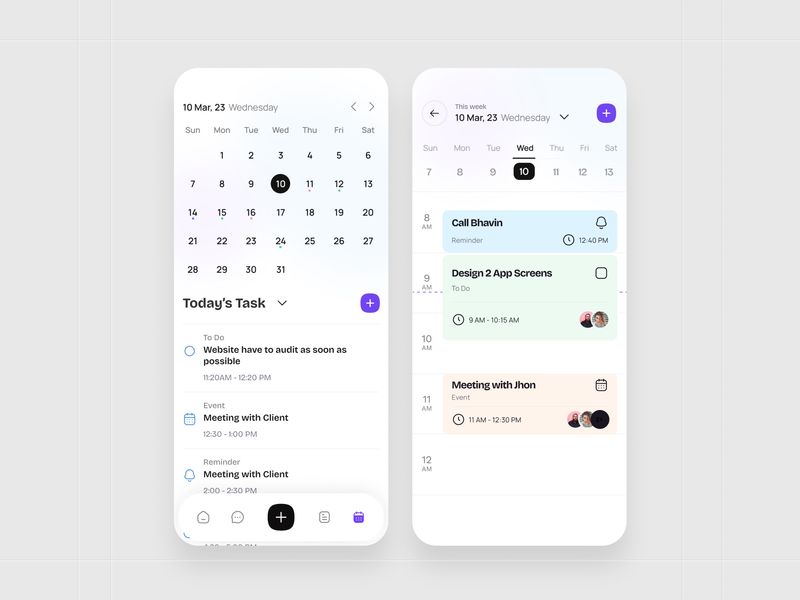
Task Management App UI – Calendar View & Daily Schedule Screens
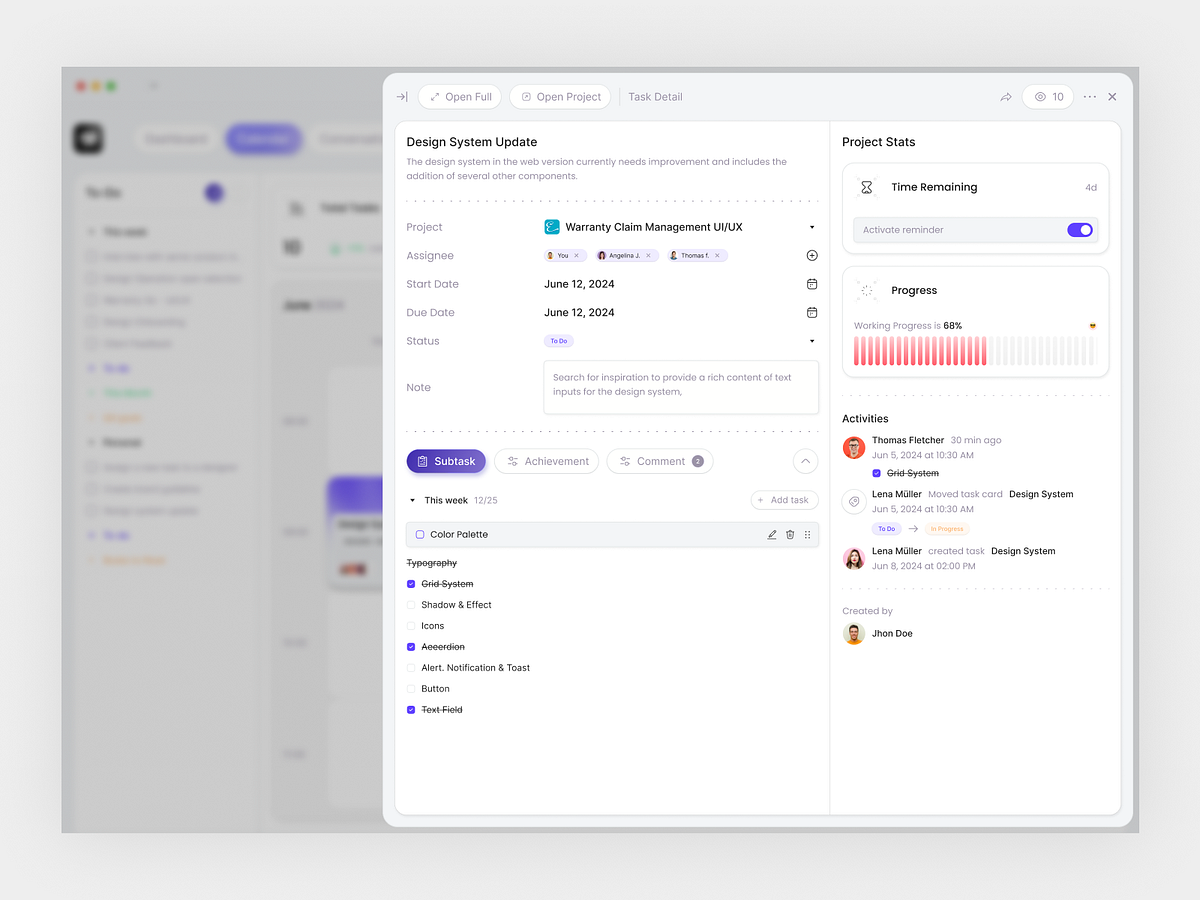
Task Detail Dashboard – Project Management SaaS UI
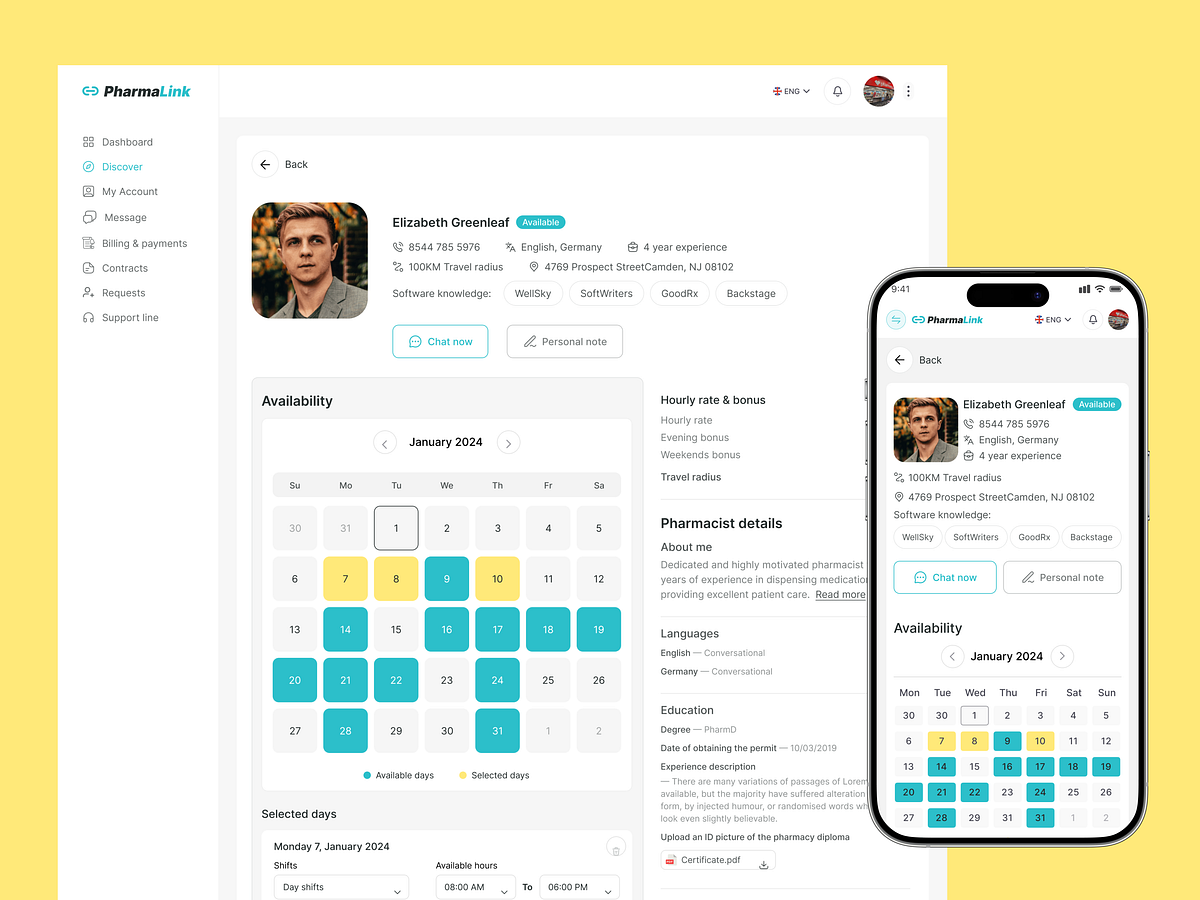
PharmaLink — Pharmacist Profile & Availability Dashboard
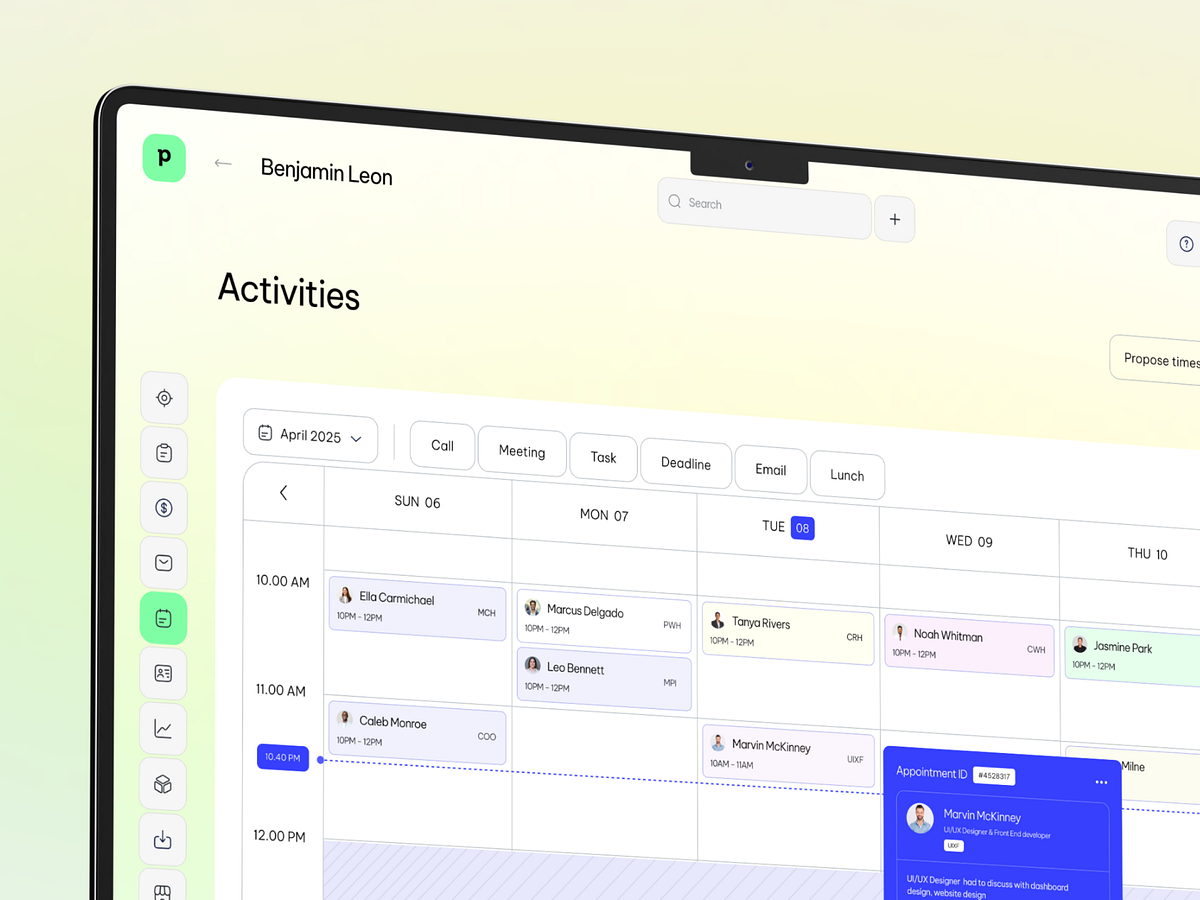
Pipedrive CRM - Calendar and Task Management Web App UI
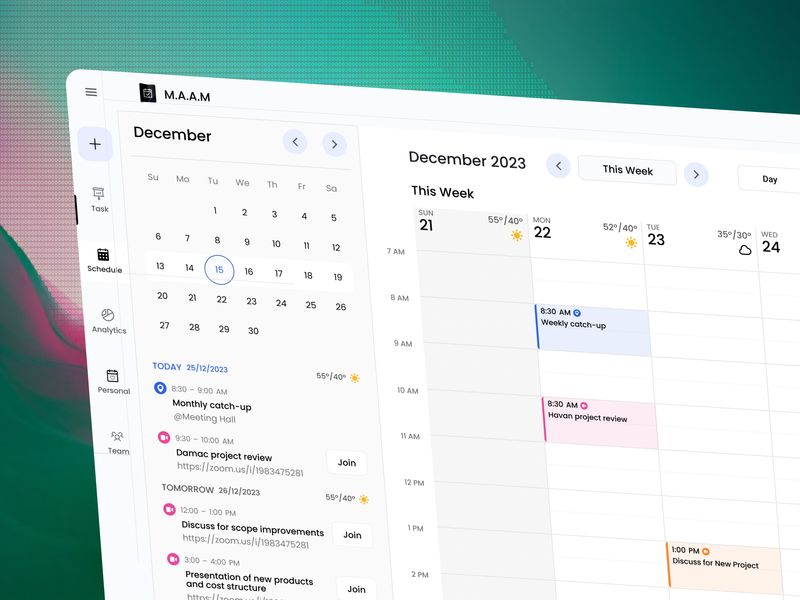
📅 Modern Calendar & Task Management Workspace Design
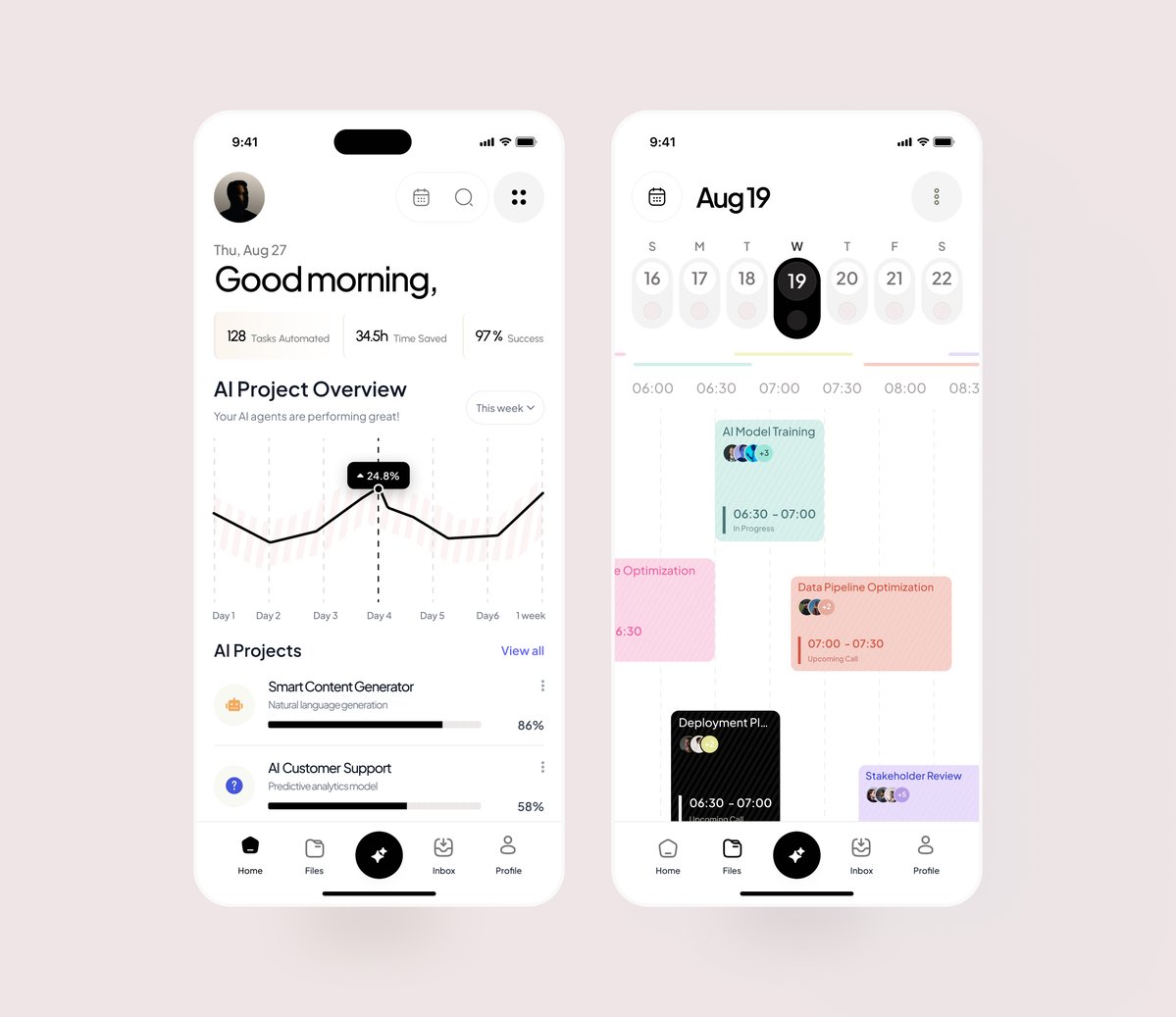
project management app
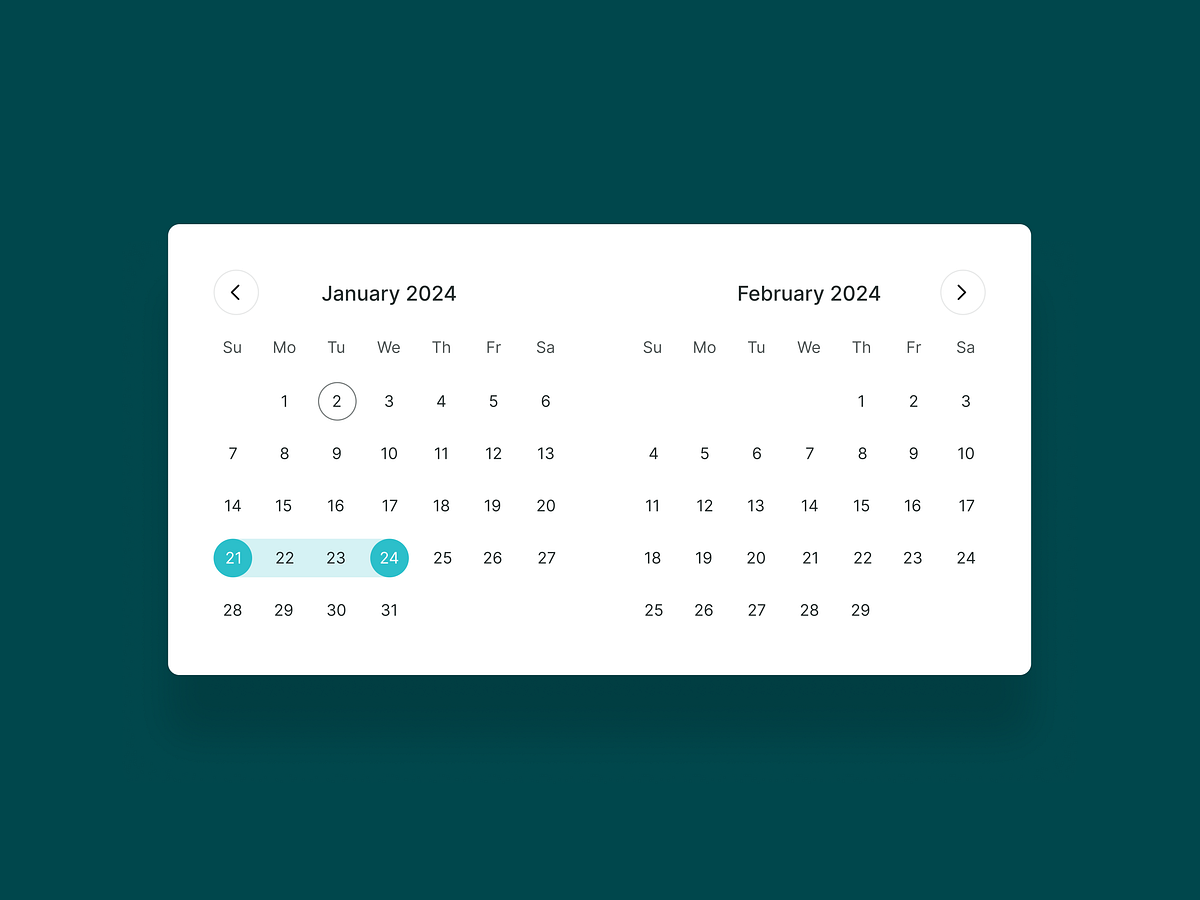
Minimal Date Range Picker UI

Catch Dashboard Web App
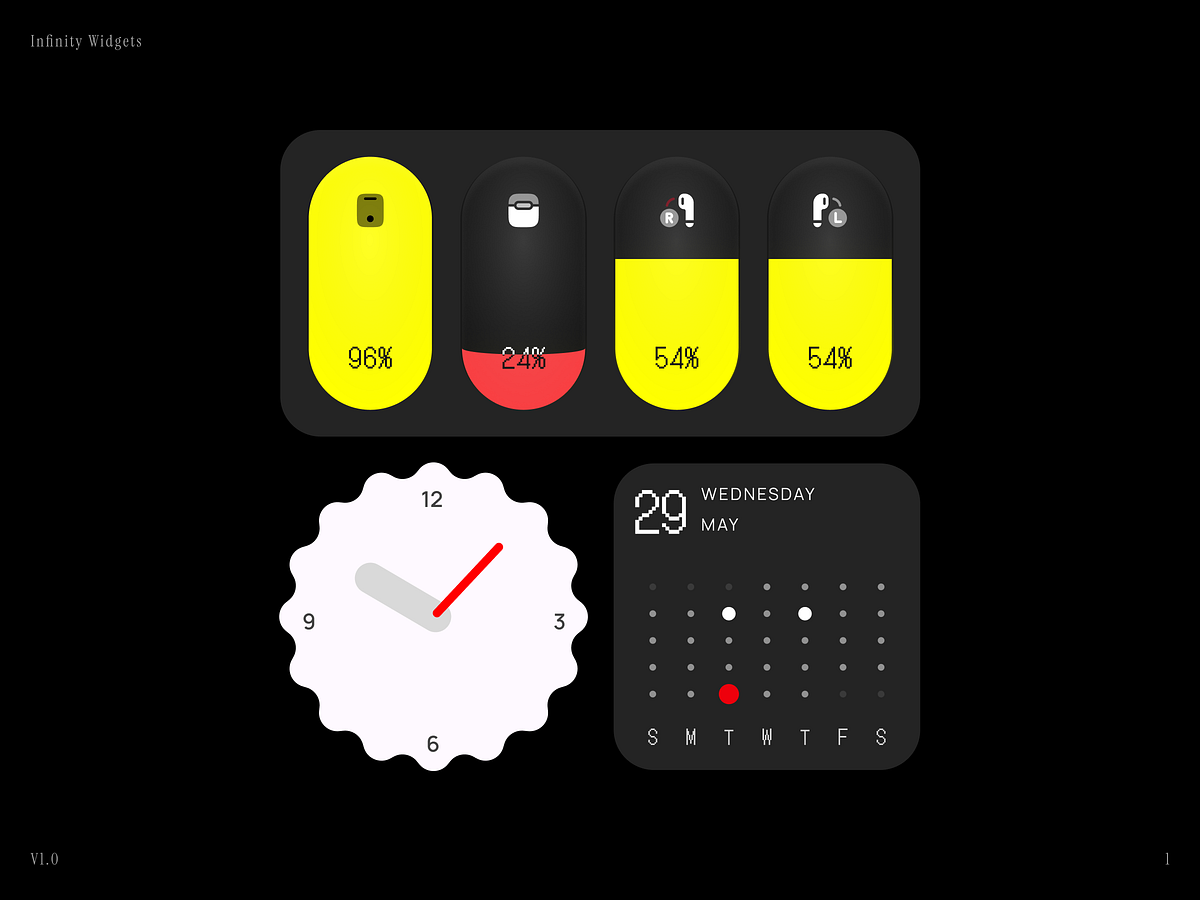
Infinity Widgets 0.1
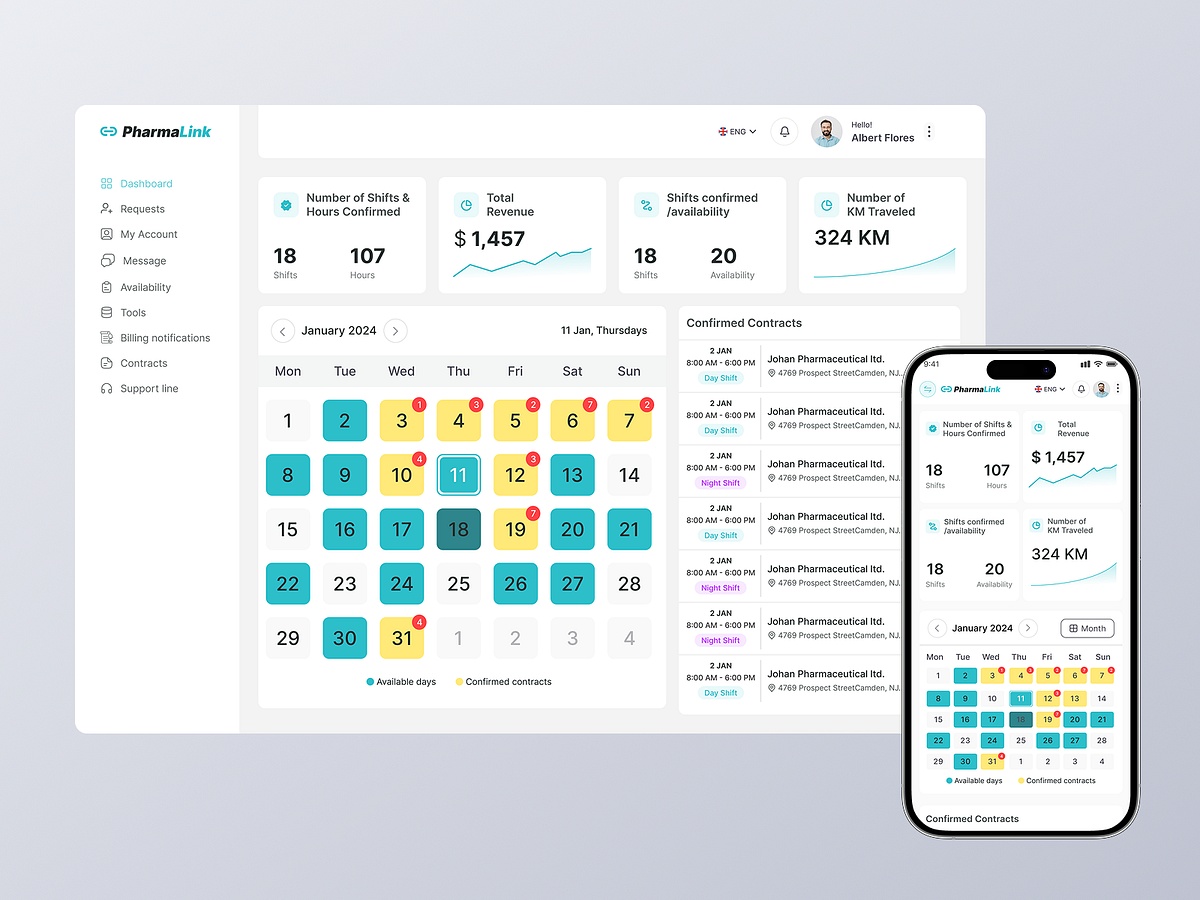
PharmaLink Dashboard & Mobile Scheduling Experience

Shift Contract Details Card UI
This is 1% of what Muzli shows you.
Get the rest — fresh design inspiration on every new tab, free.
Add Muzli — free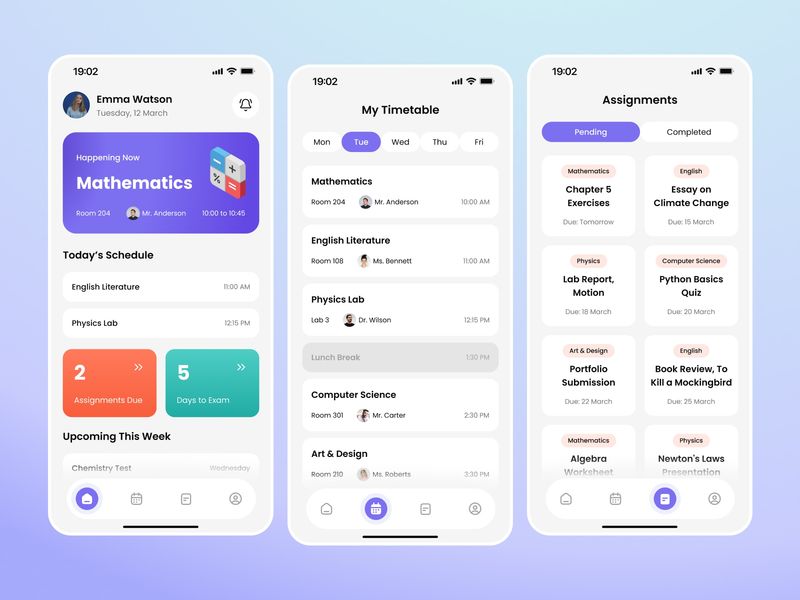
Student Scheduling Mobile App
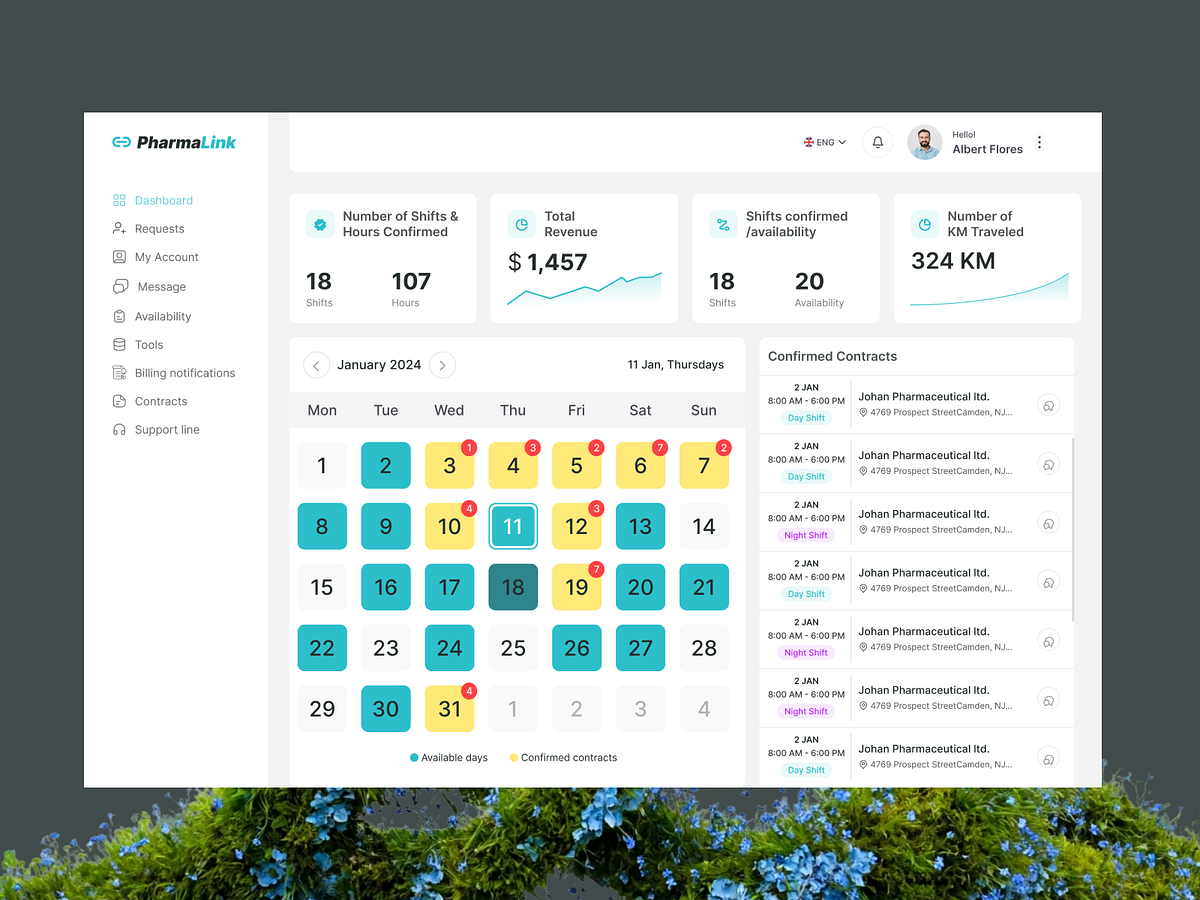
PharmaLink — Healthcare Workforce Scheduling Dashboard
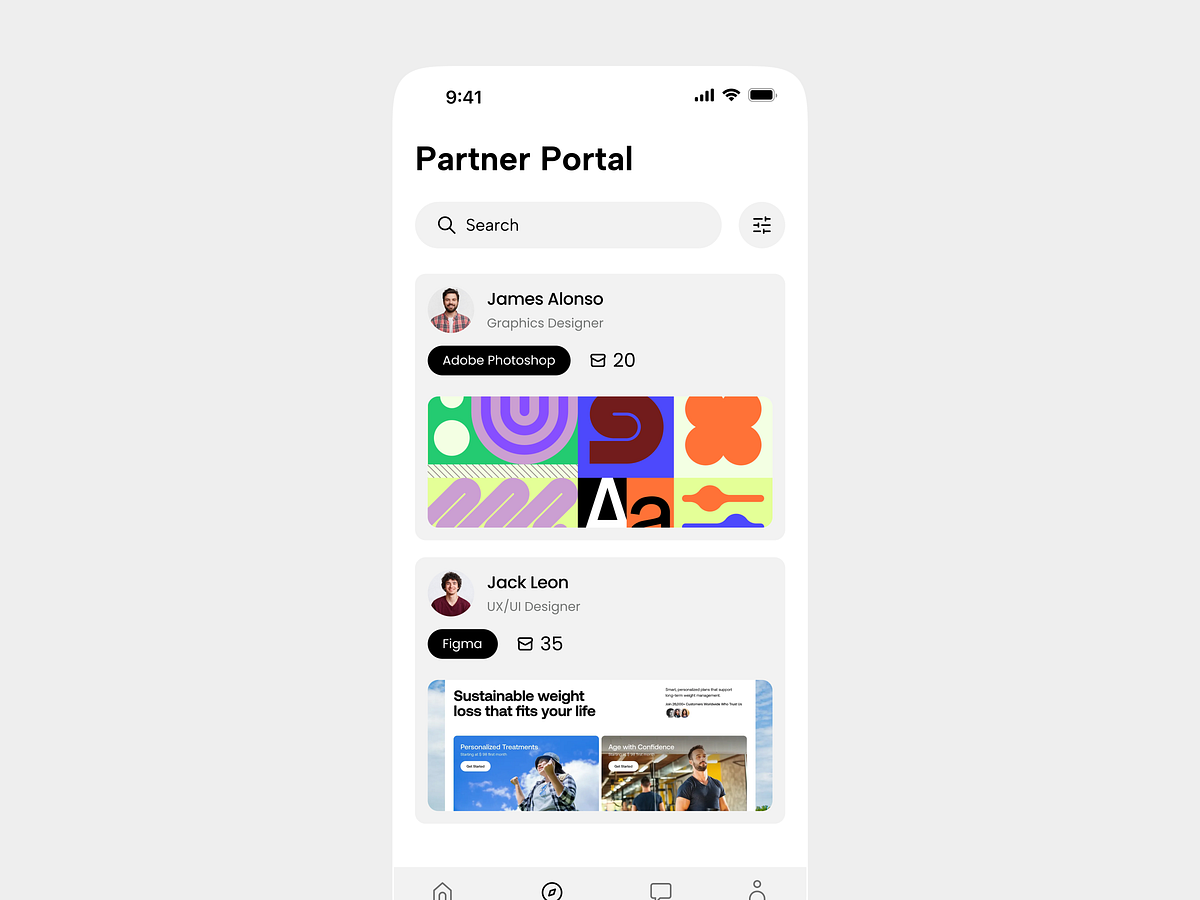
Partner Portal UI Exploration
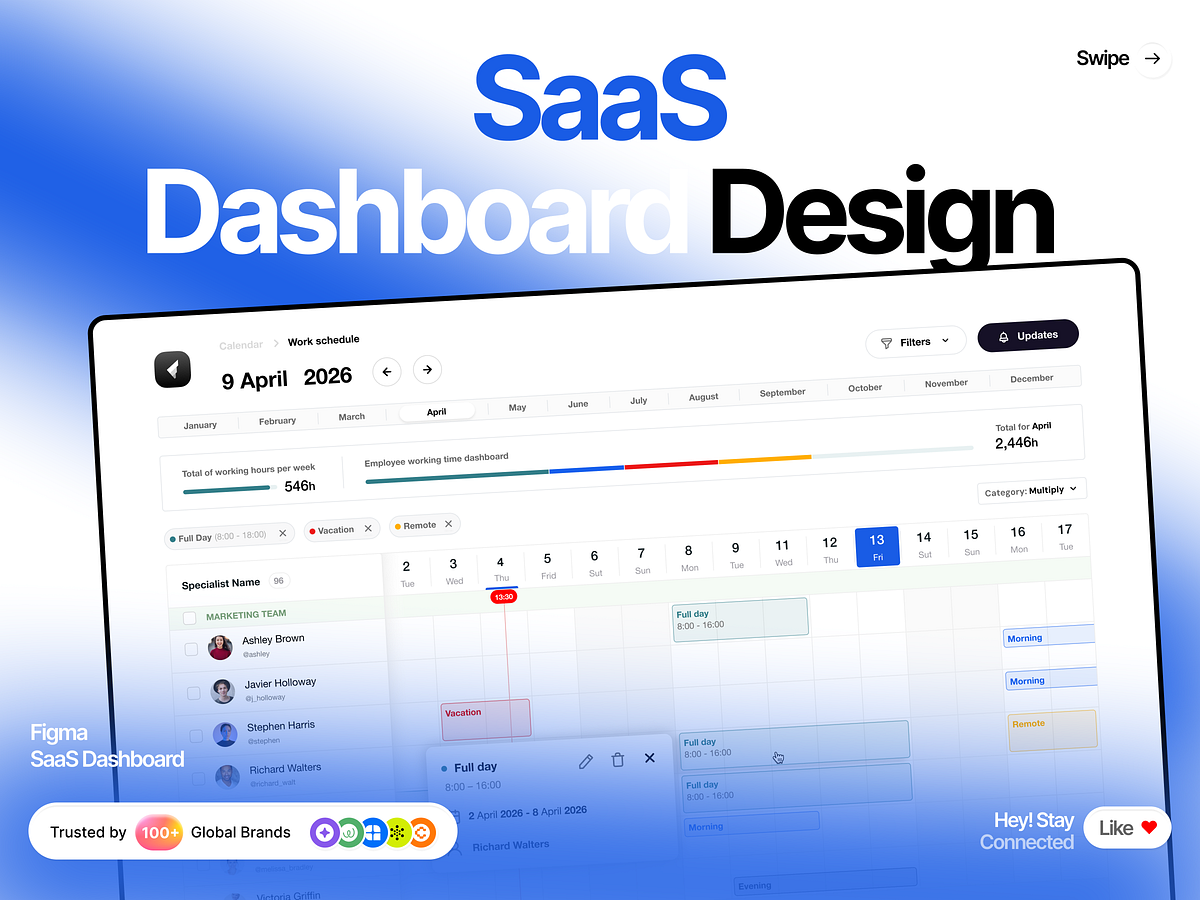
Workforce Management: Clean SaaS Calendar & Dashboard UI
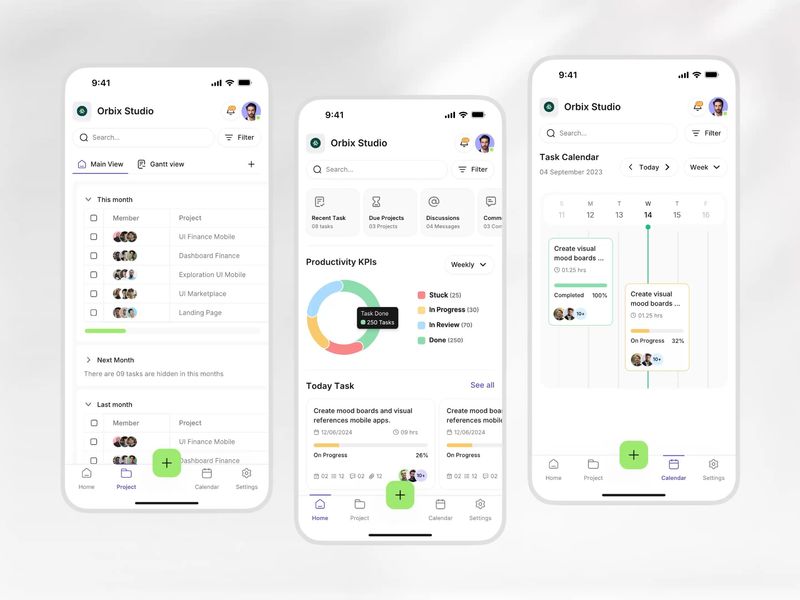
Project Management App That Actually Shows Team Progress

Calendar Catalyst: The High-Ticket Landing Page in Framer
Random icons - Exploration
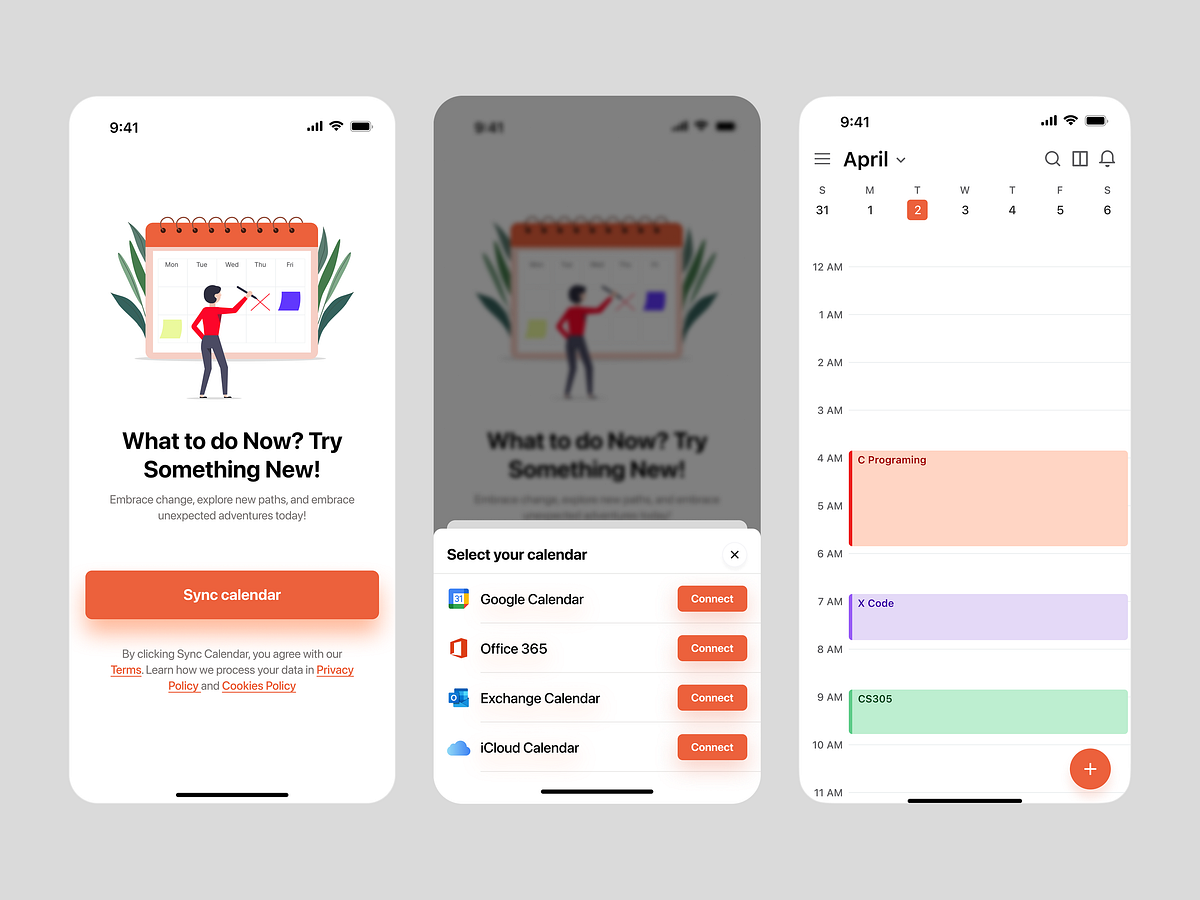
QuickThought - Smart Calendar App
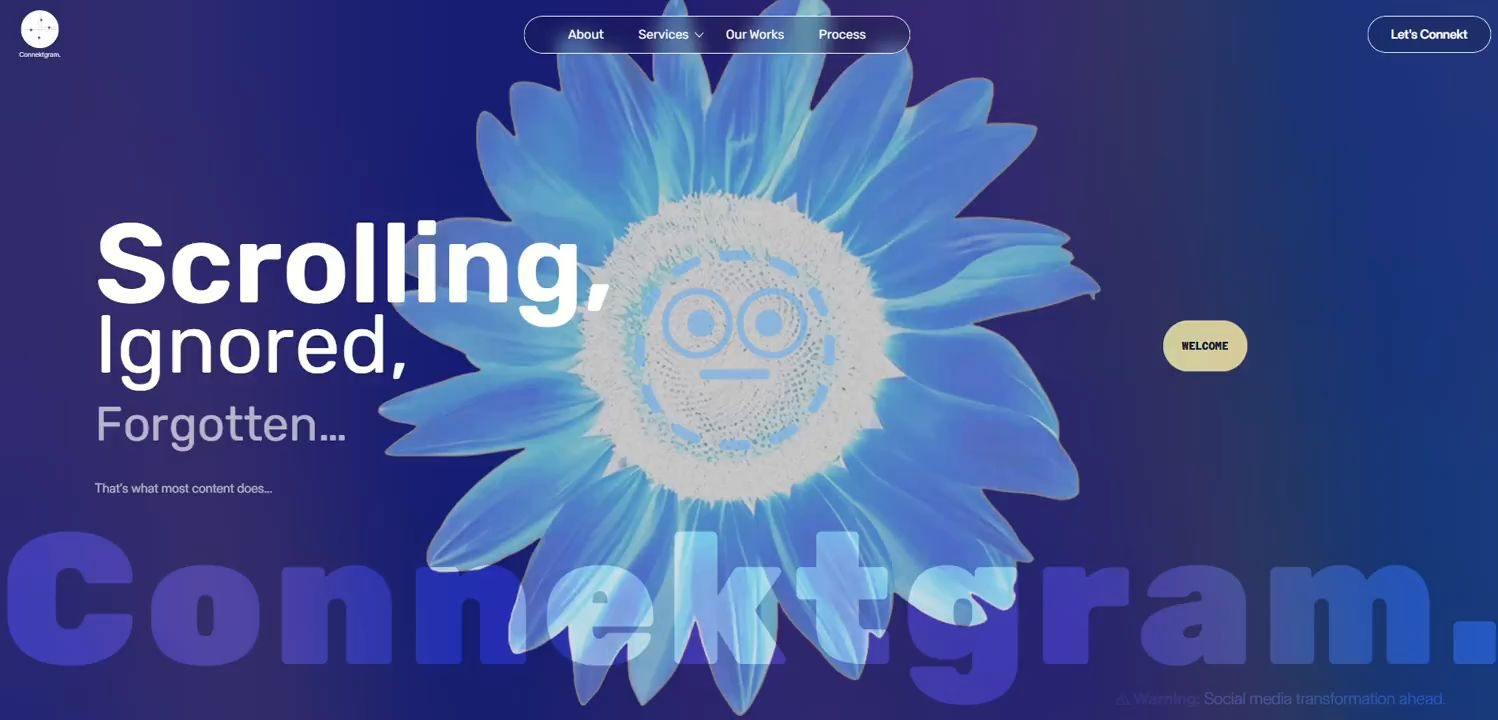
CONNEKTGRAM | Social media agency
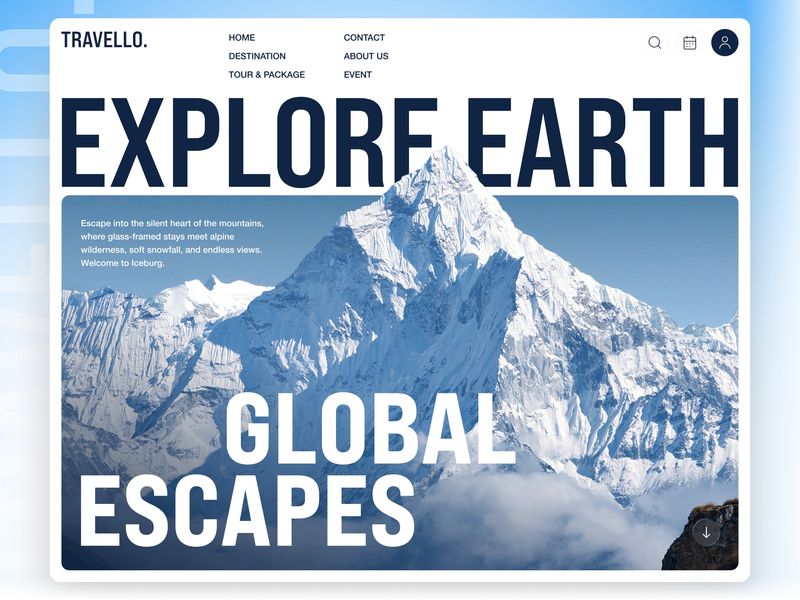
TRAVELLO - Travel Agency Landing Page UI Design
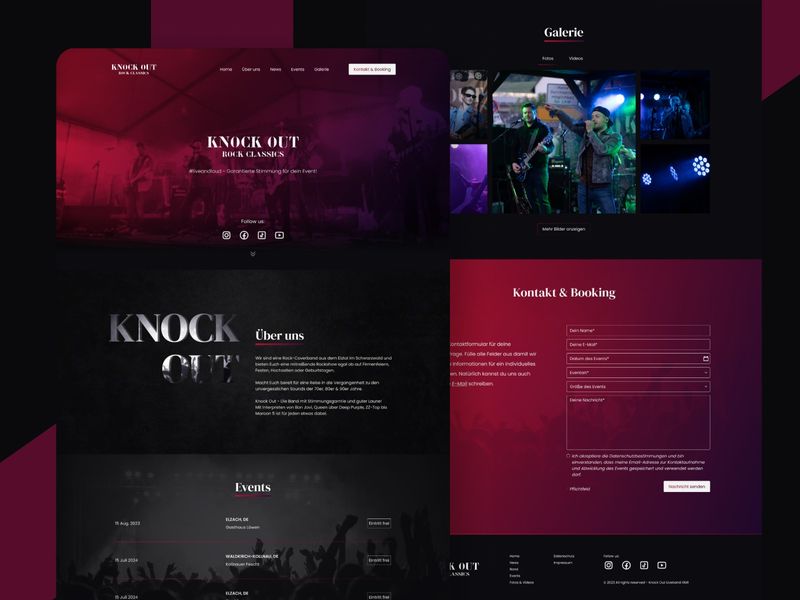
Knock Out – Rock Band UI/UX Design
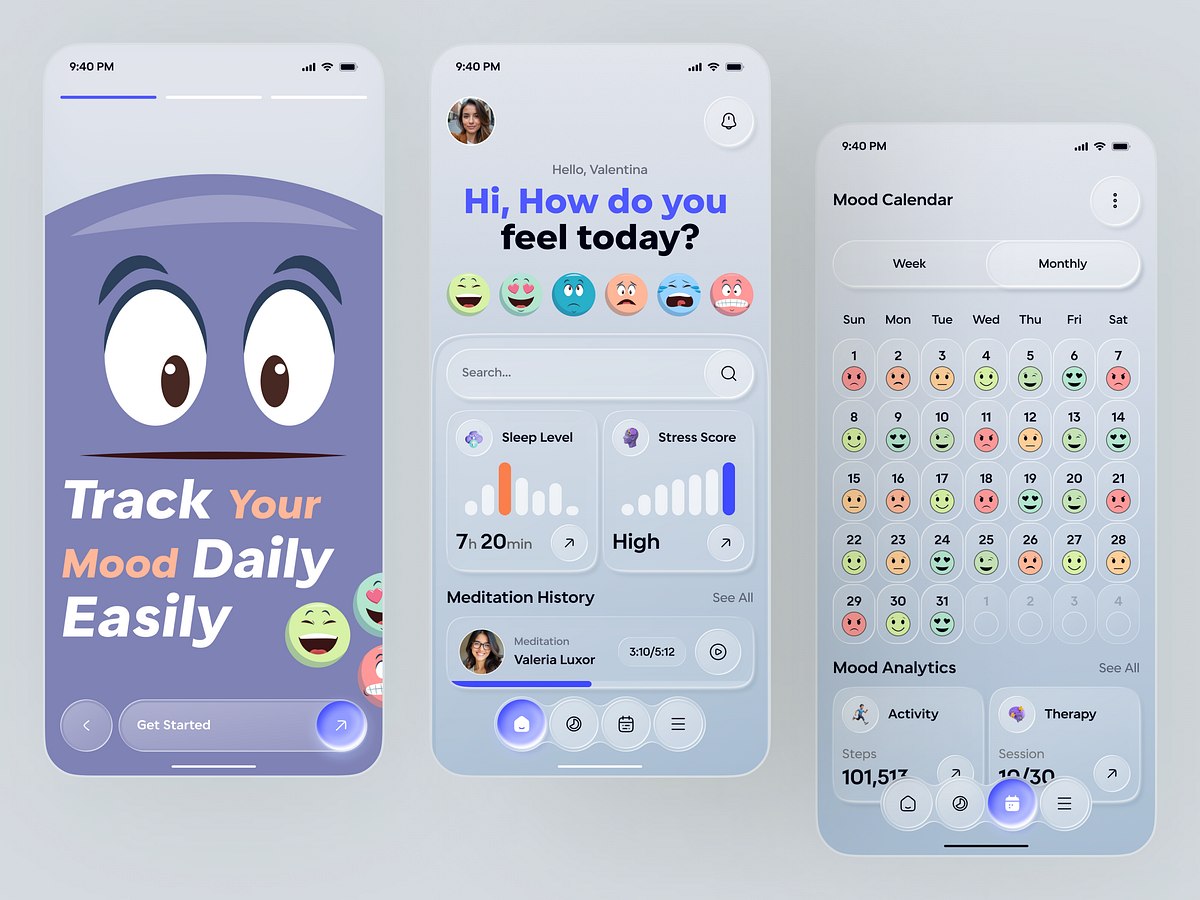
Daily Mood Tracker App UI – Clean Mental Health UX Design
This is 1% of what Muzli shows you.
Get the rest — fresh design inspiration on every new tab, free.
Add Muzli — free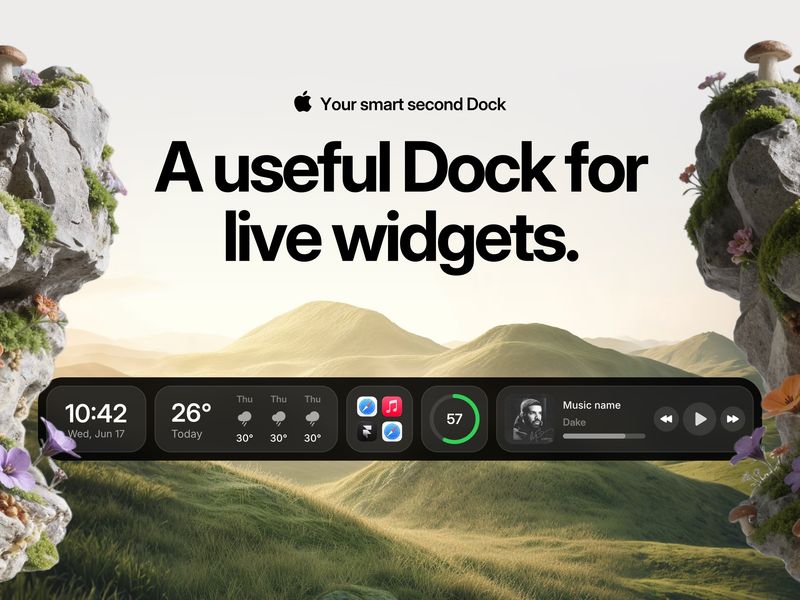
Cooldock — Smart Second Dock with Live Widgets for Mac
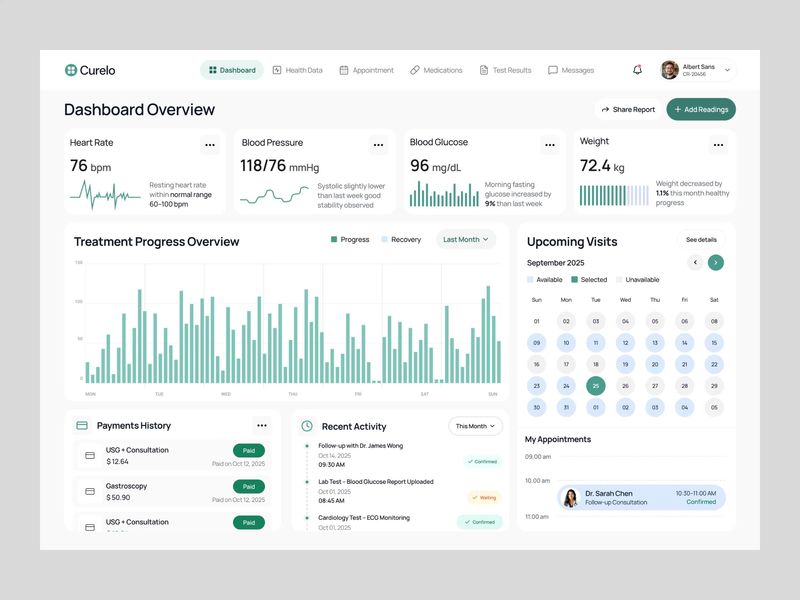
Patient Health Dashboard
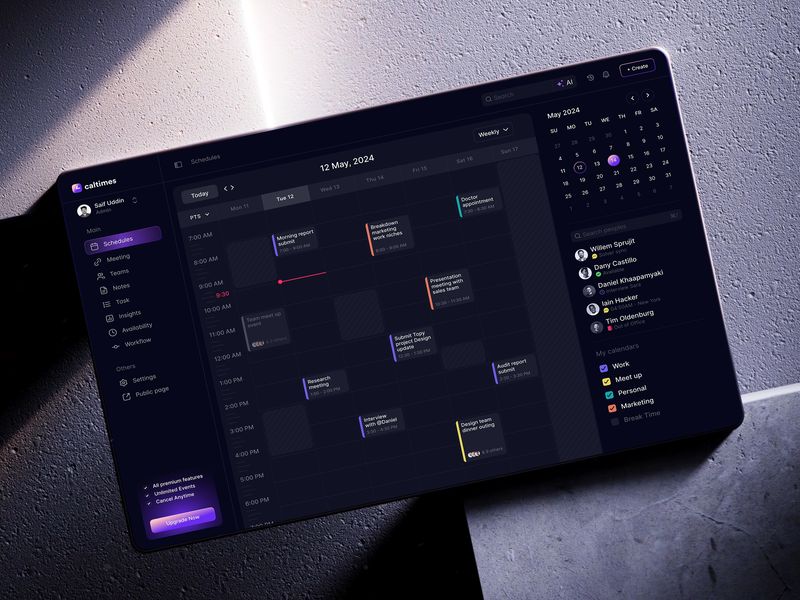
Calltimes | Calendar Flow | Sleeko

Fitness Tracking Mobile App Design
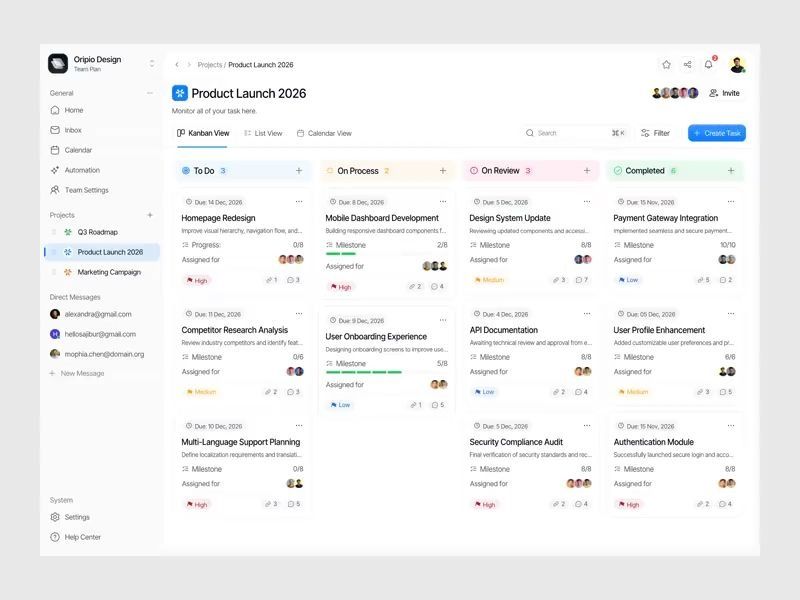
Task Management Dashboard Design
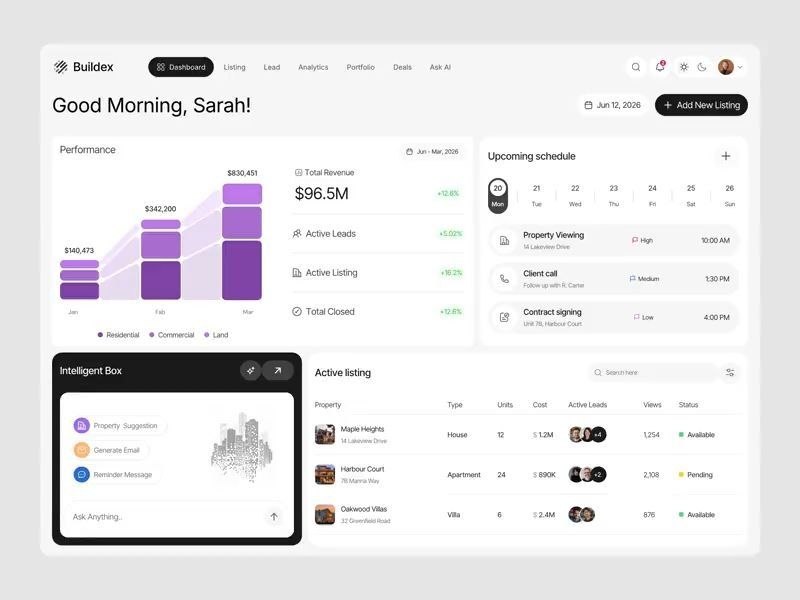
Buildex - AI Real Estate CRM Dashboard
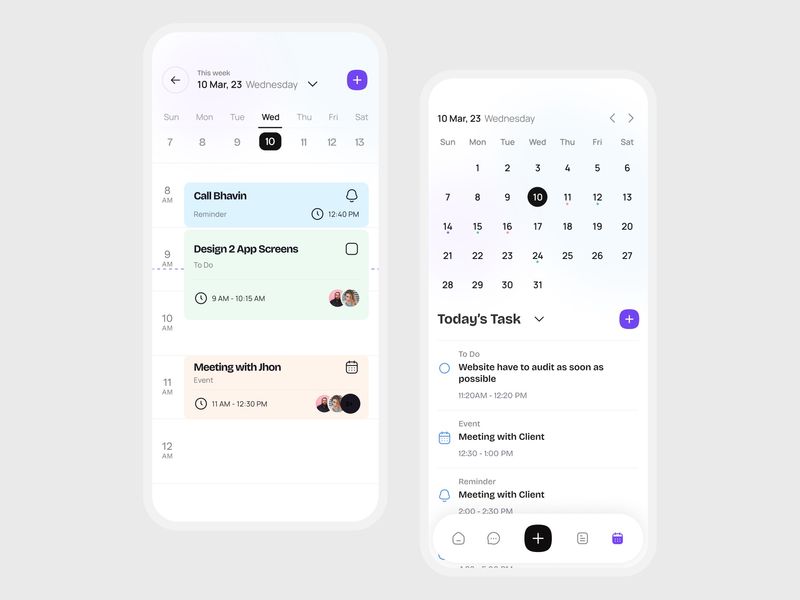
Smart Calendar & Task Management App UI
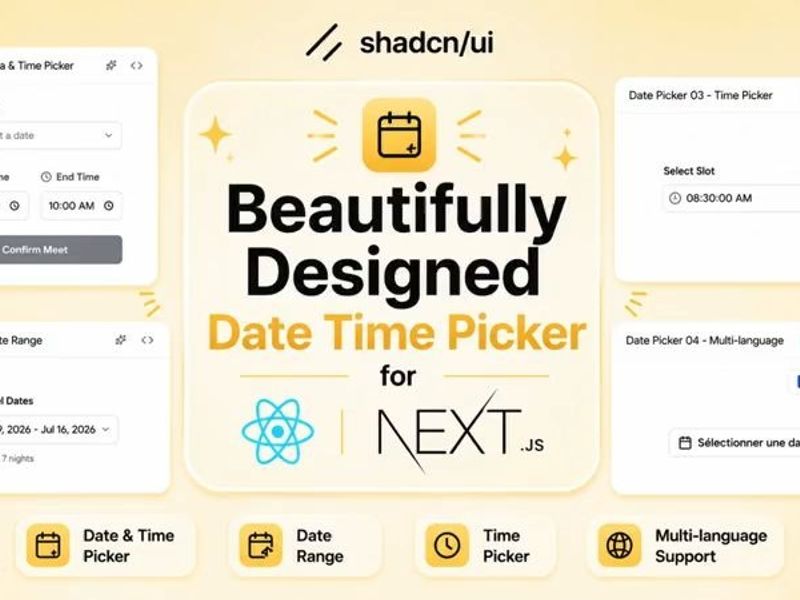
Shadcn Date Time Picker Examples & UI Design
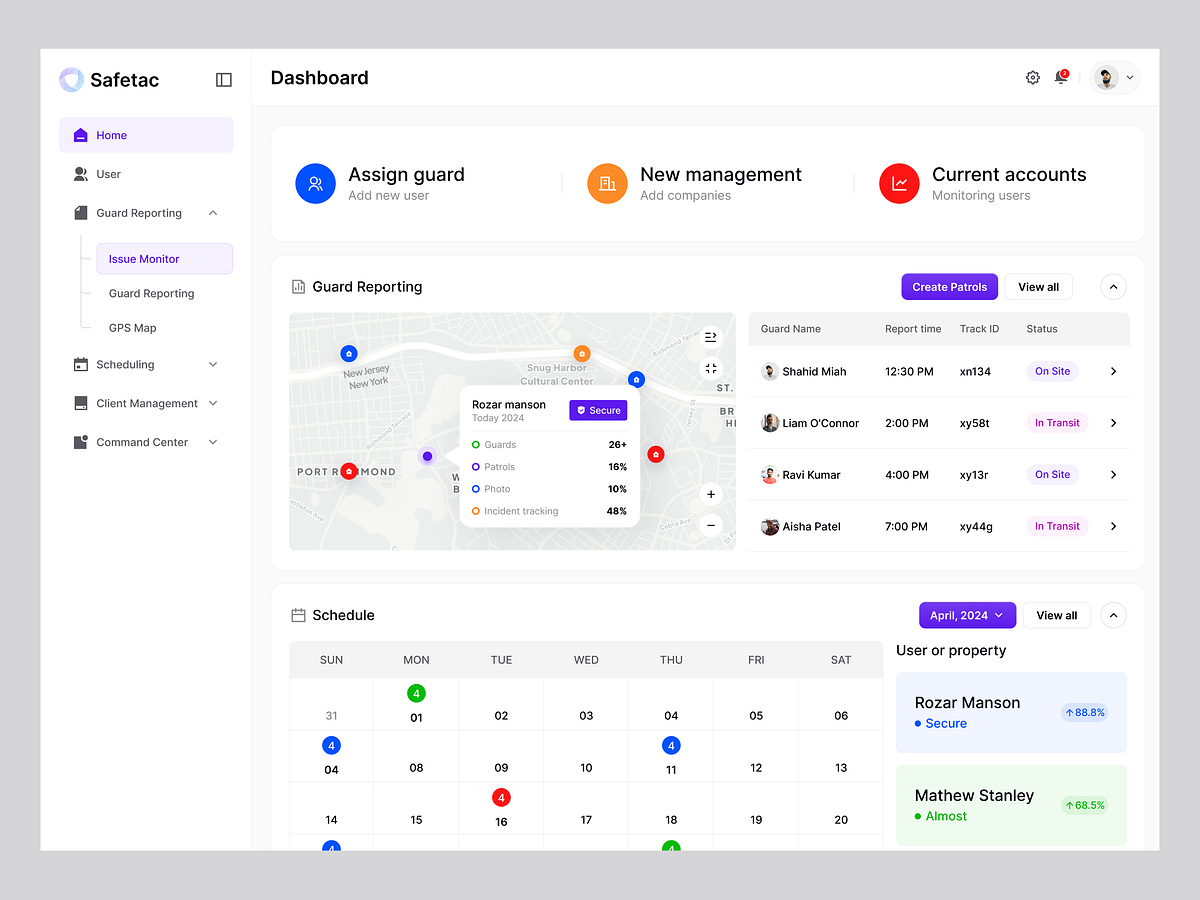
Safetec - Advanced Security Tracking Dashboard

Calorie Tracker App Design
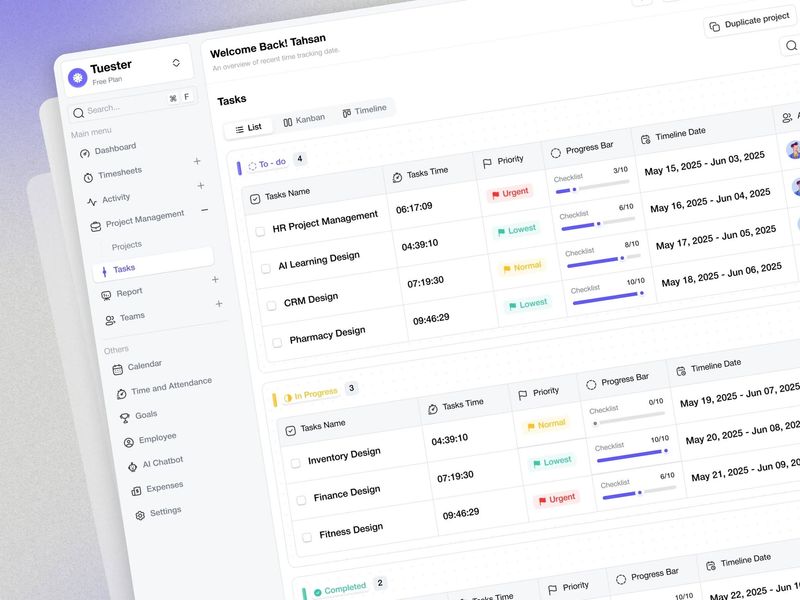
AI-Powered Time Tracking Tasks List Dashboard Design
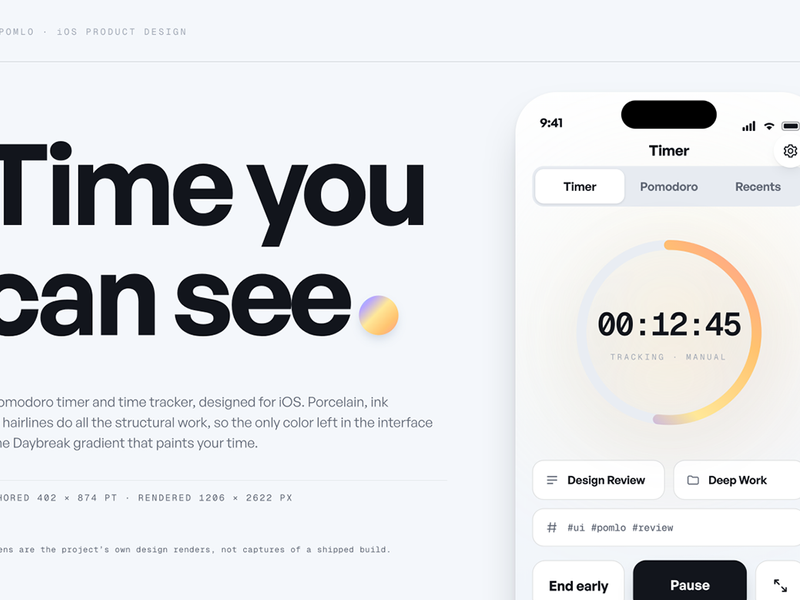
Pomlo: Time you can see
This is 1% of what Muzli shows you.
Get the rest — fresh design inspiration on every new tab, free.
Add Muzli — free
SyncUp — Real-Time Collaboration & Team Intelligence App
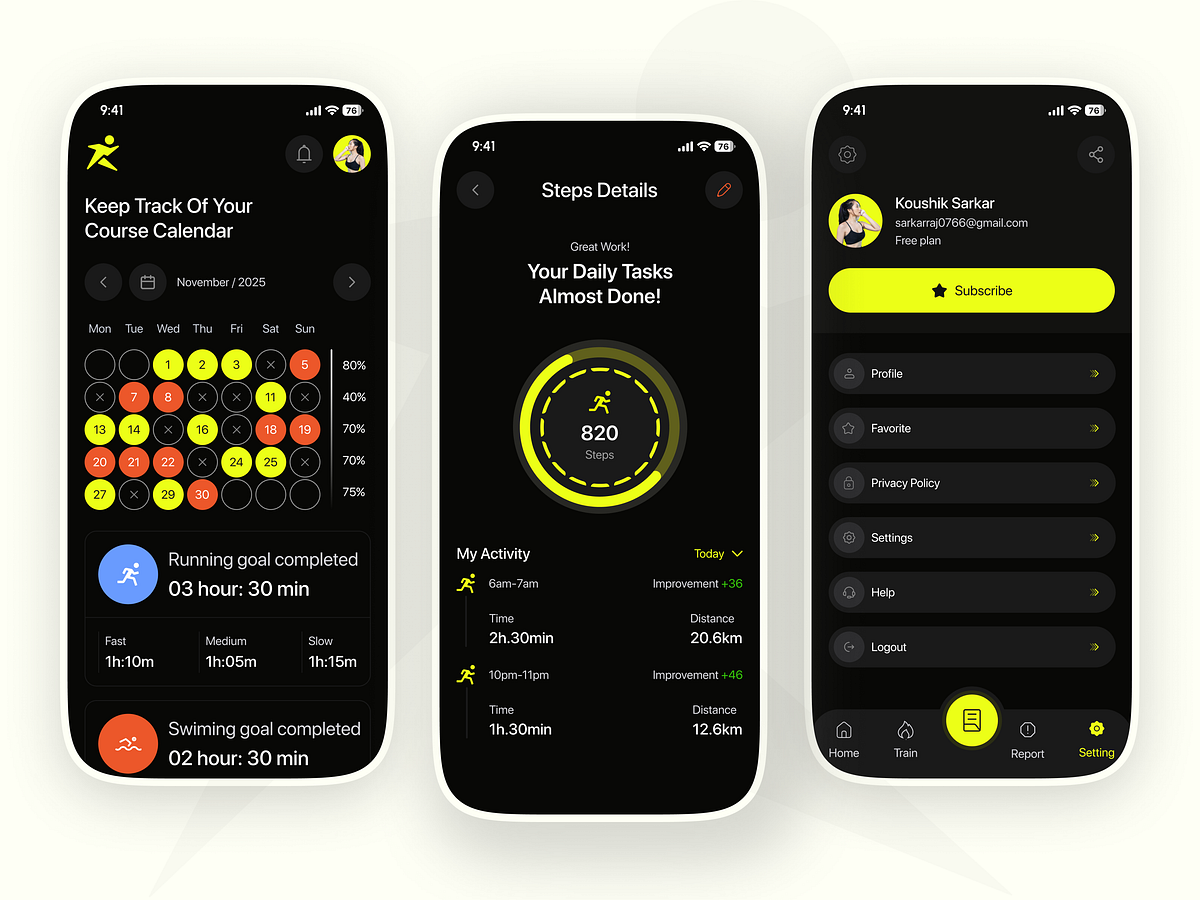
Fitness Tracker Mobile App UI/UX Design Activity, Steps & Workou
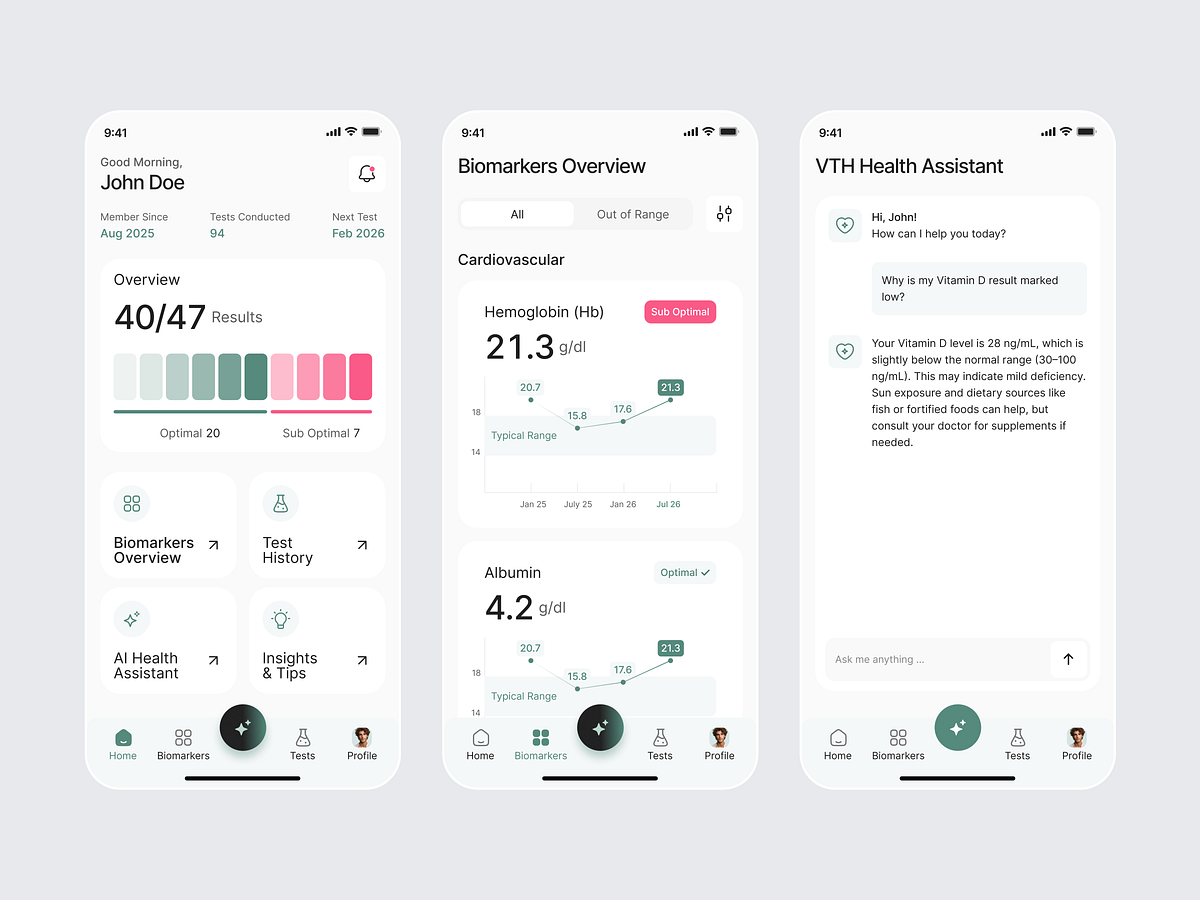
Health Tracker App
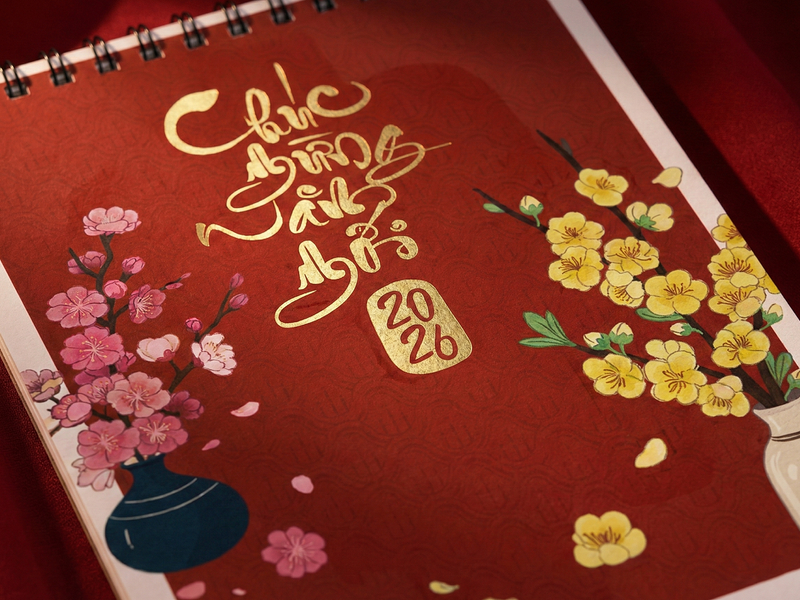
Vietnamese Lunar New Year Desk Calendar 2026 | Tết Table
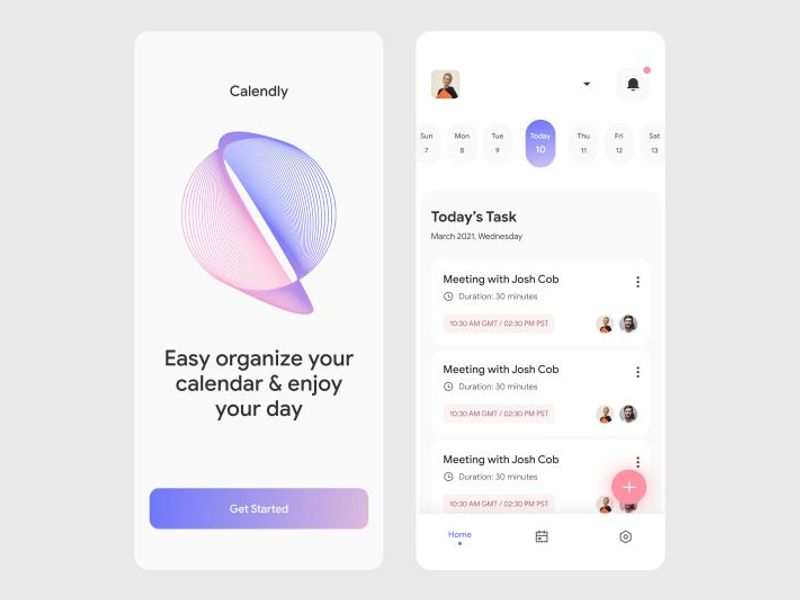
Mobile App UI Design – Smart Calendar Experience
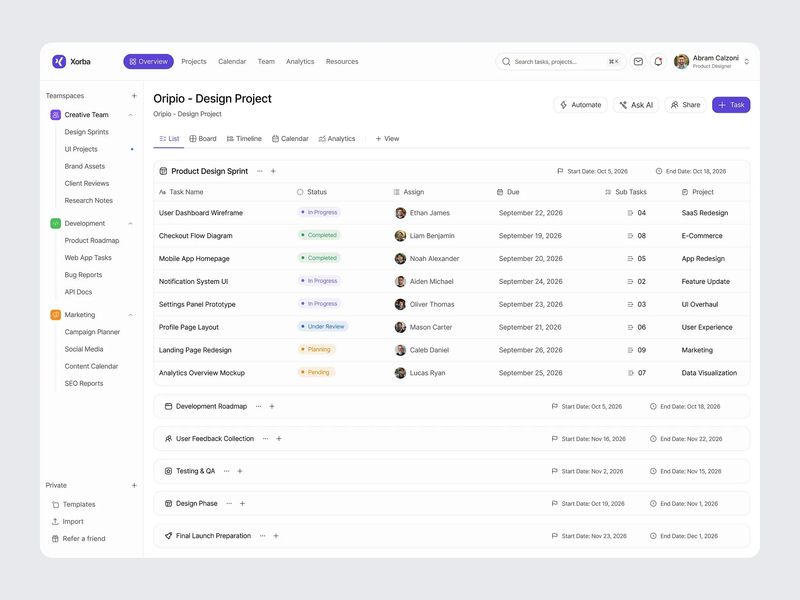
Project Management Dashboard Design
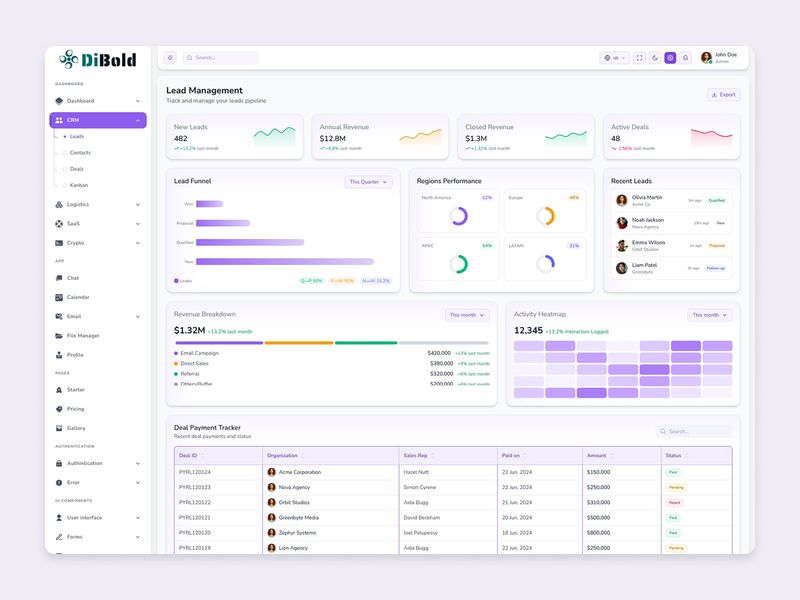
DiBold – Modern React 19 & Tailwind 4 Admin Dashboard UI Kit ⚡
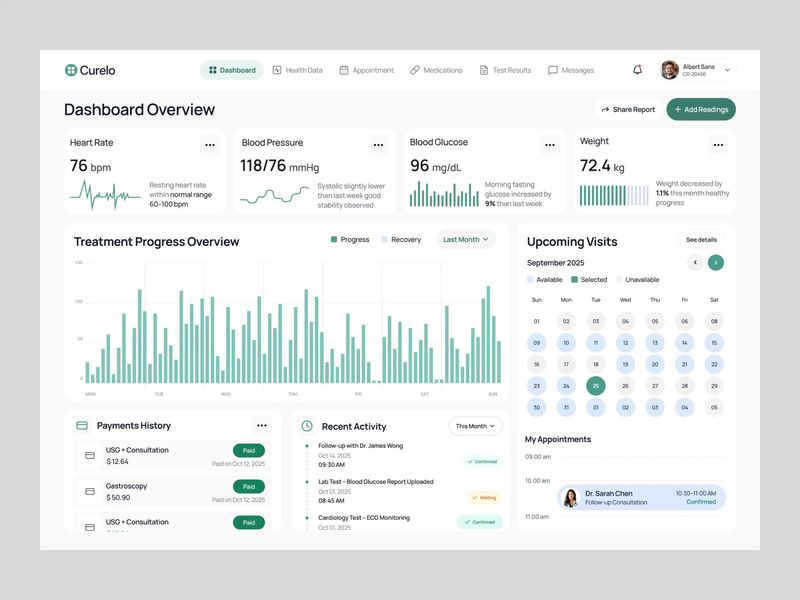
Patient Health Dashboard
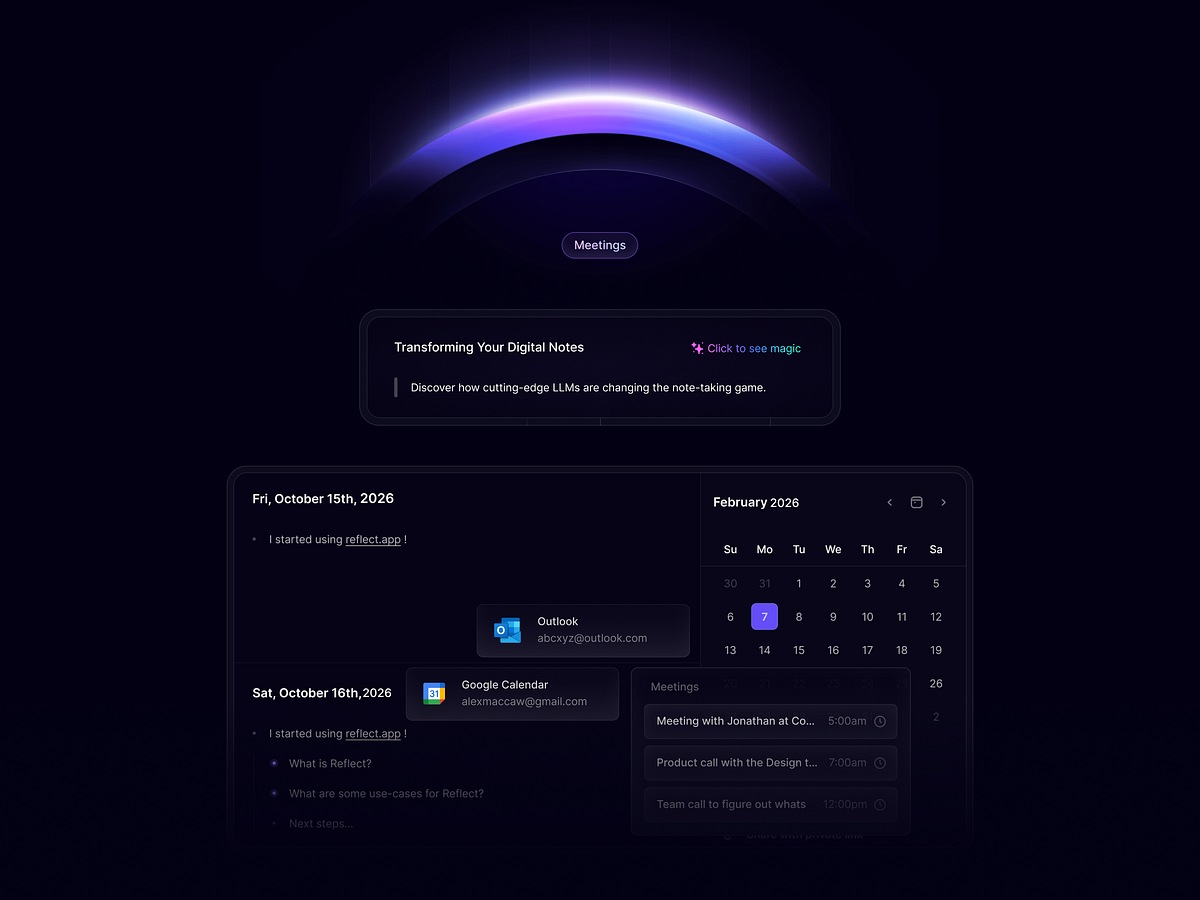
Turning Complex Systems into Clean UI
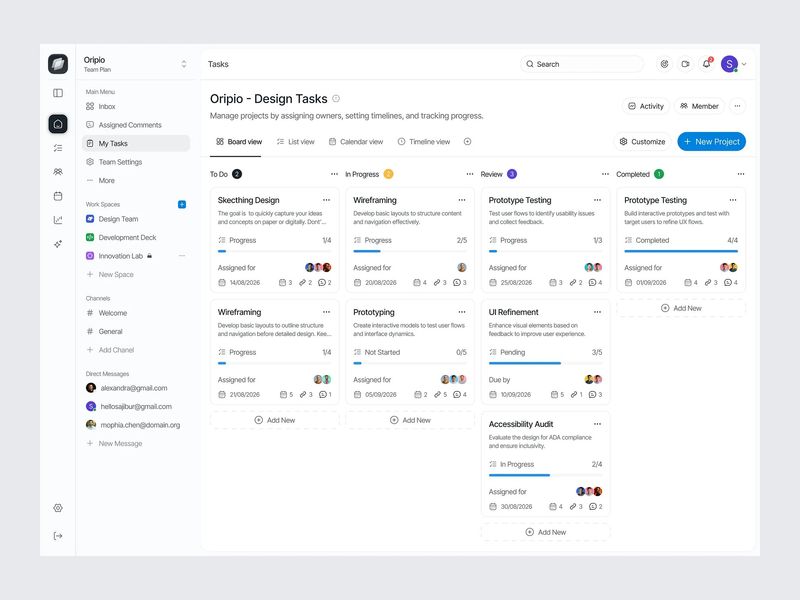
Task Management Dashboard Design
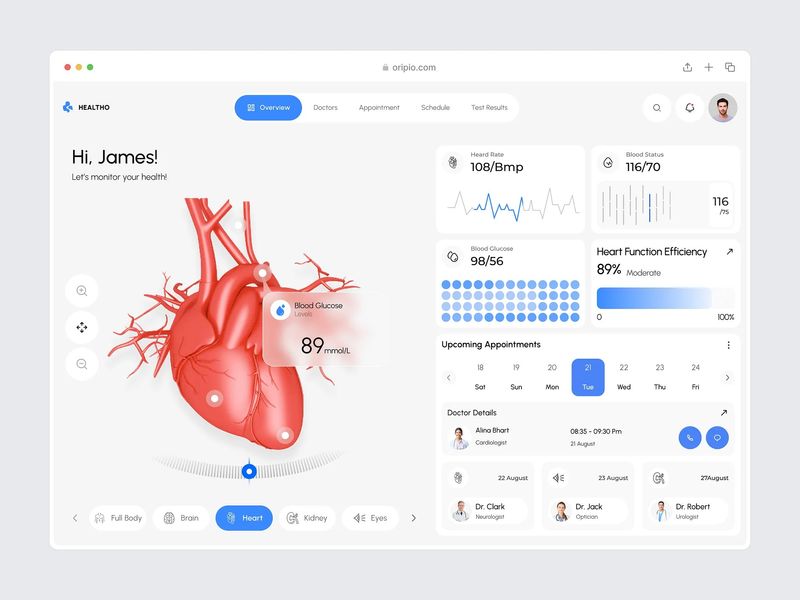
Medical Dashboard Design
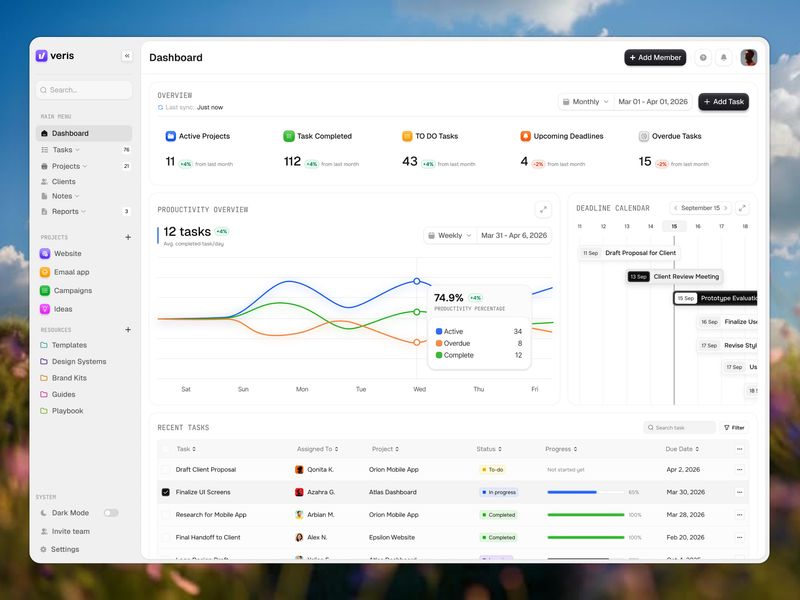
Project Management Dashboard — Turning Team Chaos Into Clear Progress
This is 1% of what Muzli shows you.
Get the rest — fresh design inspiration on every new tab, free.
Add Muzli — freeProject Management Dashboard — Turning Team Chaos Into Clear Progress
Get access to thousands of freshly updated design inspiration pieces by adding Muzli to your browser.
Loved by 800k designers worldwide, Muzli is the leading go-to browser extension for creative professionals.
What are the core design principles for calendar UI that actually works?
Calendar design is dense UI — it must display a large amount of structured temporal data at high information density without becoming cognitively overwhelming. The best calendar interfaces solve this through layers: a compressed monthly overview for navigation context, a detailed week or day view for active planning, and clear visual differentiation between today, selected dates, and event-occupied days. The fundamental tension in calendar design is between information completeness and visual clarity.
How should event density and overflow be handled in calendar grids?
Calendar grids overflow when more events exist than visible rows allow. The standard approach shows 2–3 events with a "+N more" overflow indicator — clicking it reveals a popover or expands the cell. Event styling should communicate category, duration, and status through color, length (in week views), and optional icons. In high-density calendars, color coding by category is essential — but must be backed by pattern or icon differentiation for color-blind users.
How do mobile calendar designs differ from desktop?
Mobile calendar design typically favors agenda view (chronological list) over grid view as the primary mode — grids become too small to be actionable below 360px width. Month view works as a compact navigation element at the top with the agenda list below a divider. Date selection patterns differ too: on mobile, a bottom sheet for date picking outperforms modal dialogs, and swipe gestures for month navigation are universally expected.