
Empty state design examples
An empty state is what an interface shows when there is no content to display: a new account, a search with no results, an inbox at zero. These examples show how real products fill that space.
Muzli collects new design work from 200+ sources every day. This collection picks the best of it and changes as new work comes in.

Empty State | Heidi - The world's best AI medical scribe

Subtle Empty State Illustrations

Empty State | Gamma - AI presentation maker & website builder
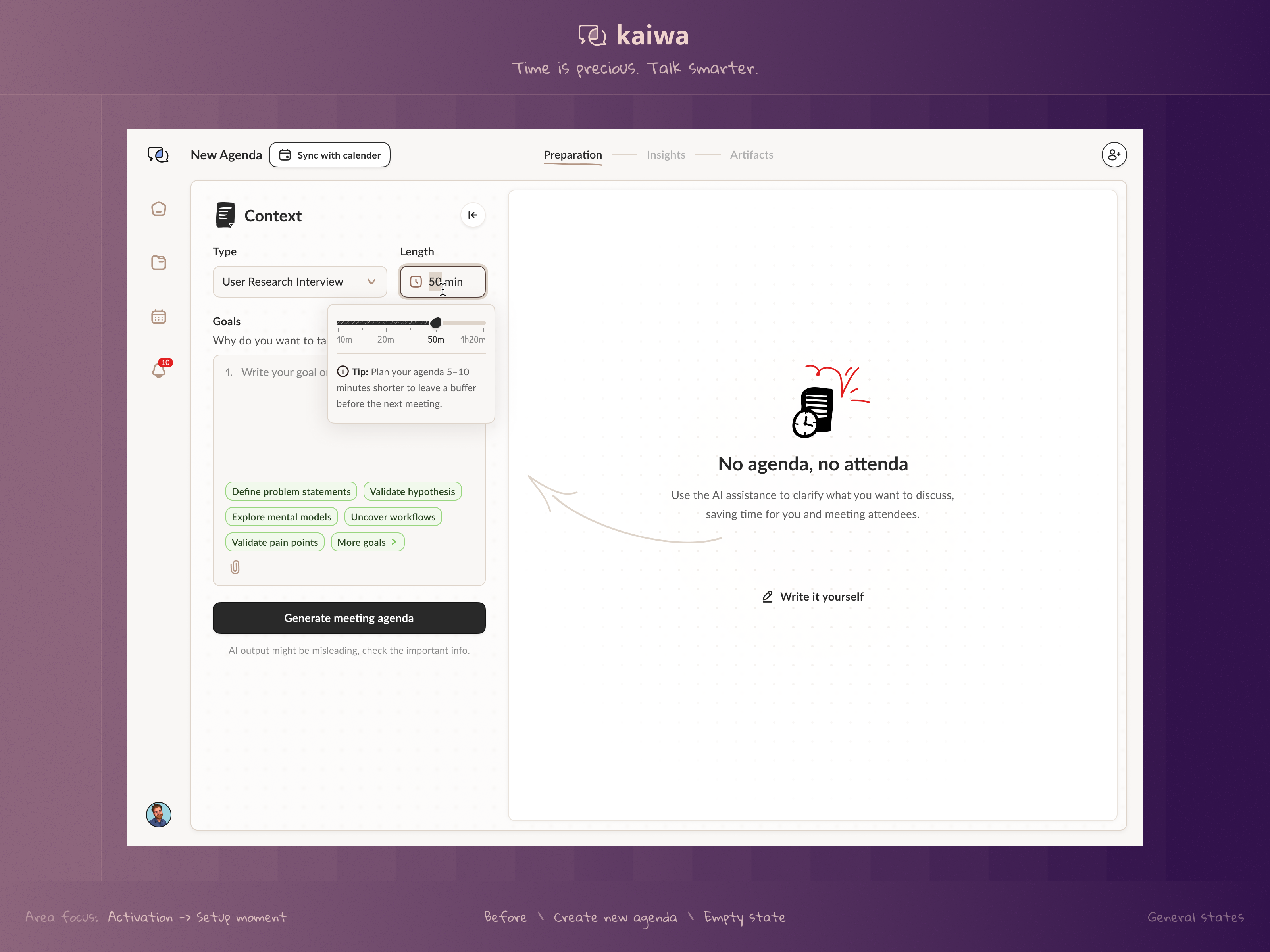
Empty state (UI Stack)

Empty State | Jobber - Invoice, schedule, dispatch
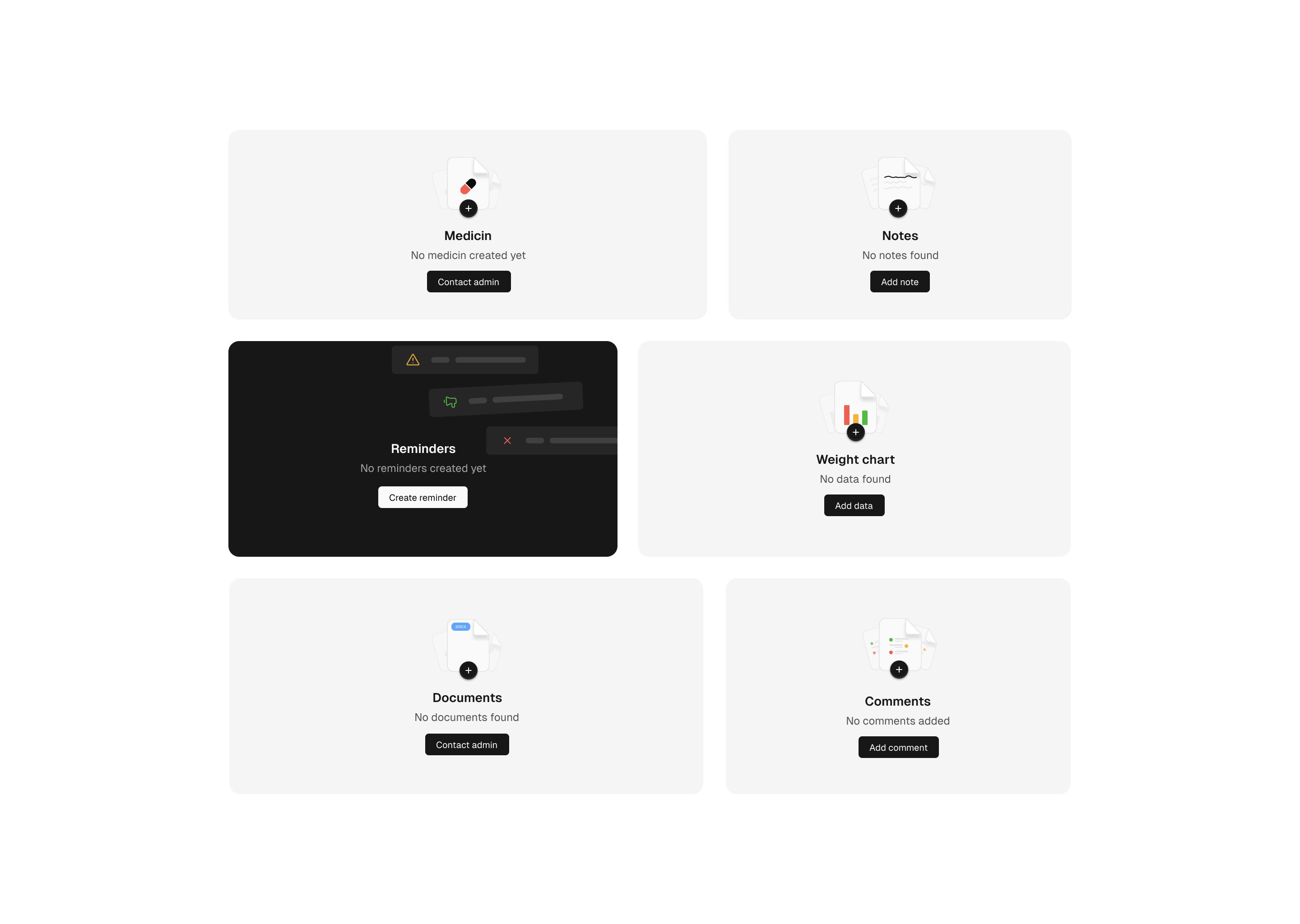
Empty states - Bento grid

Empty States Illustrations for Sketch

Dotion Empty state illustration

Empty State | Obsidian - Your second brain on the go

Empty State Website Illustrations

Empty State v1
This is 1% of what Muzli shows you.
Get the rest — fresh design inspiration on every new tab, free.
Add Muzli — free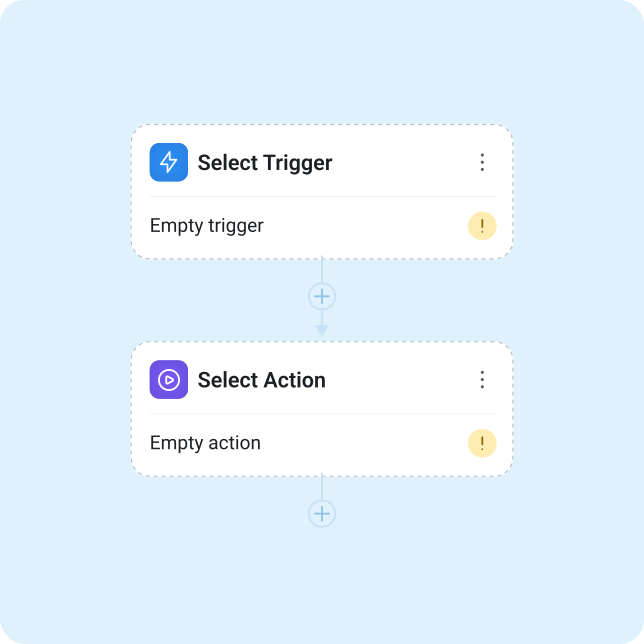
Autopilot - Empty state workflow cards

Empty State | Airwallex - Trusted global payments & financial platform

Placeholder empty state icons for a Saas
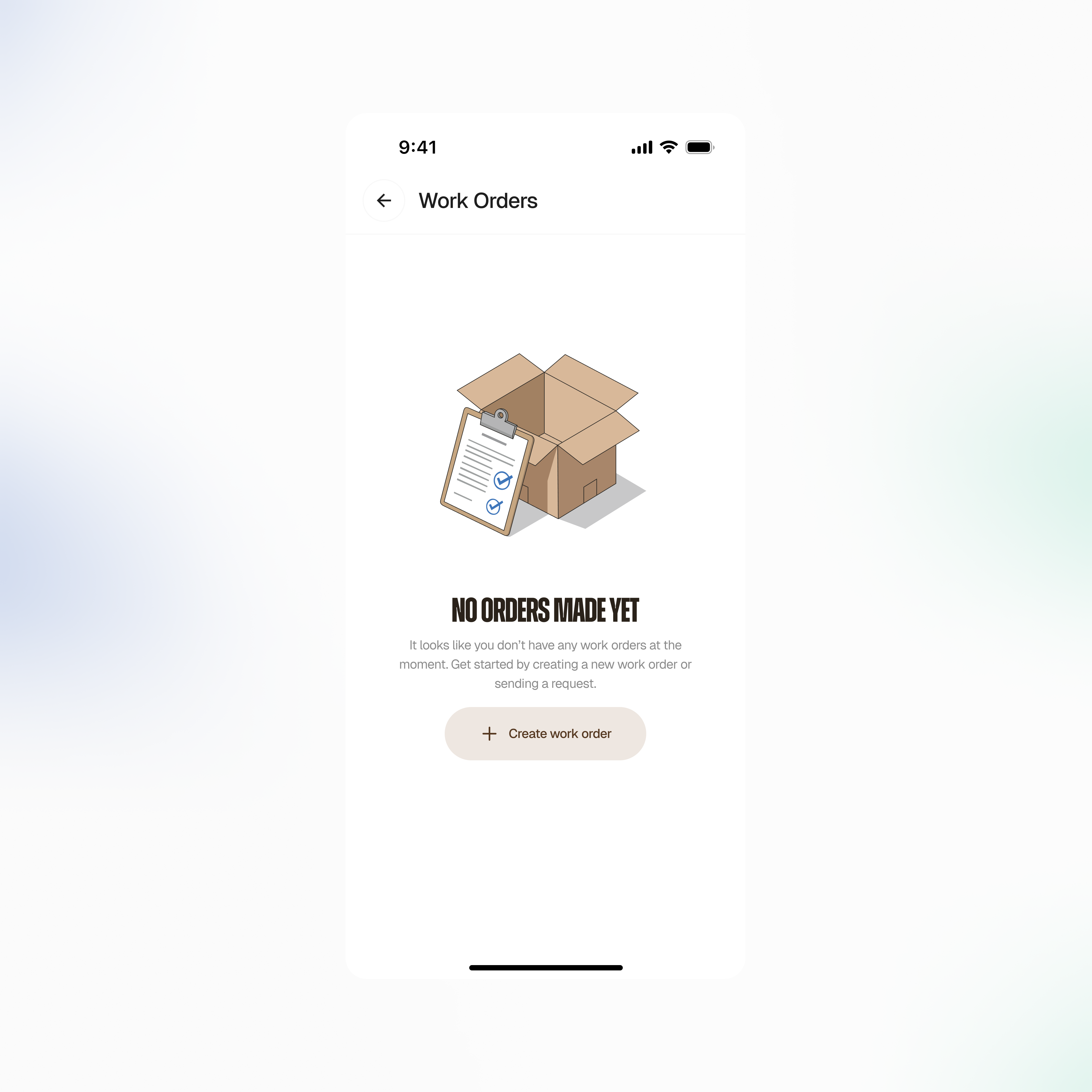
Empty State Design for a Task management system app

Empty State | Tinder - Meet new people & date singles

3D Empty states for your next projects!
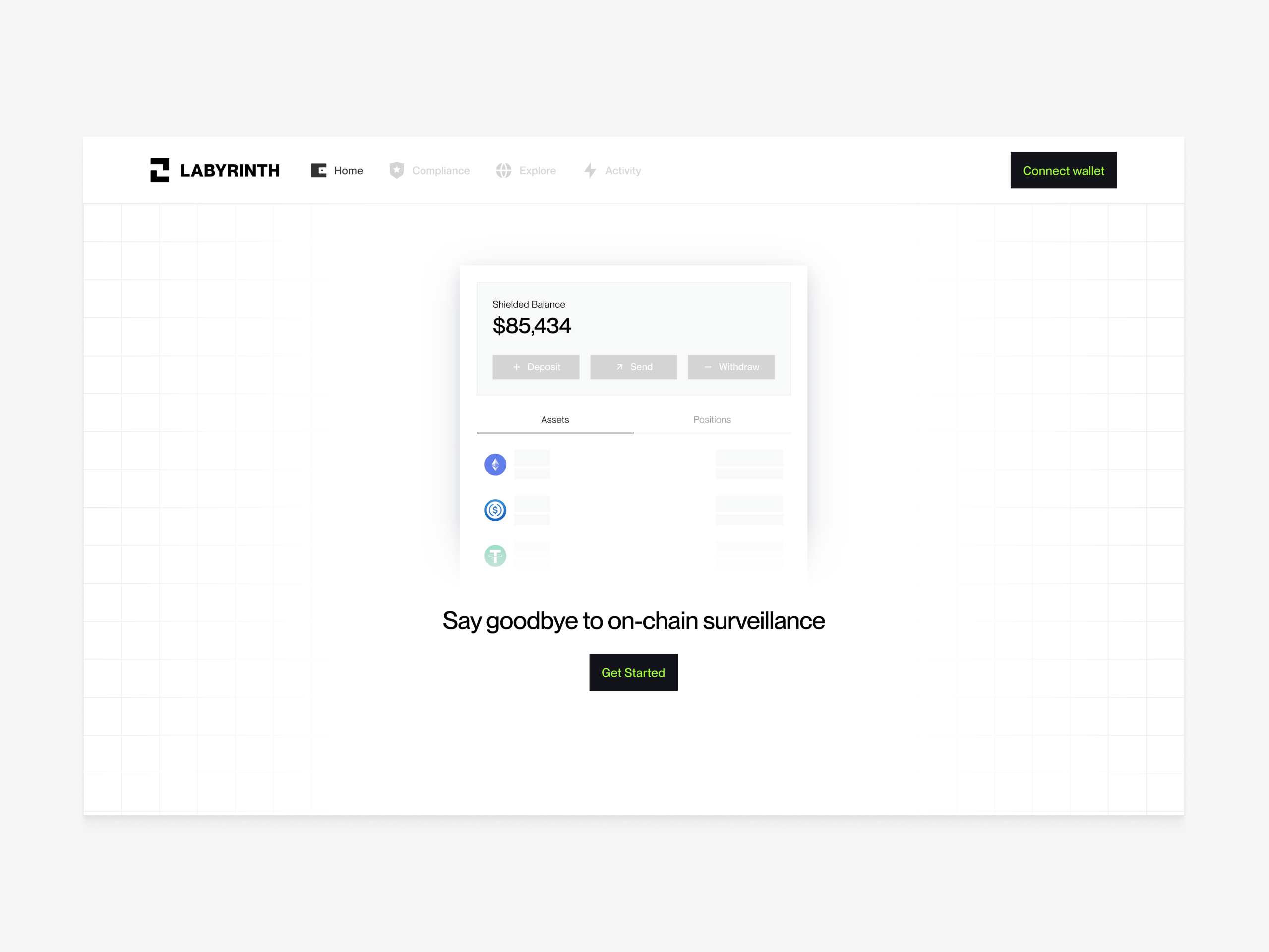
Empty state when wallet is not connected

Empty State | Acorns - Invest for your future

Data empty state — Untitled UI
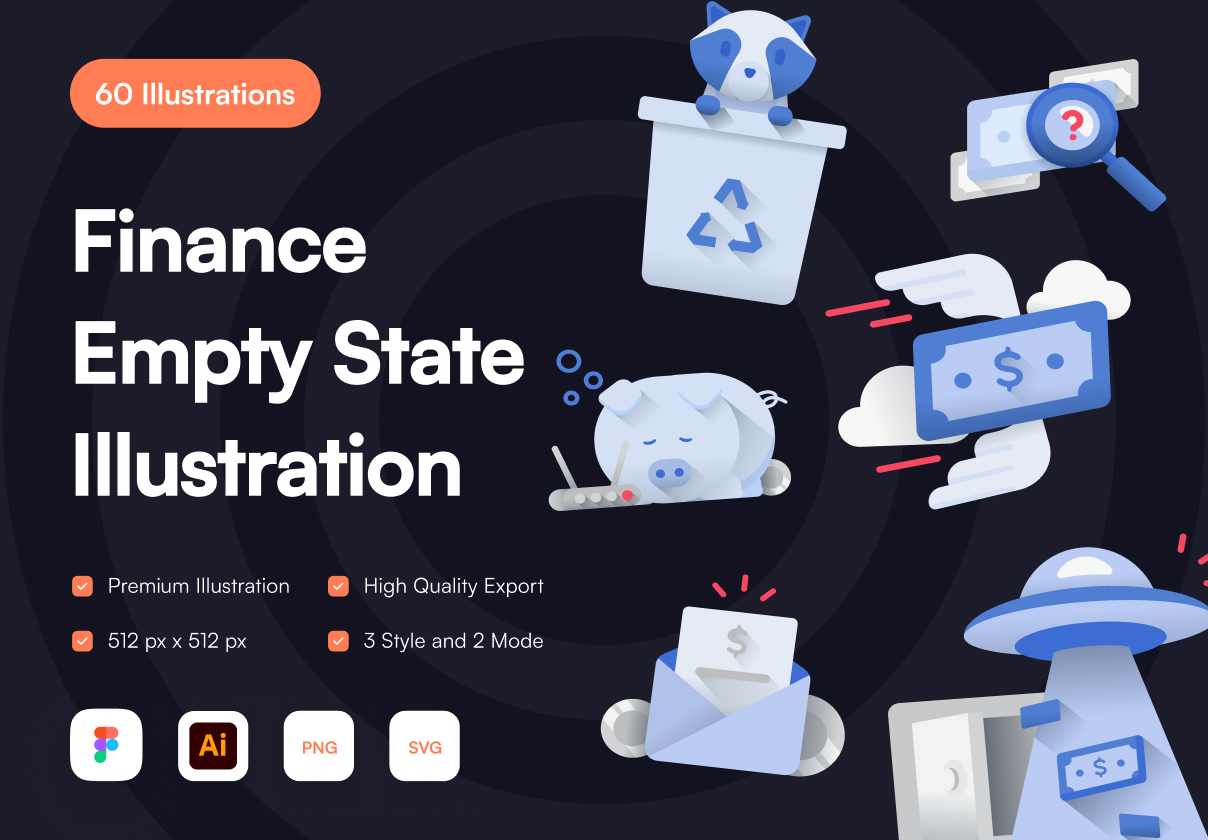
Finance Empty State Illustration
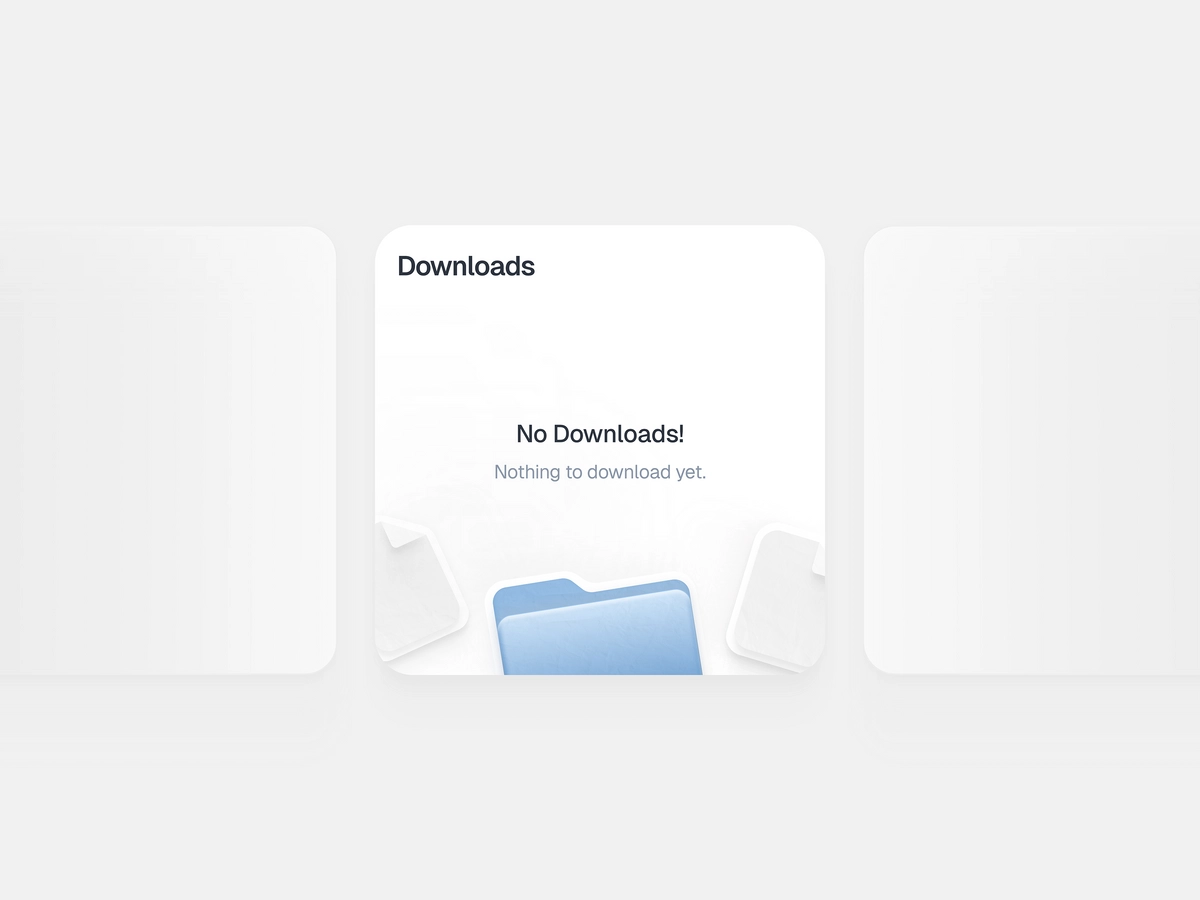
Downloads Empty State

Empty State | Baemin - Food delivery & shopping
This is 1% of what Muzli shows you.
Get the rest — fresh design inspiration on every new tab, free.
Add Muzli — free
Empty state — Untitled UI
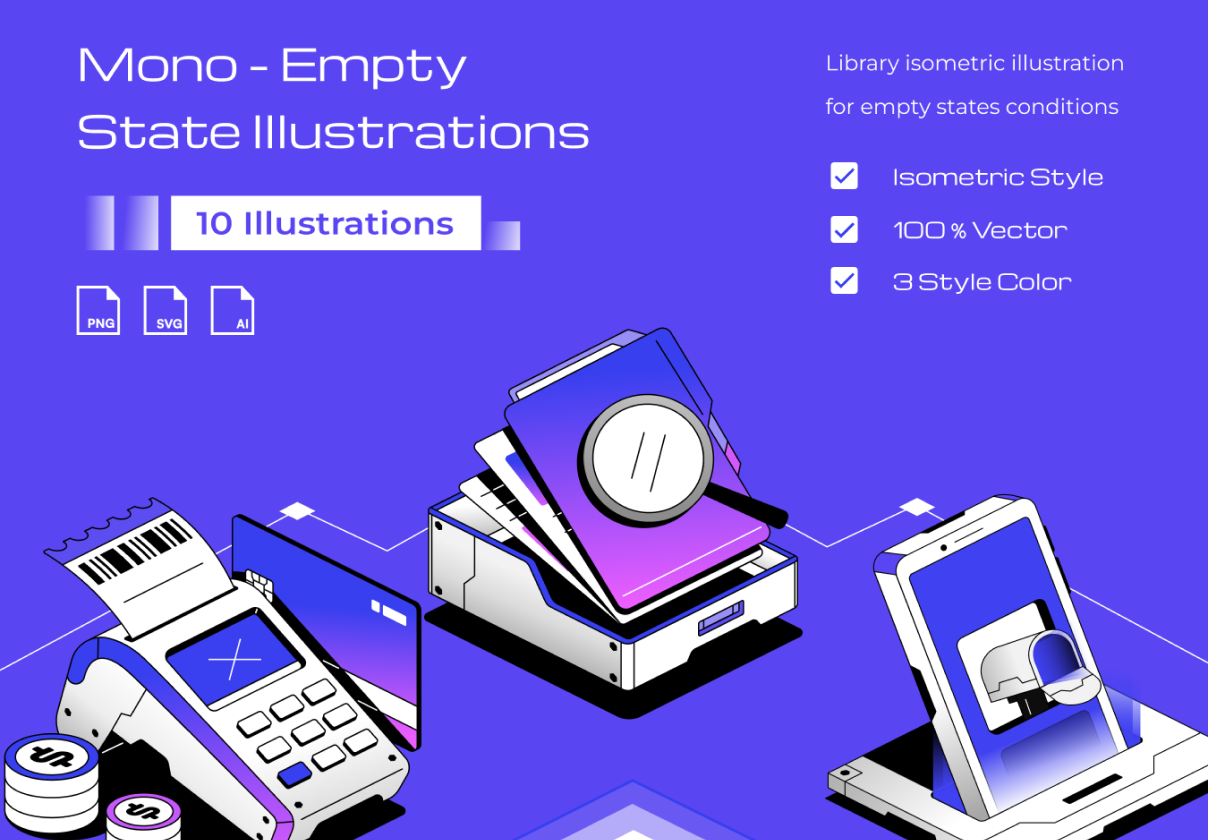
Mono - Empty State Illustrtation
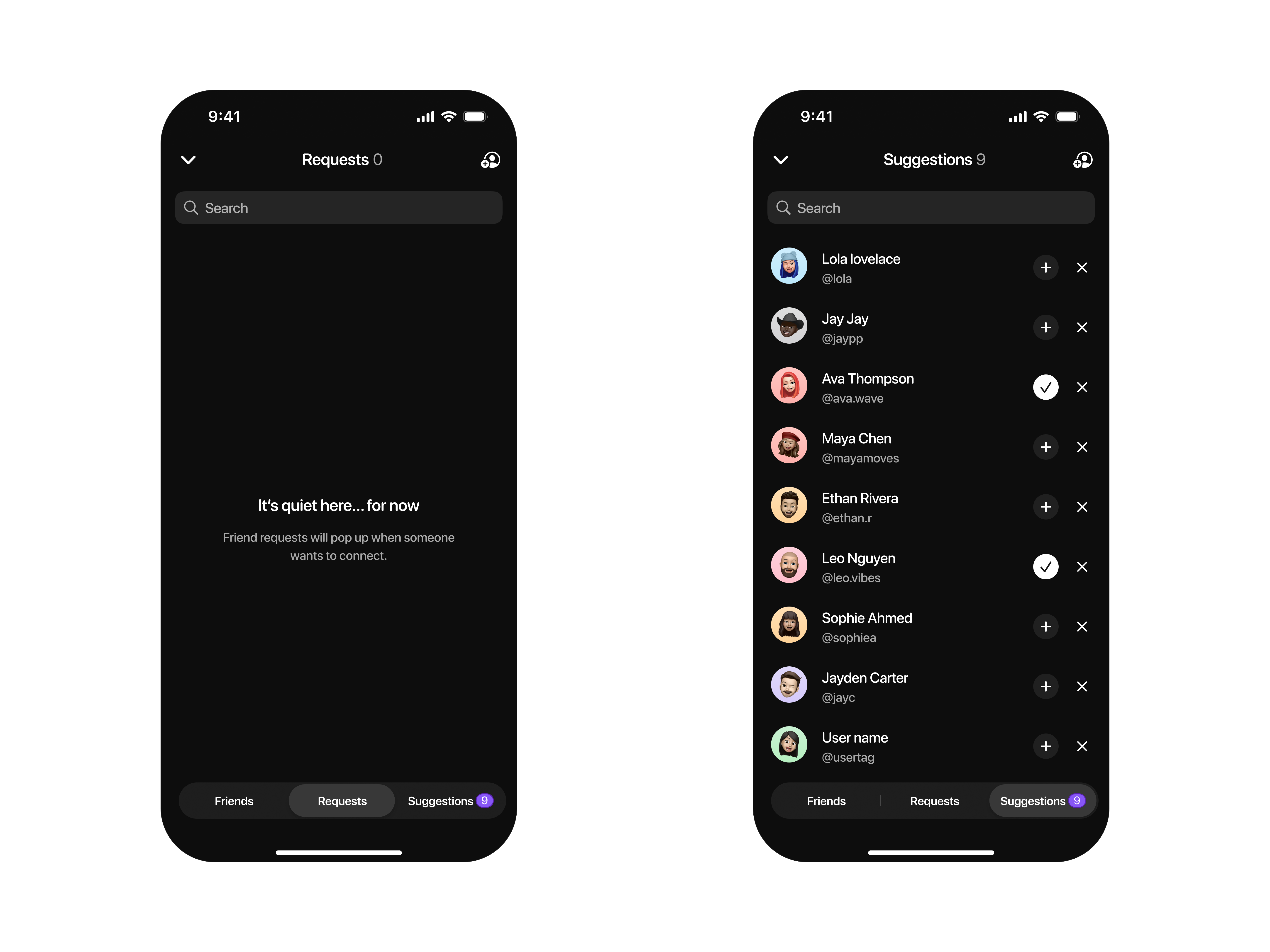
Tabs - Empty state Requests / Suggestions

Search empty states — Untitled UI

Empty State | Later - Influencer marketing and social media management

Coinstax: Watchlist - Empty State

Empty State | Beside - AI receptionist

3D Empty State Icon Set

Fintech - Payment Request Empty State
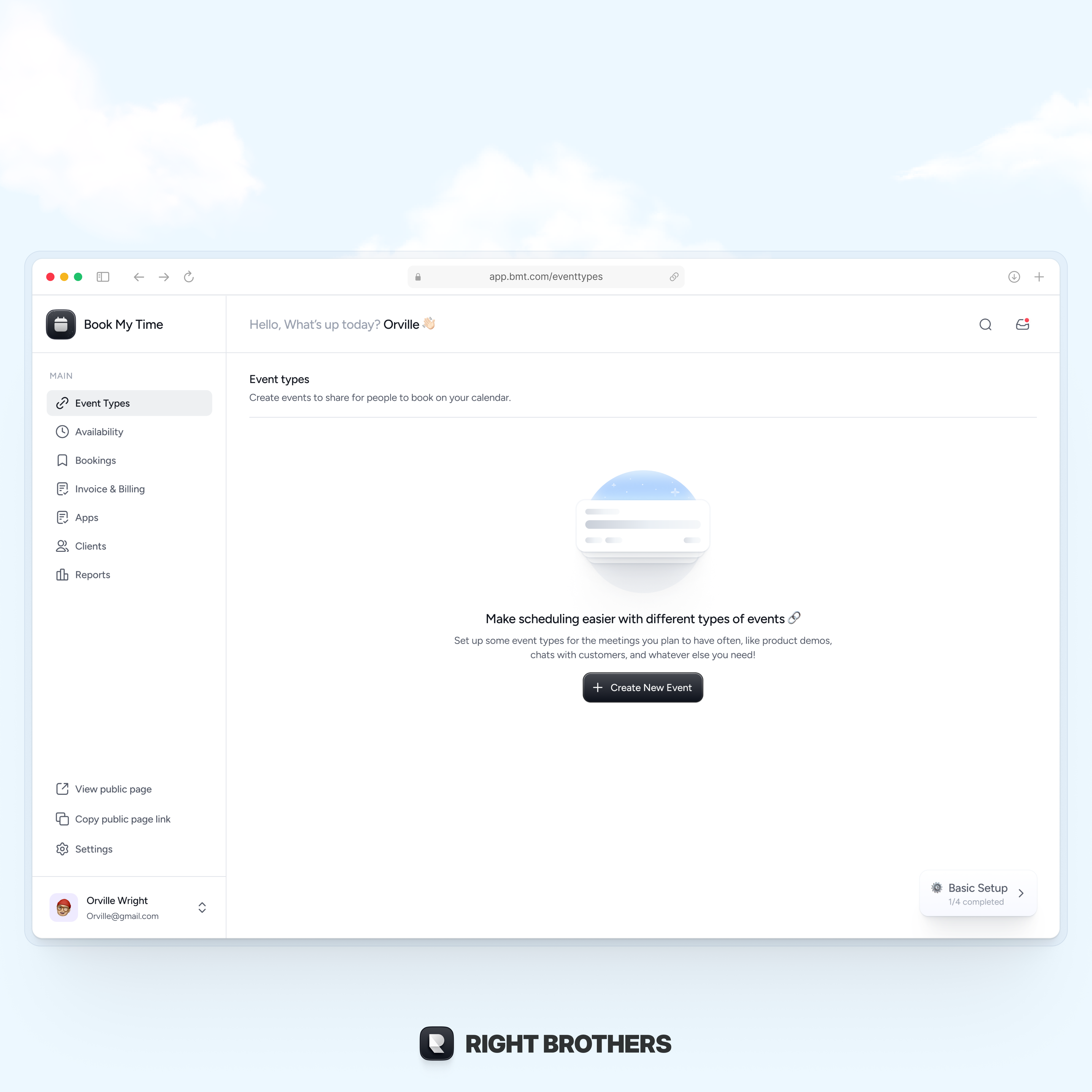
Empty state - Event types

Empty State | Polestar - Car and driver, connected

Empty State 3D Icons
This is 1% of what Muzli shows you.
Get the rest — fresh design inspiration on every new tab, free.
Add Muzli — free
New Empty State Illustrations

Empty State | Play - Design. Prototype. Ship.
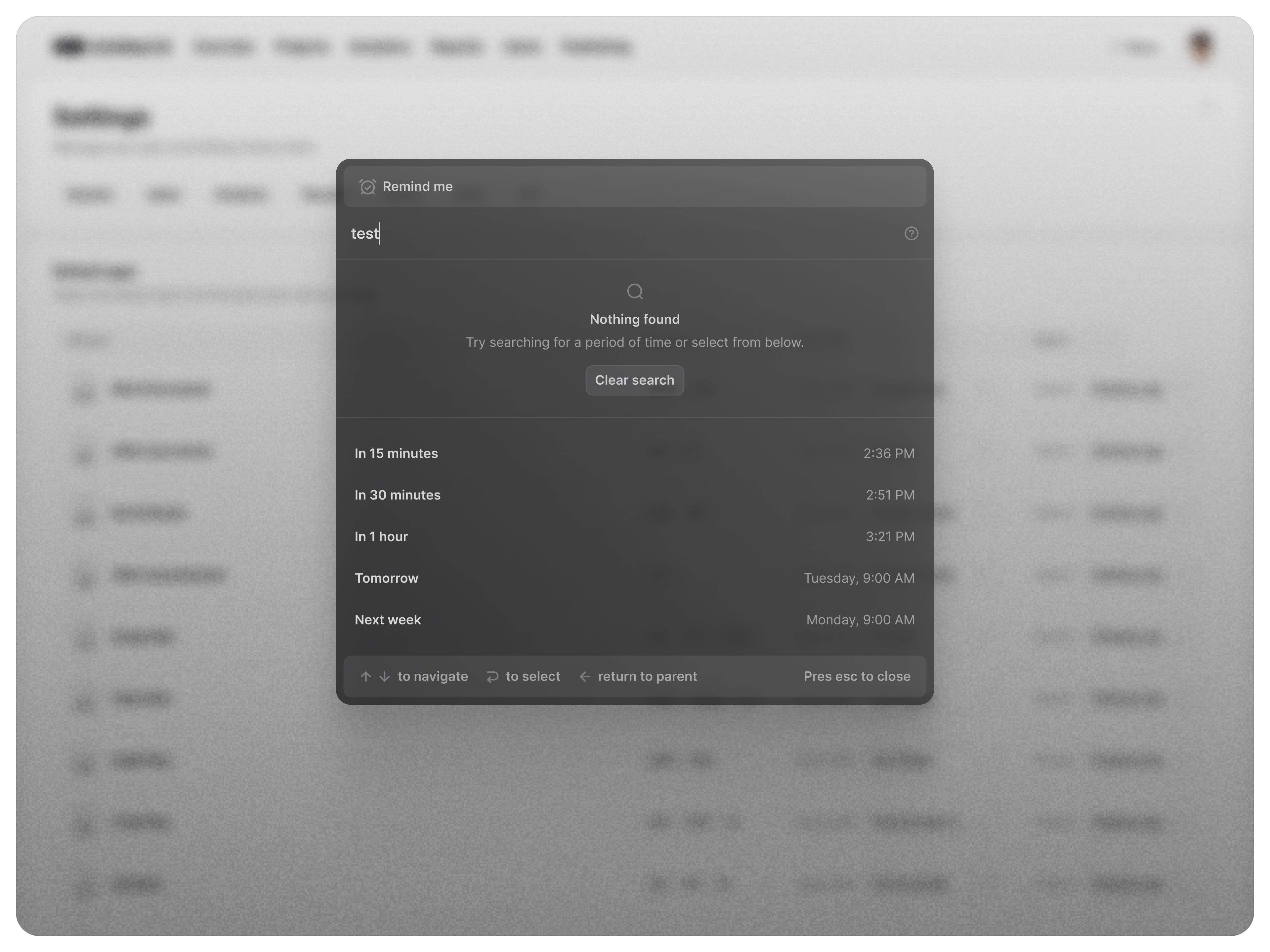
Command+K empty state
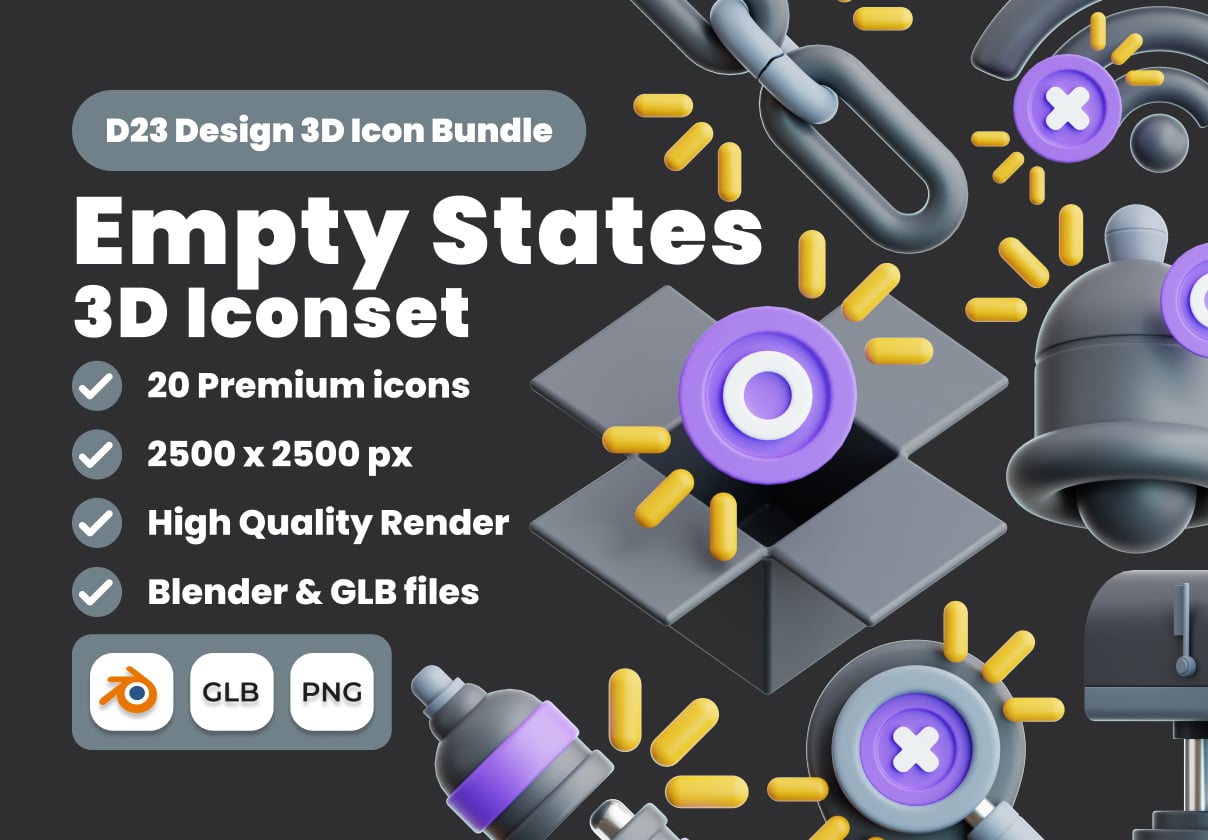
Empty States 3D Illustration Pack

Search empty state — Untitled UI

Empty State | Linktree - Link in bio creator
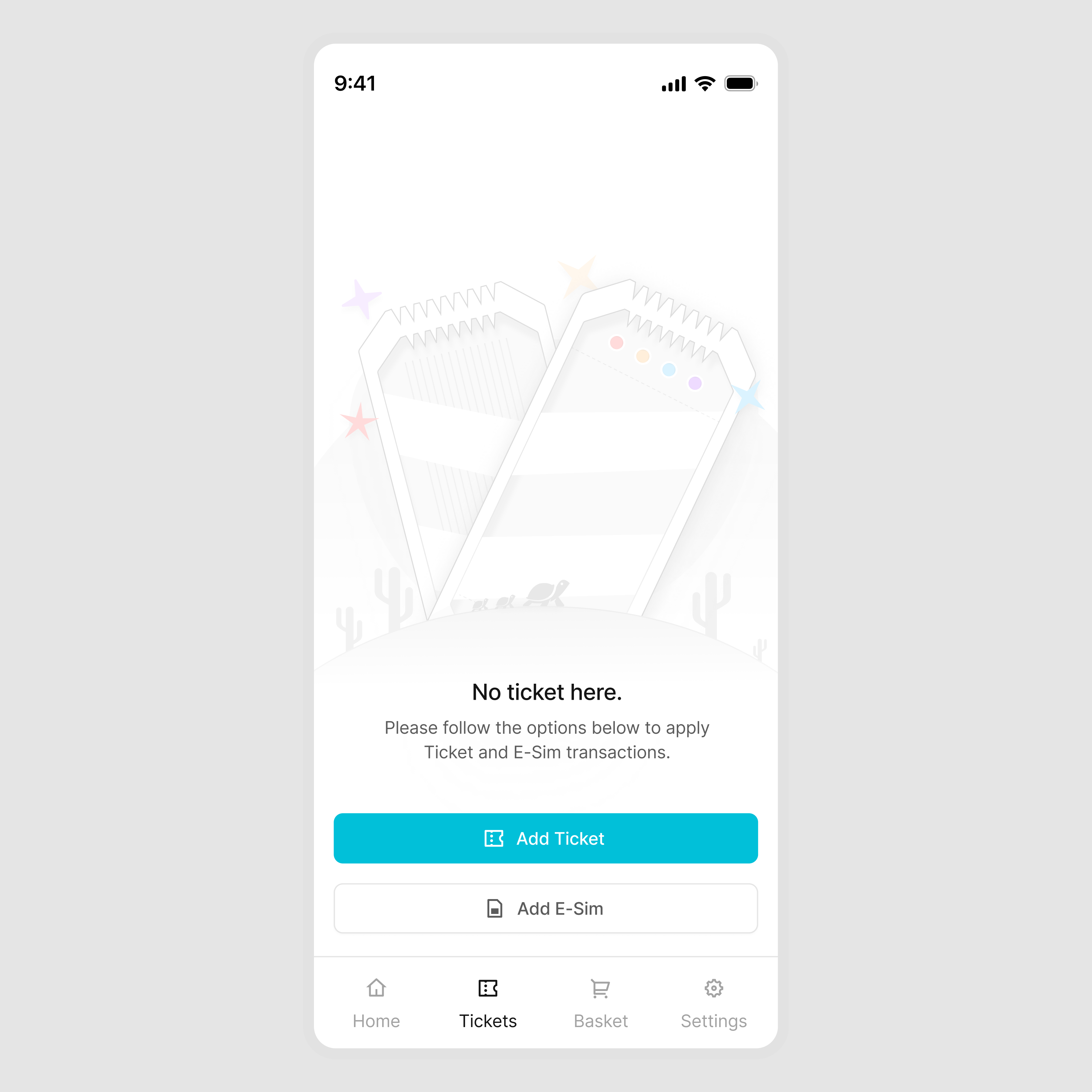
Empty State Illustrastions

Stately - Empty State 3D Icon Set

Empty State | Zoho CRM - CRM for every business

More empty state icons I designed for a project?
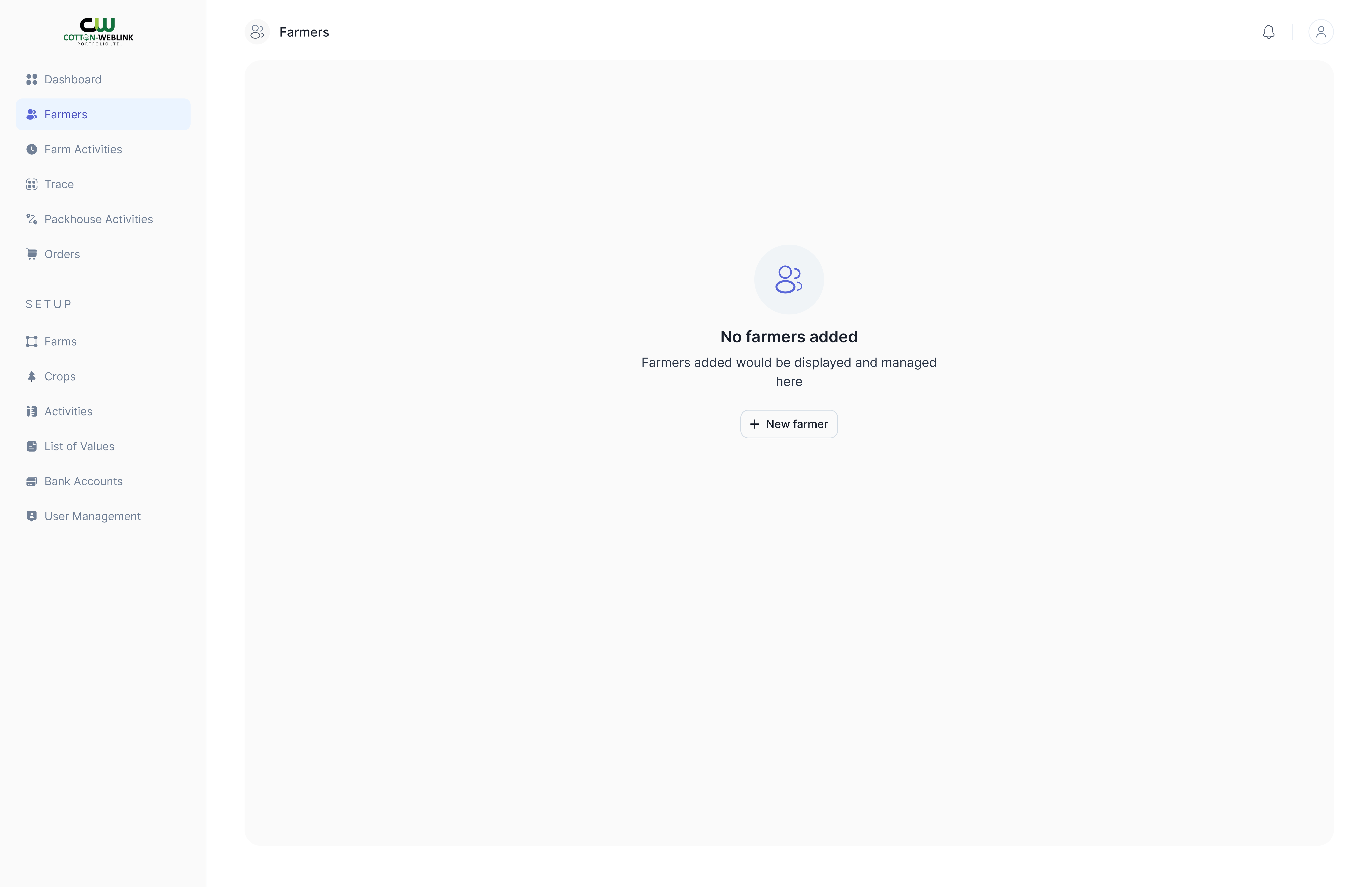
Trace Empty State

Empty State Icons 2
This is 1% of what Muzli shows you.
Get the rest — fresh design inspiration on every new tab, free.
Add Muzli — free
Empty State | Stitch - Design with AI

Command+K empty state — Untitled UI
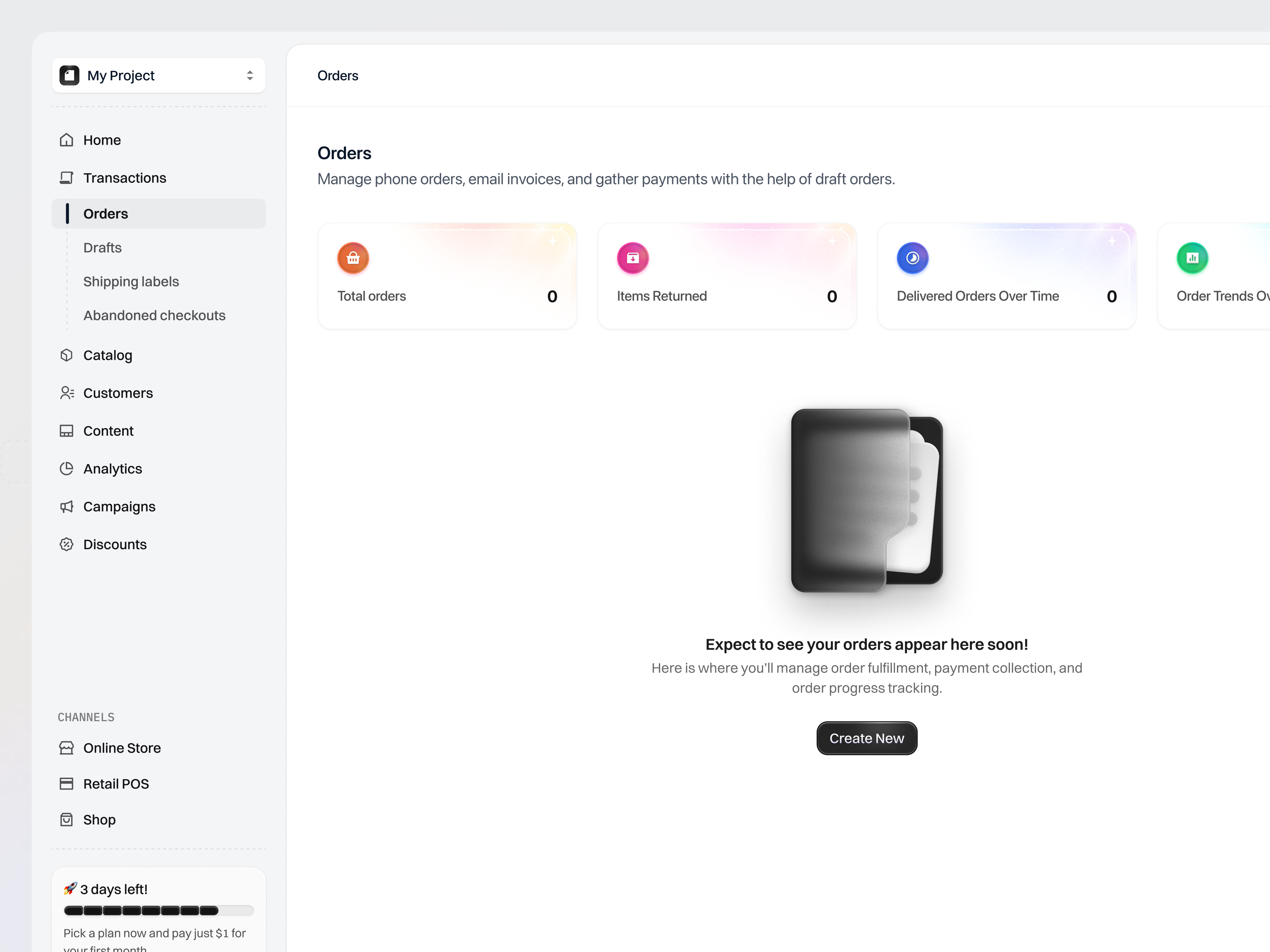
Commerce Platform for Business Growth - Orders Empty State

Empty State | Tesla Robotaxi - Autonomous ride service

Empty States Vol 01
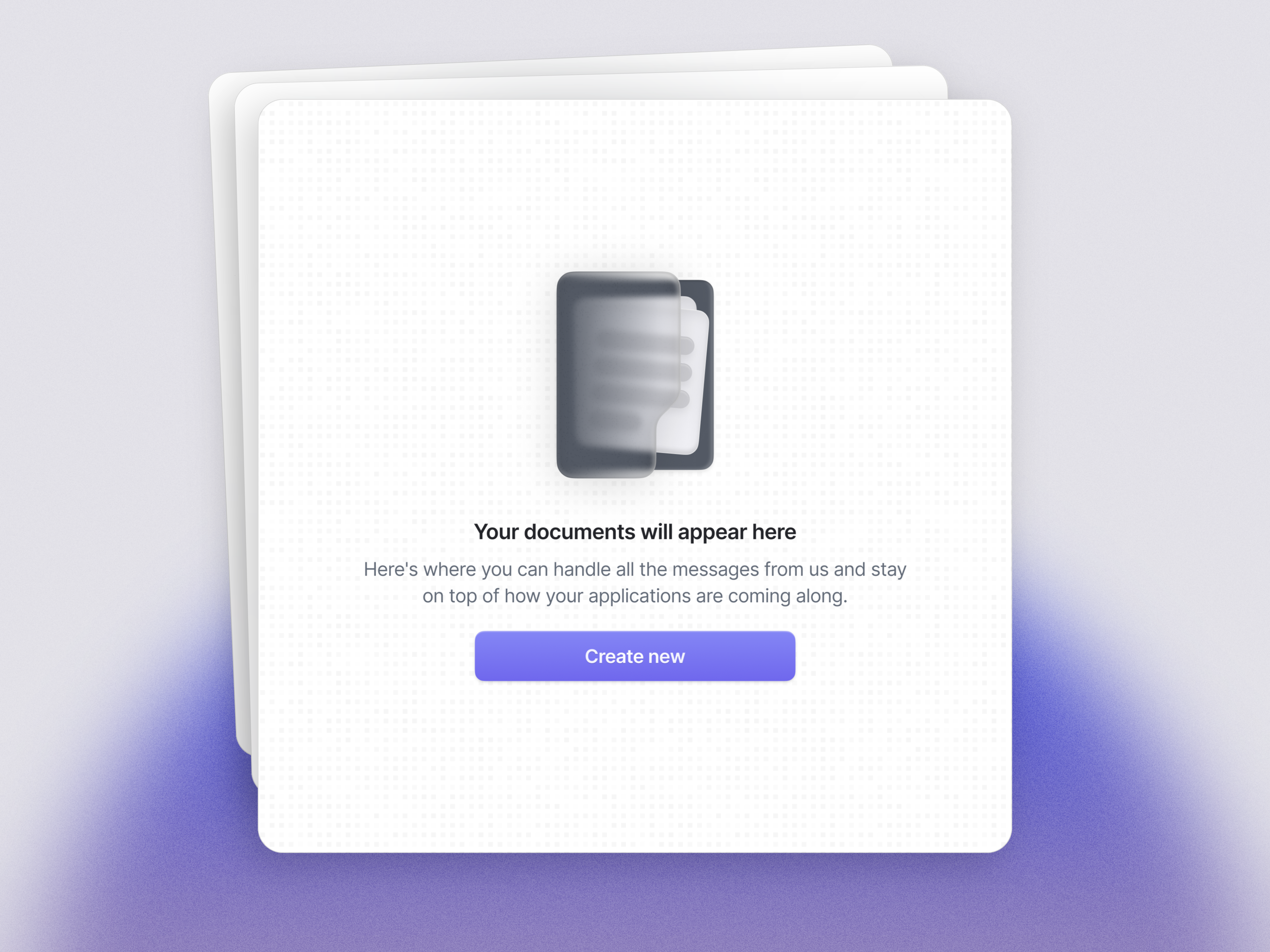
Empty states 📭

Quick search empty state — Untitled UI

Empty State | Cleo AI - Cash advance & budget
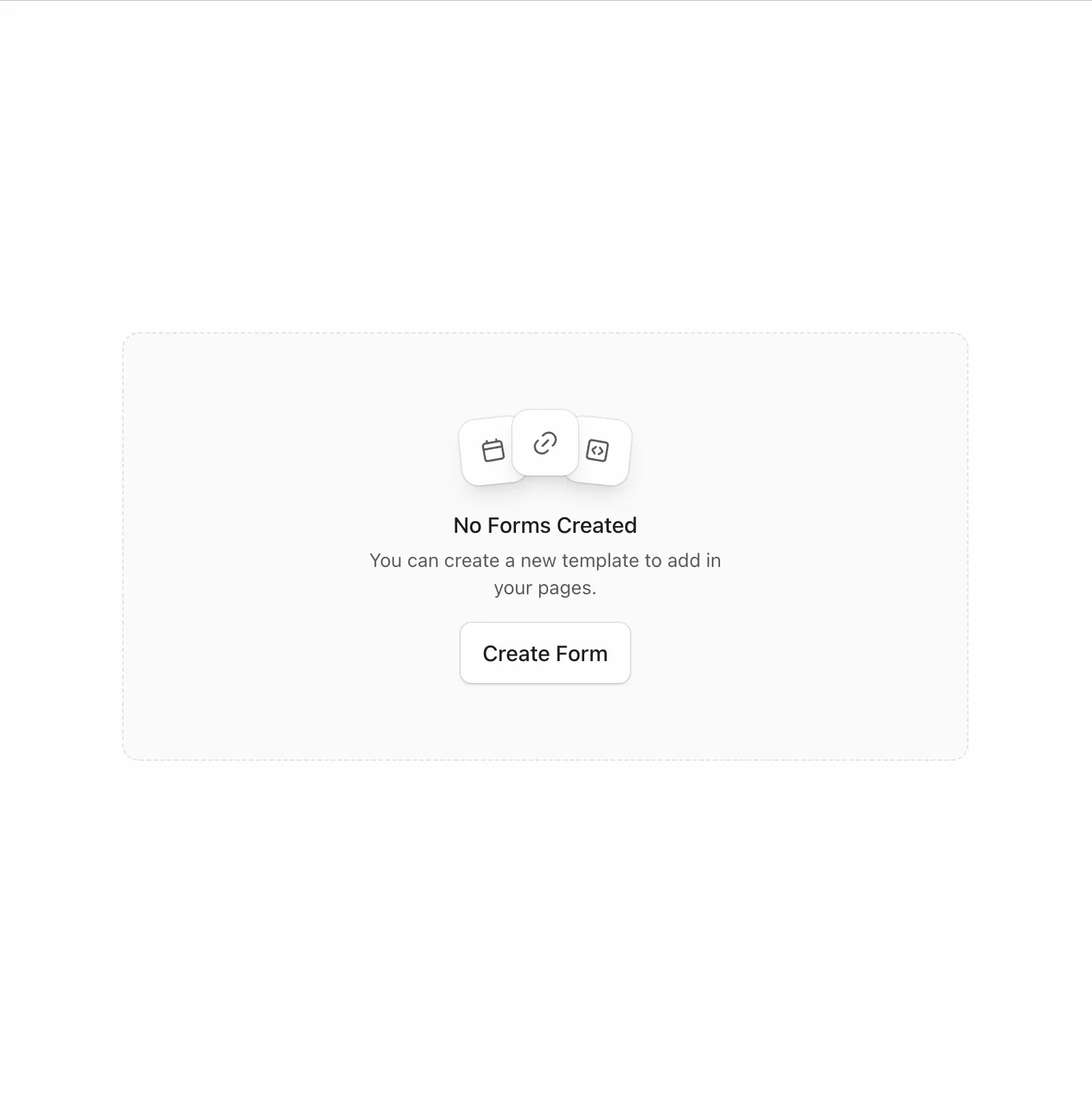
🎨🚀 Built an empty state today as part of the UI Engineering for Designers cohort

E-commerce empty state Illustrations 🖥️

Empty State | Quo - Business calling and texting

Empty State Icons: Web Apps
This is 1% of what Muzli shows you.
Get the rest — fresh design inspiration on every new tab, free.
Add Muzli — freeEmpty State Icons: Web Apps
Get access to thousands of freshly updated design inspiration pieces by adding Muzli to your browser.
Loved by 900k designers worldwide, Muzli is the leading go-to browser extension for creative professionals.
What is an empty state in UI design?
An empty state is the screen or panel a user sees when there is nothing to display. It appears in four situations: first use, before any content exists; a search or filter that returns nothing; a list the user has cleared; and an error that stops content from loading. Each needs different copy, because the user's next step is different.
What should an empty state include?
Three things: a plain sentence that says why the space is empty, one primary action that fills it, and a visual only if it helps. "No projects yet. Create your first project" does more than an illustration with no button. For a search with no results, keep the search term visible and suggest a way to widen it.
Do empty states need illustrations?
No. An illustration gives a first-use screen some character, but the sentence and the button do the work. In dense tools such as tables and dashboards, a one-line message inside the component often reads better than a large drawing.
Where do these empty state examples come from?
Most are screens from live products documented by Mobbin, plus explorations and UI kit components published on Layers and UI8. Muzli follows more than 200 design sources and lists up to 60 matching pieces here, favouring recent work.
All collections
UI design
Screens & flows
Apps
Components
Kits, mockups & icons
Web design
Websites
Pages & sections
Graphic design
Posters & print
Marketing
Illustration & motion
Type & graphics
Branding
Logos & identity
Packaging & stationery