
Settings page design examples
A settings page is where users change how a product behaves for them: account details, notifications, privacy, appearance and billing. These examples show how apps group and present those controls.
Muzli collects new design work from 200+ sources every day. This collection picks the best of it and changes as new work comes in.
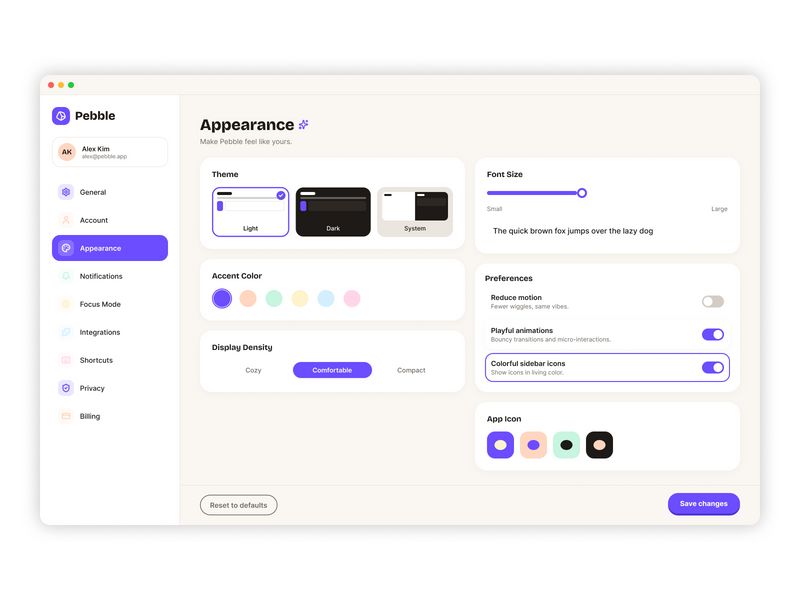
DailyUI 007 - Settings Page

Settings & Preferences | Hyundai Card - Card application, inquiry, and payment in one app

Settings & Preferences | Asana - Coordinate work with AI
Contentstack CMS Settings UI

Settings & Preferences | Visitors - Realtime web analytics
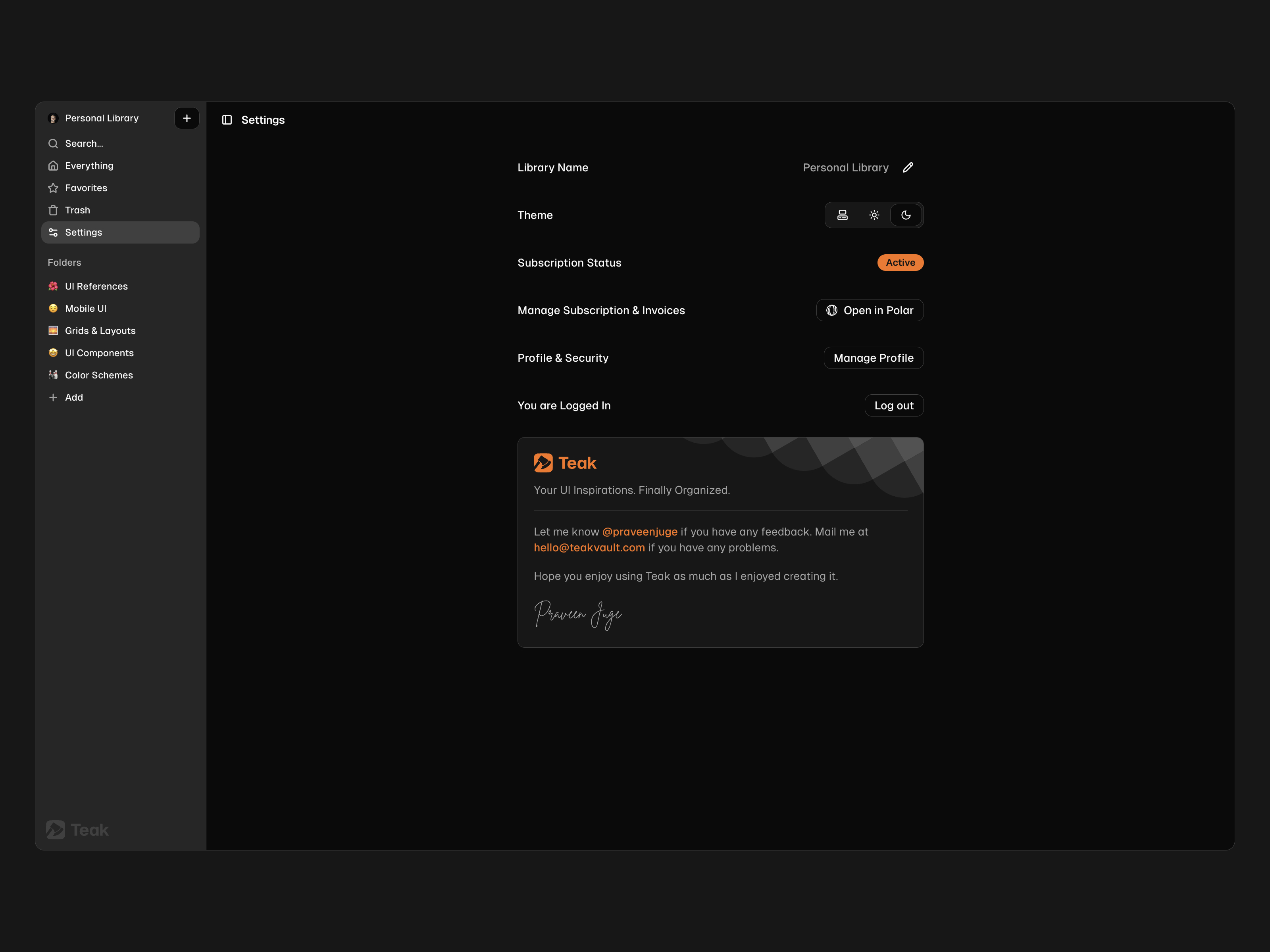
Settings UI 🖥️

Settings & Preferences | Fibery - Your company’s operating system

Settings
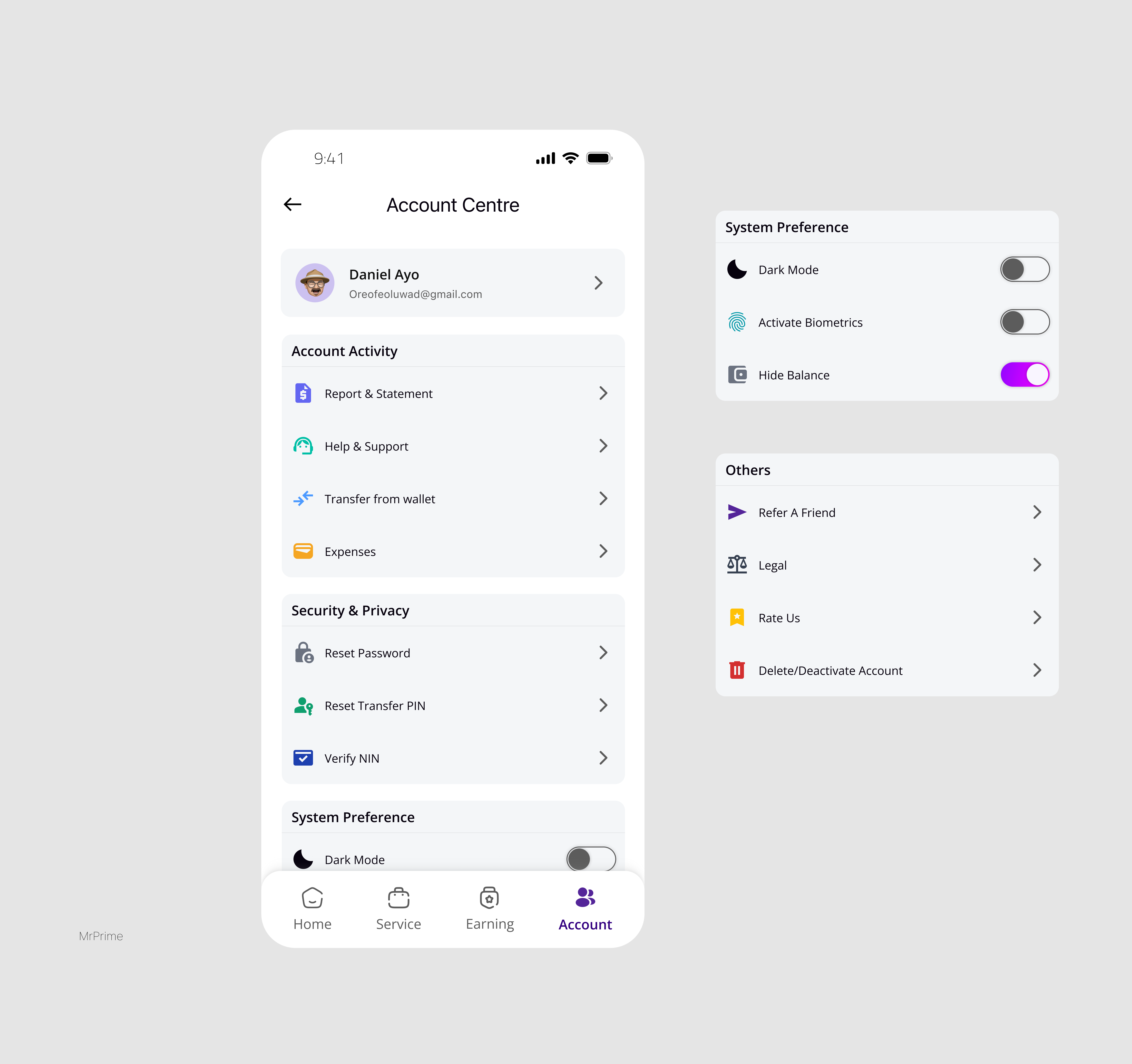
Account Settings

Settings & Preferences | Julienne - A smarter cookbook
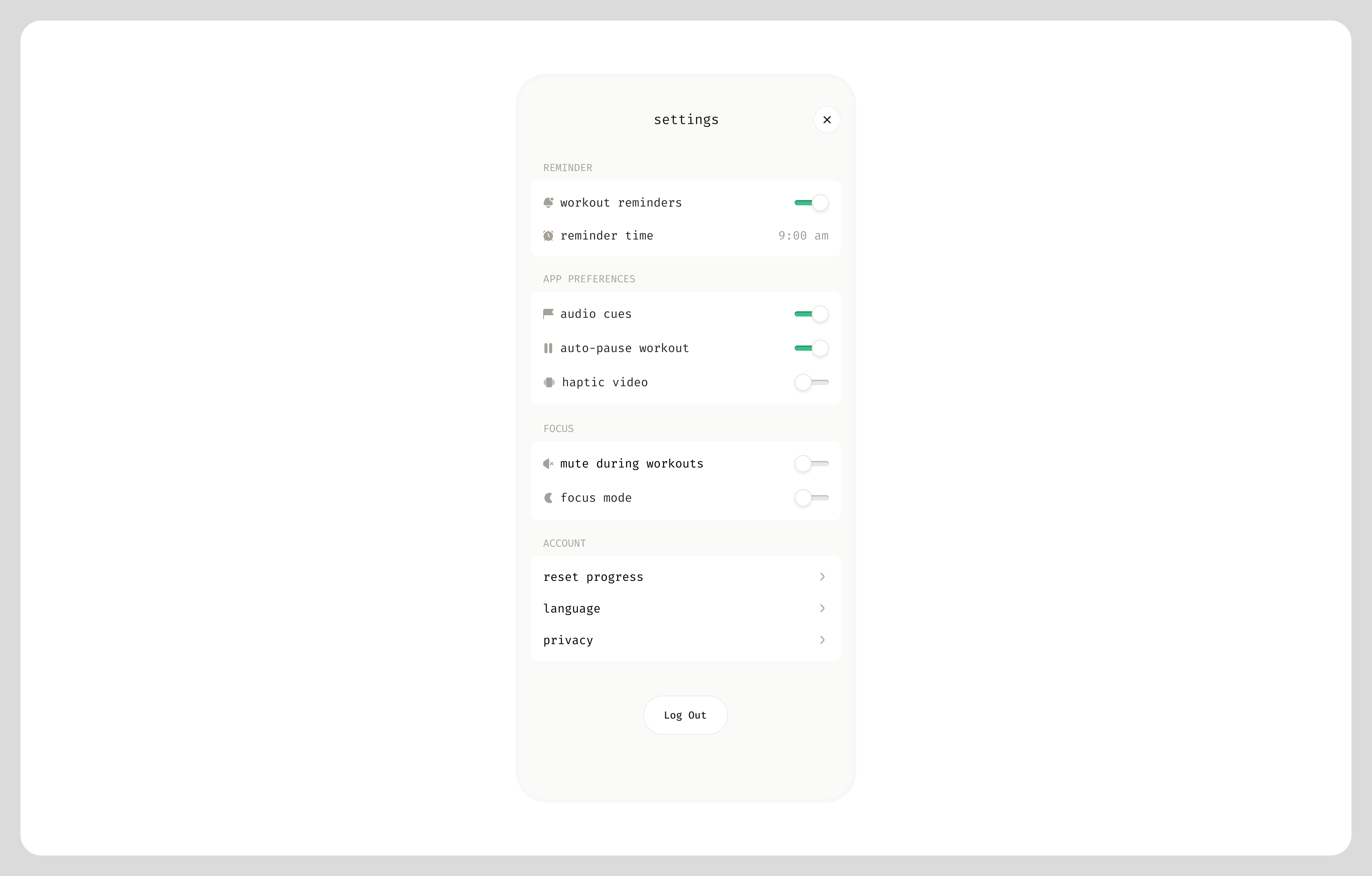
Settings Page
This is 1% of what Muzli shows you.
Get the rest — fresh design inspiration on every new tab, free.
Add Muzli — free
Rental Mobile iOS App Design

Settings & Preferences | Airwallex - Trusted global payments & financial platform

Setting - Add Organization

Appearance Settings UI

Settings & Preferences | Jobber - Invoice, schedule, dispatch

Crypto Wallet Settings Dashboard – Trusted Addresses & Security
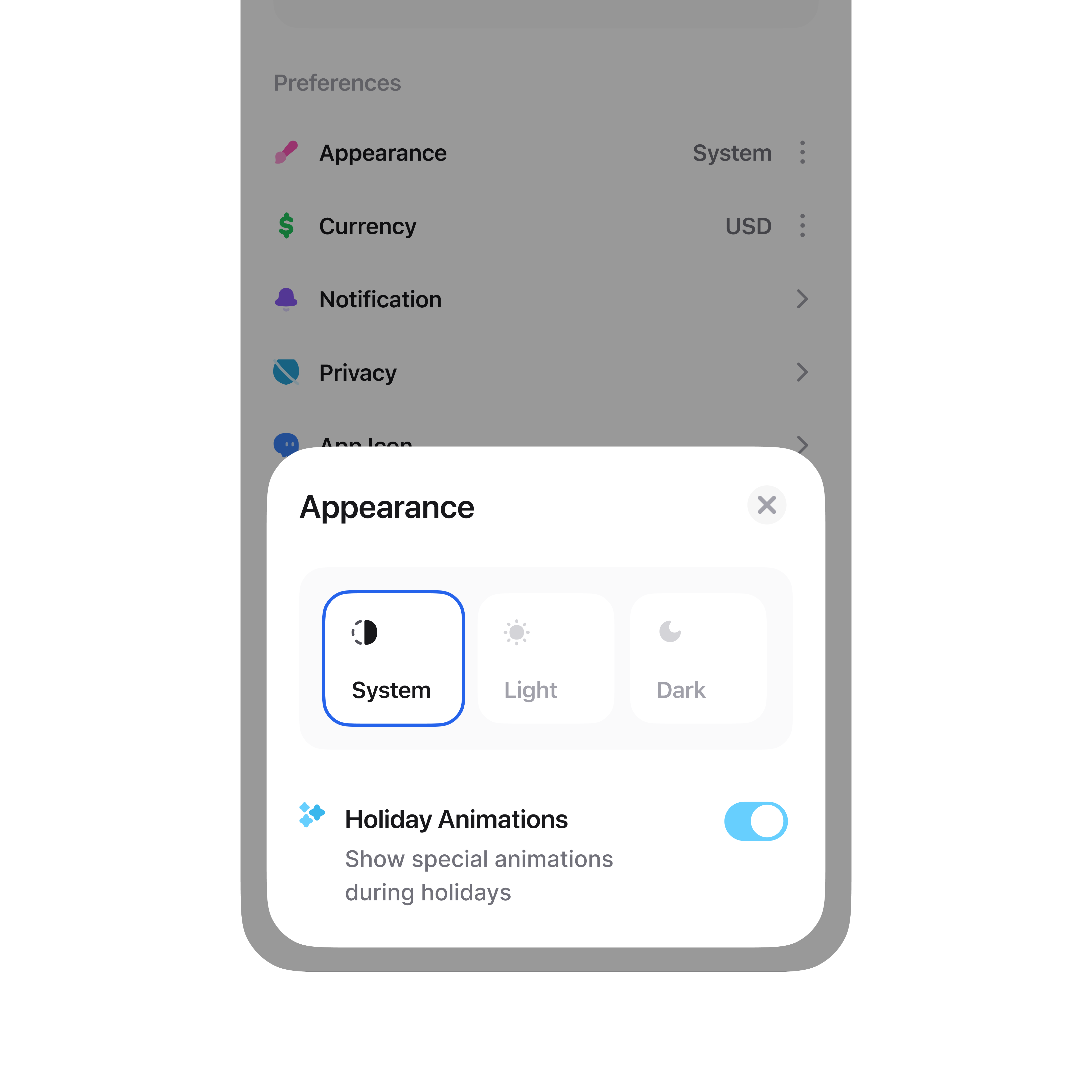
Settings Page - Appearance

Settings & Preferences | v0 - Build anything with AI

Billing settings page — Untitled UI
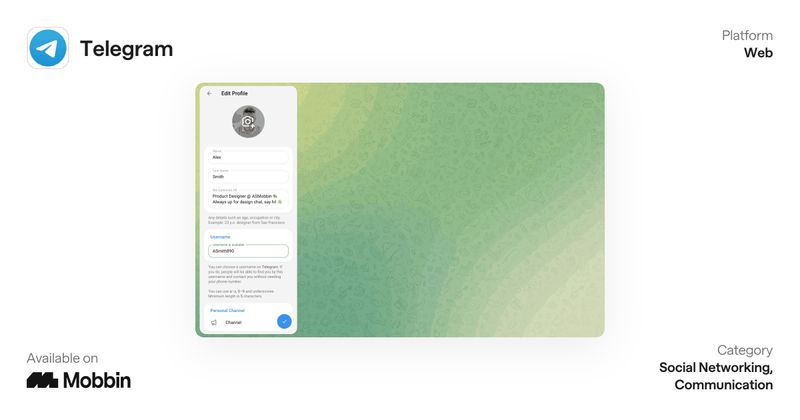
Settings & Preferences | Telegram - Fast, secure, powerful
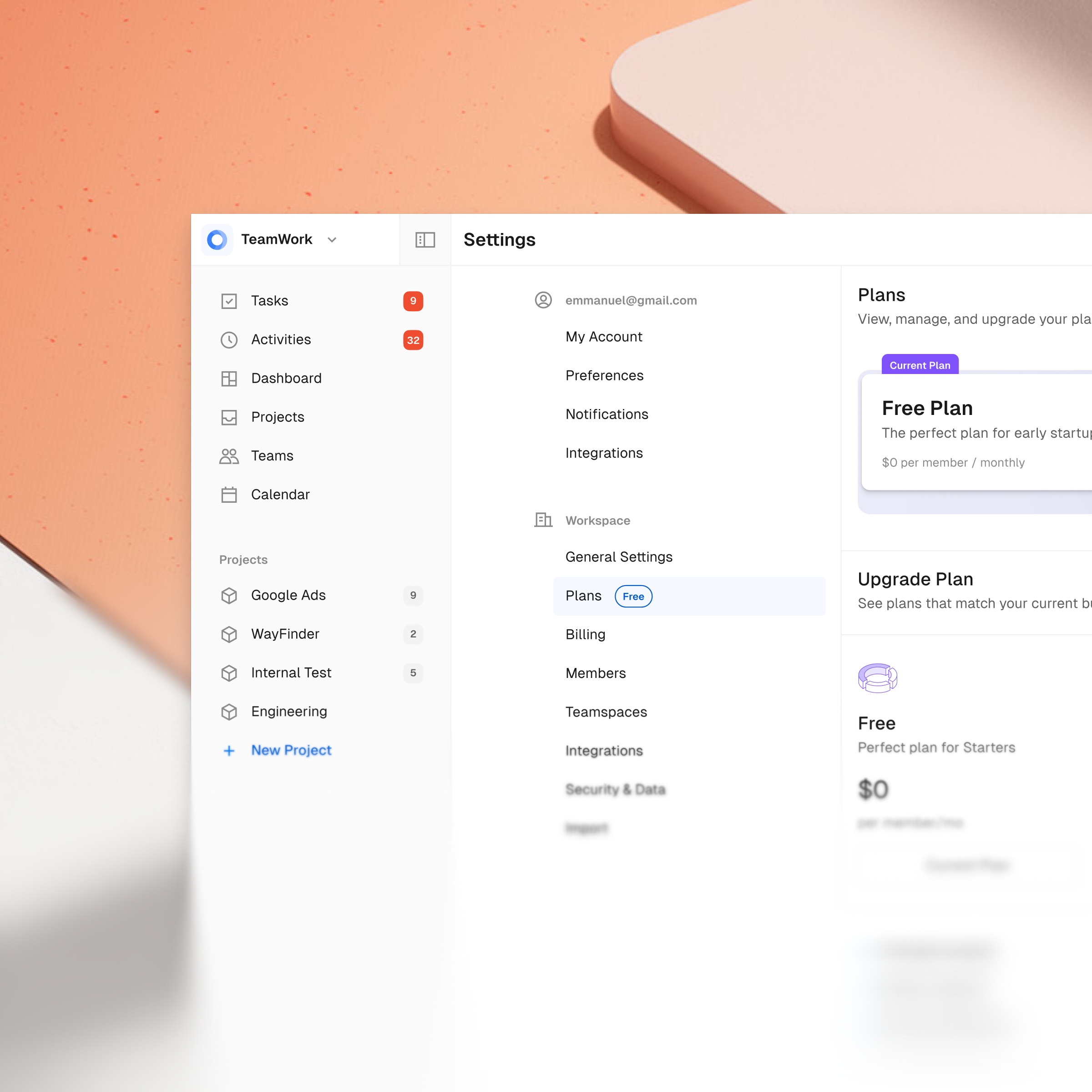
Plans Settings Page

Security settings — Untitled UI
This is 1% of what Muzli shows you.
Get the rest — fresh design inspiration on every new tab, free.
Add Muzli — free
Settings & Preferences | yope - friends-only pics
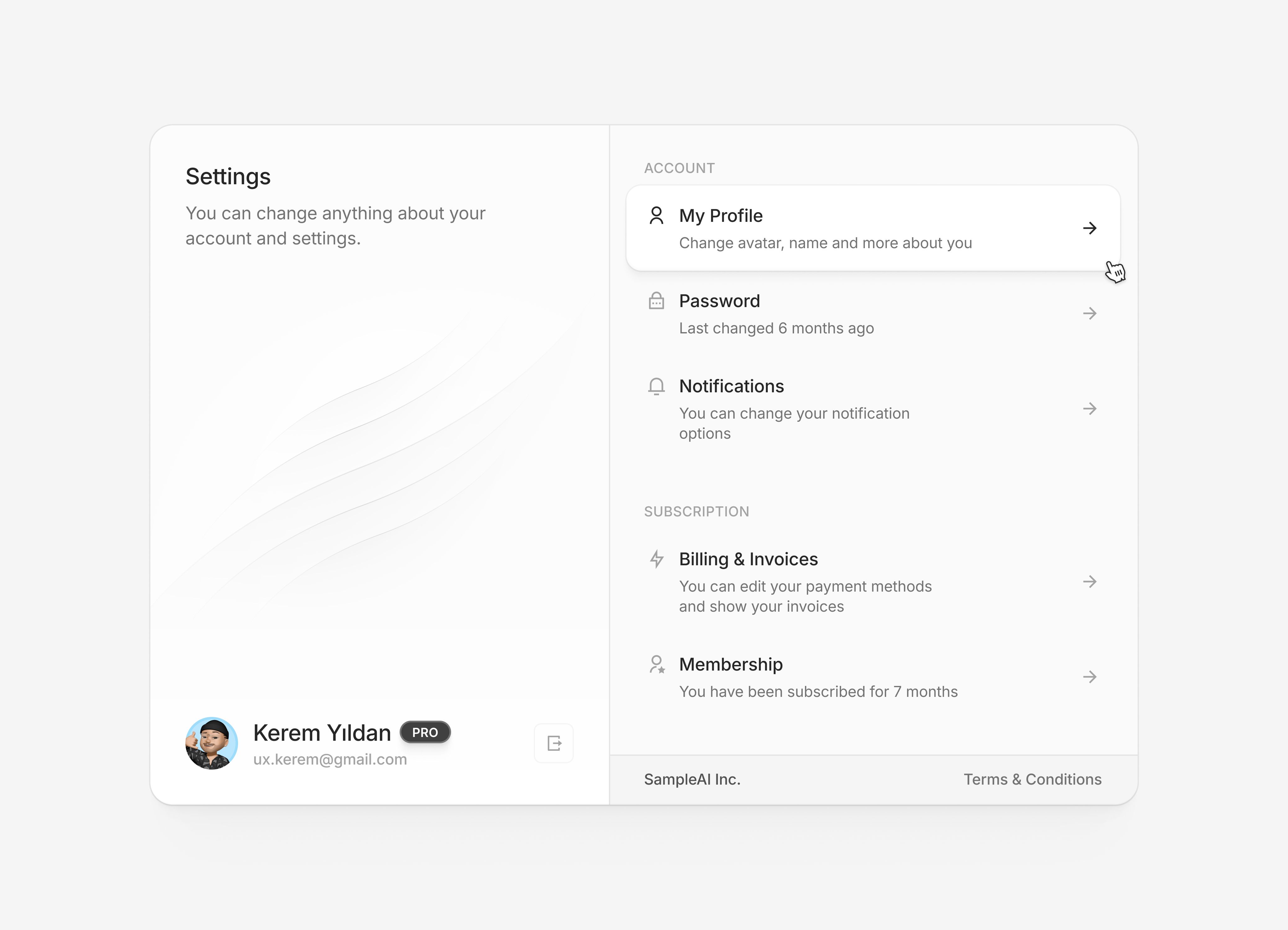
😶🌫️ Settings Page with Illustration

Scora AI App: Profile & Settings Management

Settings & Preferences | Indeed - We help people get jobs
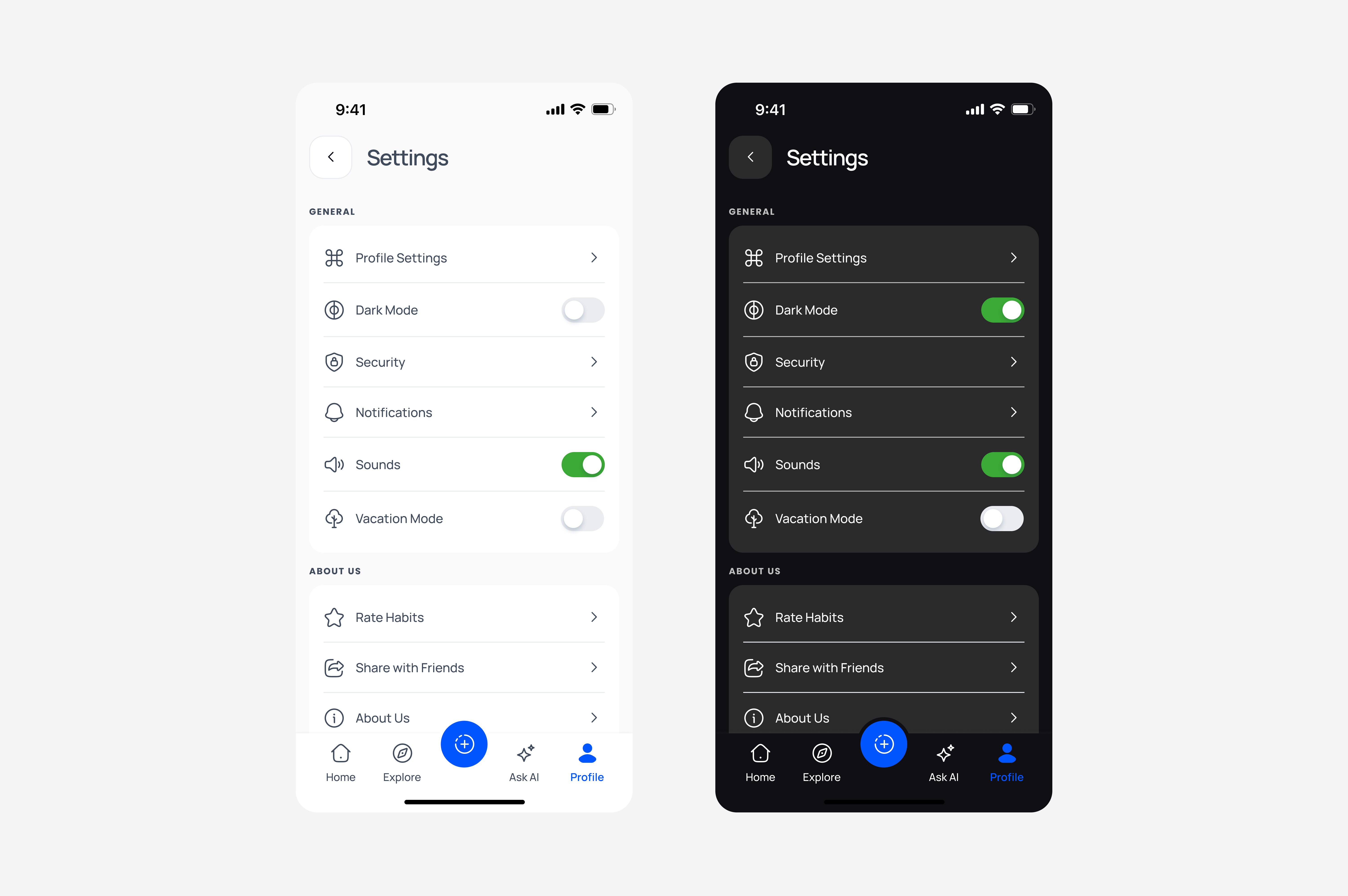
Settings page design

RealEstate Pro – Account Settings & Preferences Dashboard

Settings & Preferences | Plain - The AI support stack built for B2B
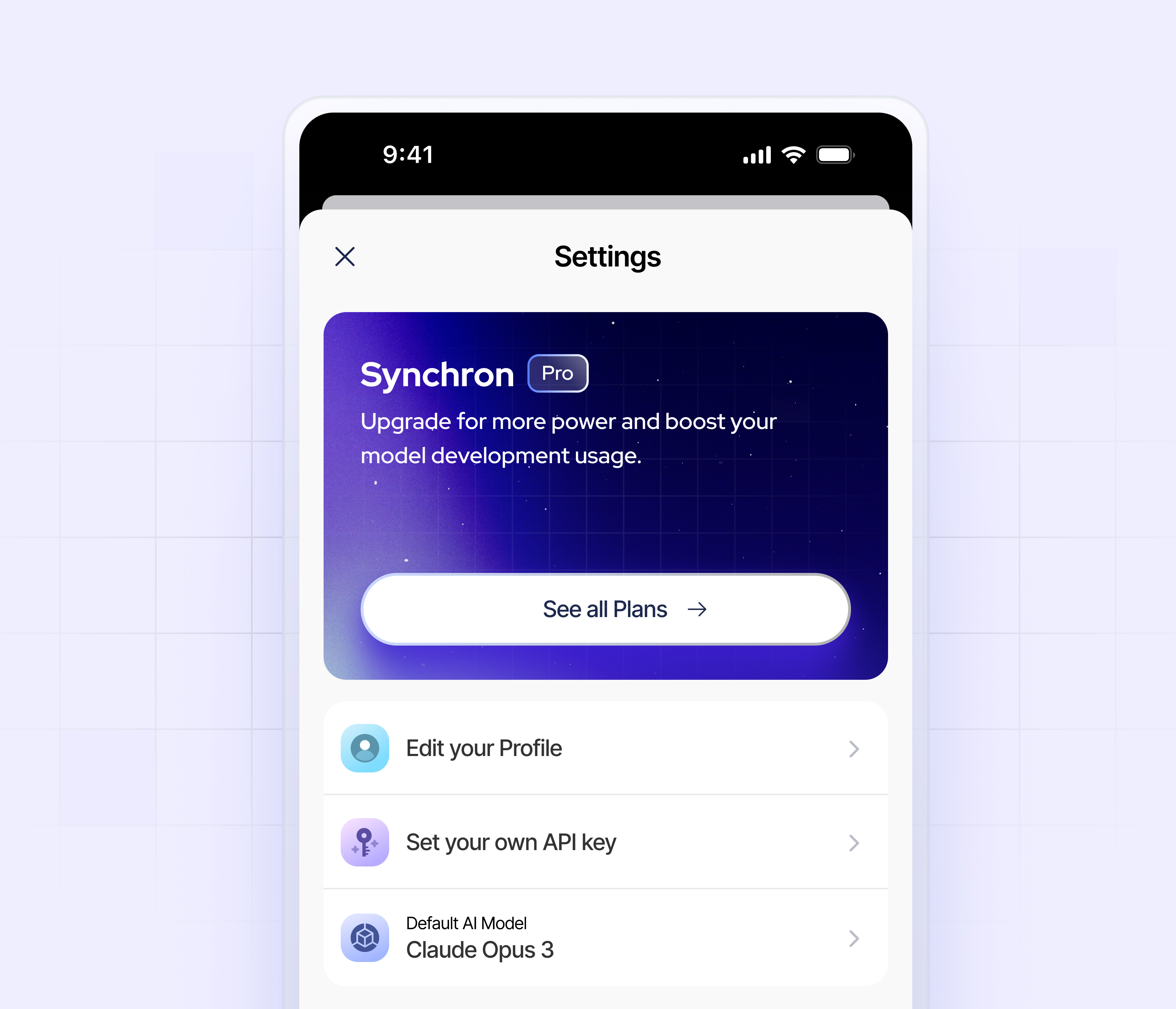
Settings page Concept for Synchron mobile app

Notifications settings — Untitled UI

Settings & Preferences | Grok - The real-time AI assistant

Cards and payment details — Untitled UI

Settings & Preferences | Craft - Notes, document, AI
This is 1% of what Muzli shows you.
Get the rest — fresh design inspiration on every new tab, free.
Add Muzli — free
Account Settings Interaction Effect

Security — Untitled UI

Settings & Preferences | MD Vinyl - Music player & widgets
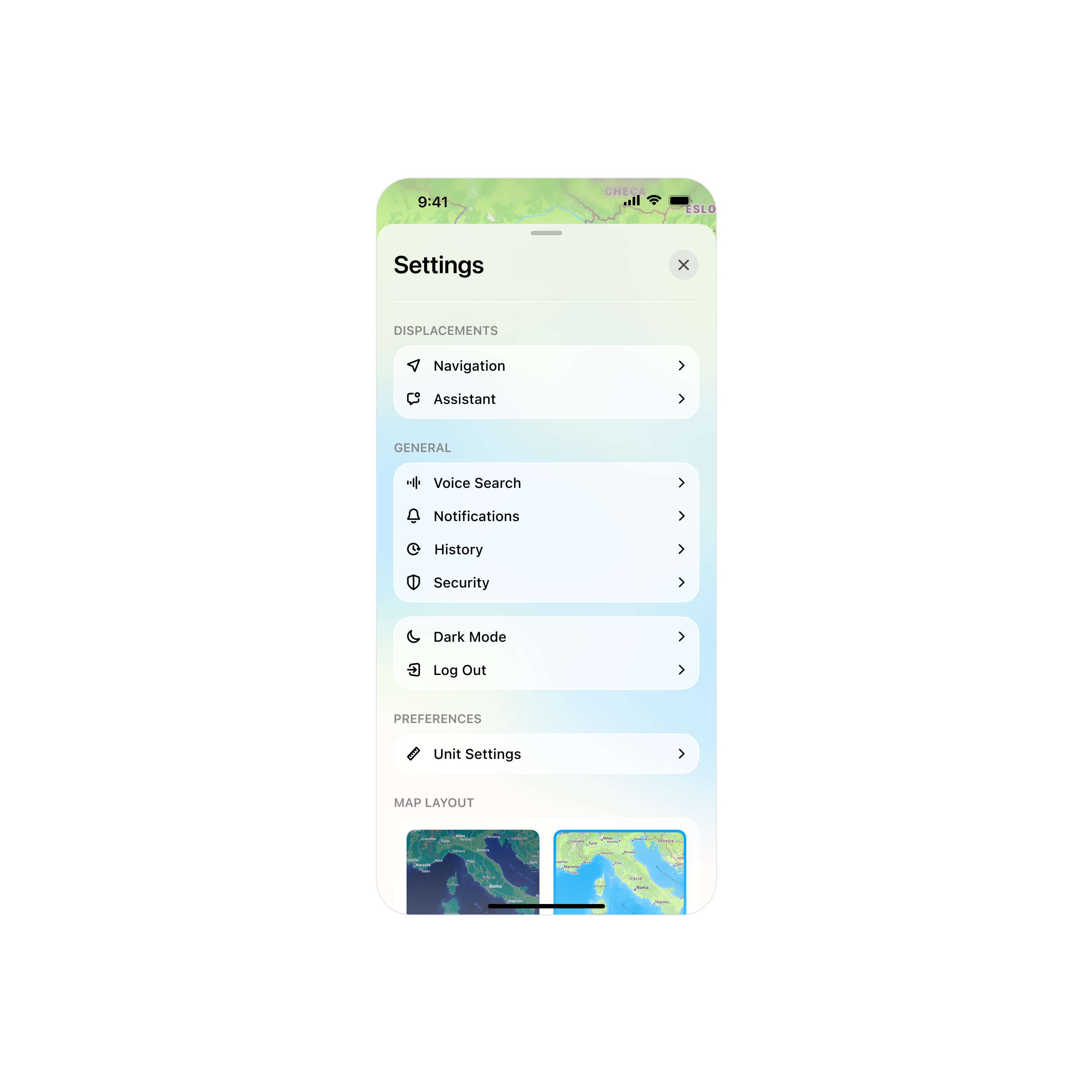
Settings Screen for a Maps App.

Frame Settings

Settings & Preferences | The Outsiders - Athlete tracker
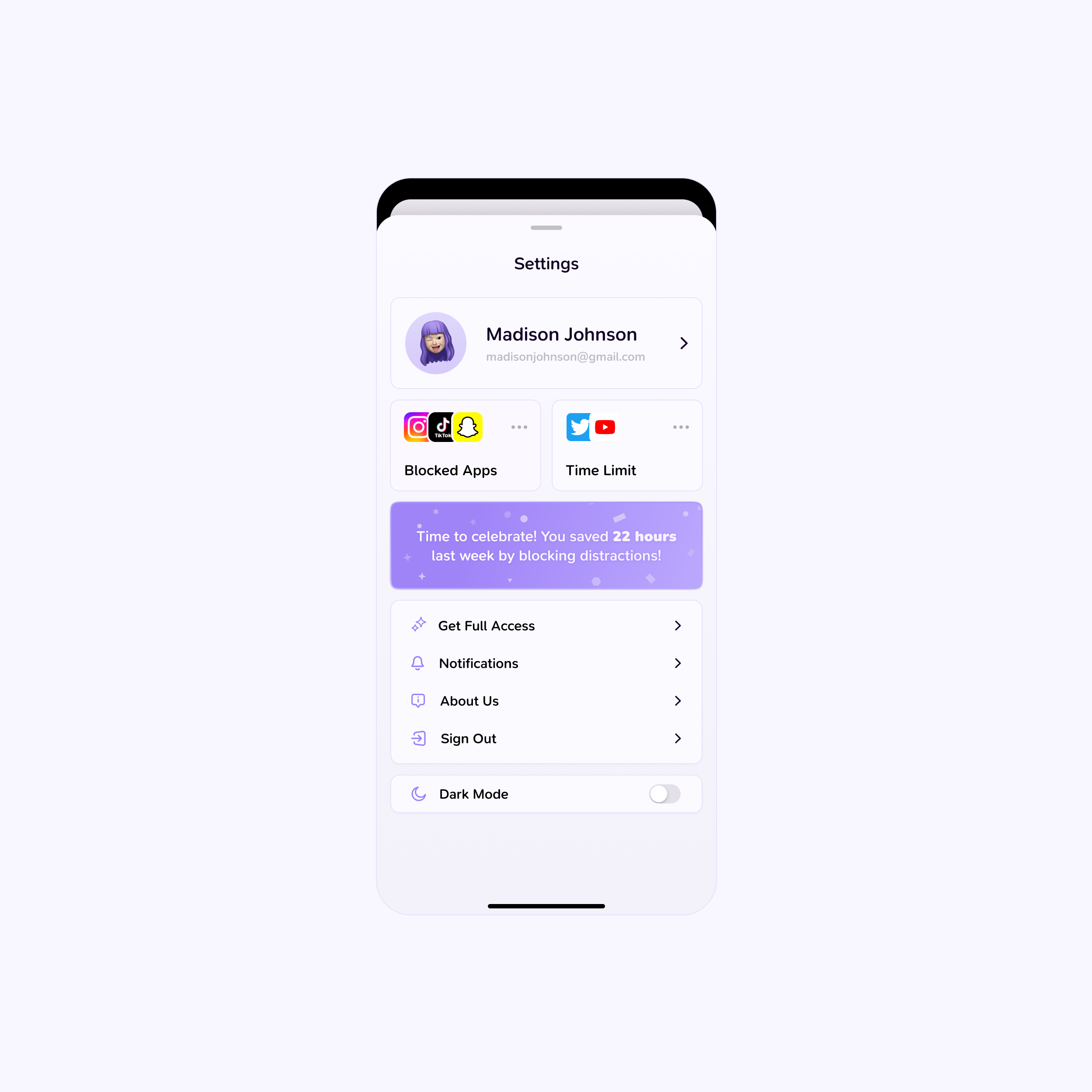
Settings Screen - Time Limit App

Settings modal for Brainwave 2.0

Settings & Preferences | Play - Design. Prototype. Ship.

finpal: AI Finance Assistant App - Link Bank Account Institution

Settings & Preferences | Rodeo - Save it. Do it.

Fintech Dashboard Ui Design - Transaction and Settings Page
This is 1% of what Muzli shows you.
Get the rest — fresh design inspiration on every new tab, free.
Add Muzli — free
Settings & Preferences | Luma - Delightful events starts here

Setting - CRM Dashboard

Settings & Preferences | Uber Eats - Fresh grocery delivery & more

Typefaces — Untitled UI

Settings & Preferences | Apple Photos - Photo & video

UI.live – Post Detail Prototype

Settings & Preferences | Basecamp - Project management software

Account settings — Untitled UI

Settings & Preferences | Bump - Hang with friends IRL

Automation setup
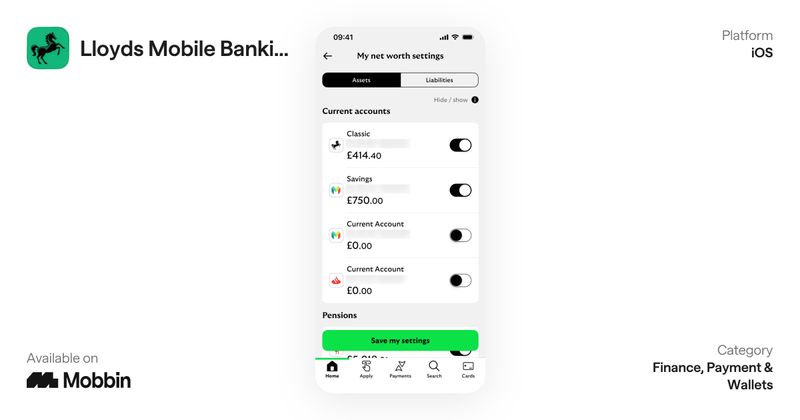
Settings & Preferences | Lloyds Mobile Banking - Your bank in your pocket

Profile & Settings | Personal Info, Privacy, Security | UIUX
This is 1% of what Muzli shows you.
Get the rest — fresh design inspiration on every new tab, free.
Add Muzli — freeProfile & Settings | Personal Info, Privacy, Security | UIUX
Get access to thousands of freshly updated design inspiration pieces by adding Muzli to your browser.
Loved by 900k designers worldwide, Muzli is the leading go-to browser extension for creative professionals.
What is a settings page?
A settings page is the part of an app where users control how it behaves for them. Typical sections are account and profile, notifications, privacy and security, appearance, and billing. On mobile it is usually a grouped list that opens detail screens. On desktop it is usually a sidebar of sections with the controls beside it.
How should settings be organised?
Group settings by what the user is trying to do, not by how the system stores them. Put the settings people change most at the top, label each control in plain words, and add a search field once there are more than a few dozen options. Keep destructive actions such as deleting an account apart from the rest and clearly marked.
Should settings save automatically?
Toggles and selections work best when they apply at once, because that is what a switch implies. Text fields, and anything that can lock a user out such as an email or password change, should use an explicit save button and a confirmation. Mixing the two without a visible rule is the most common settings mistake.
Where do these settings examples come from?
Most are screens from shipped products documented by Mobbin, with design explorations from Layers and Dribbble. Muzli follows more than 200 design sources and lists up to 60 matching pieces on this page, favouring recent work.
All collections
UI design
Screens & flows
Apps
Components
Kits, mockups & icons
Web design
Websites
Pages & sections
Graphic design
Posters & print
Marketing
Illustration & motion
Type & graphics
Branding
Logos & identity
Packaging & stationery